
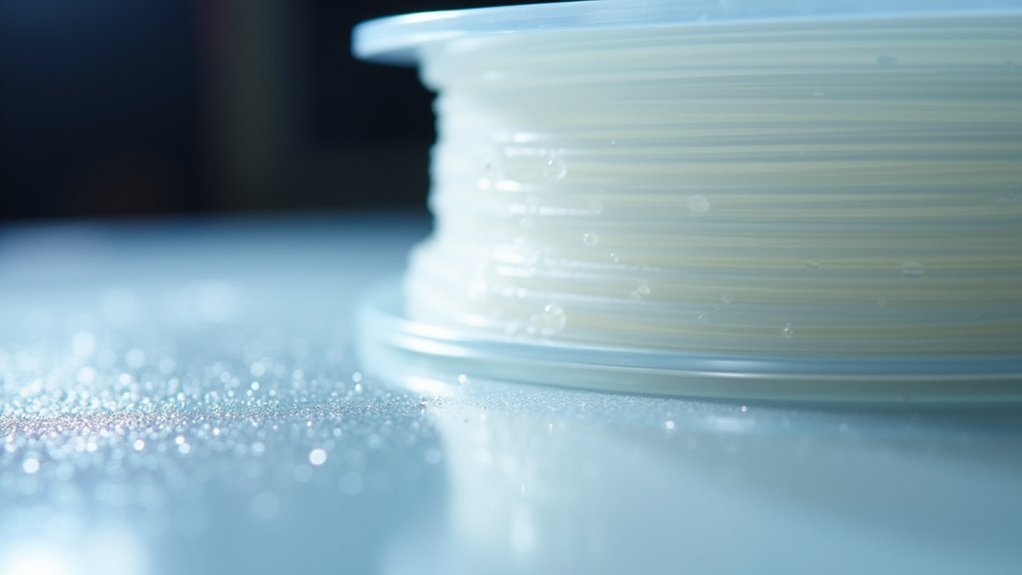
You’ll maximize PETG optical clarity by first optimizing your print settings—set temperature at 220°C, limit speed to 15 mm/s, and reduce part cooling to prevent stress. Second, select premium filament from reputable brands with consistent diameter and store it in dry conditions to eliminate defects. Third, apply professional finishing techniques starting with progressive sanding from 100-grit to 1000-grit, followed by XTC-3D epoxy coating and metal polish. These foundational steps reveal even more advanced transparency techniques.
Optimize Print Settings and Environmental Controls for Maximum Transparency

When you’re aiming to achieve crystal-clear PETG prints, your success depends heavily on fine-tuning both your printer settings and the environment where you’re printing.
Start with a print temperature of 220°C and maintain consistent temperature control to prevent defects while avoiding bubbling from excessive heat.
Precise temperature management at 220°C prevents layer defects and eliminates heat-induced bubbling for optimal PETG transparency.
Slow your print speed to 15 mm/s maximum—this enhances layer adhesion and reduces micro-bubble formation that compromises clarity.
Turn off part cooling entirely or limit it to 20-50% if needed, as excessive cooling introduces stress and hinders proper layer bonding.
Control your environment by maintaining low humidity and eliminating drafts that can affect print quality and transparency. Consider upgrading to a bigger nozzle such as 0.6mm or 0.8mm, as these can yield clearer results compared to standard 0.4mm nozzles.
Select Premium Filament and Eliminate Material Defects
Your material selection forms the foundation of every crystal-clear PETG print you’ll achieve. Choose reputable brands that produce high-quality PETG without clarity-affecting additives or impurities. Verify consistent filament diameter and store your material in dry conditions to prevent moisture absorption that clouds prints.
Before printing, inspect your filament for debris or imperfections that’ll compromise transparency. Ascertain the PETG has consistent melt index performance and material homogeneity throughout the spool. If you’ve detected moisture absorption, dry your filament using desiccants or proper drying techniques.
Select manufacturers who implement rigorous quality control processes and use transparency-enhanced formulations. Look for quality certifications and verify that materials meet specified standards. Avoid chemical contamination during storage and ascertain your PETG maintains chemical stability for long-term clarity retention. Since PETG maintains its clear transparency as an inherent characteristic, choosing premium formulations will help you achieve the clearest possible prints.
Apply Professional Finishing Techniques to Enhance Surface Clarity

Even the highest-quality PETG filament requires post-processing to achieve professional-grade optical clarity.
You’ll want to start with progressive sanding using 100-grit sandpaper, then advance to 1000-grit for smoother surfaces. Use wet sanding with water to prevent heat damage while achieving a glossy finish. PETG’s high glass change temperature supports sanding without deformation.
For superior results, apply XTC-3D self-leveling epoxy resin as a coating technique. This epoxy provides an immediately smooth surface, hiding brush strokes and reducing additional sanding needs.
You can easily sand epoxy coatings post-application if necessary. Finish with metal polish using clean cloths to cover surface gaps and enhance the final appearance.
These finishing techniques not only improve aesthetic quality but also increase the durability and strength of your printed components.
Avoid chemical smoothing methods, as PETG doesn’t respond well to non-toxic chemical options.
Frequently Asked Questions
Can PETG Optical Clarity Be Maintained After Repeated Exposure to UV Light?
PETG’s optical clarity can’t be fully maintained after repeated UV exposure. You’ll notice gradual degradation despite PETG’s inherent resistance. You can slow this process using UV-protective coatings, but complete prevention isn’t possible.
How Does PETG Transparency Compare to Other Clear 3D Printing Materials?
You’ll find PETG offers better clarity than PLA but falls short of polycarbonate’s superior optical performance. It outperforms ABS considerably and maintains decent transparency under stress, though acrylic provides comparable clarity.
What Chemical Cleaners Are Safe to Use on Clear PETG Prints?
You can safely use isopropyl alcohol on clear PETG prints since it won’t chemically react with the material. Avoid ethyl acetate, toluene, and MEK as they’ll dissolve your prints.
Is Clear PETG Filament Recyclable Without Losing Its Optical Properties?
You can recycle clear PETG filament, but you’ll likely lose optical clarity due to contamination, color mixing, heat degradation, and material breakdown during shredding and melting processes.
Can Transparent Dyes Be Added to PETG Without Reducing Clarity?
You can add transparent dyes to PETG, but they’ll likely reduce clarity somewhat. You’ll need compatible dyes at low concentrations and must test carefully to minimize transparency loss while achieving your desired color.
In Summary
You’ll achieve crystal-clear PETG prints by mastering these three essential techniques. Don’t rush your print settings—slow speeds and controlled temperatures make all the difference. You can’t overlook filament quality, so invest in premium materials and store them properly. Finally, you’ll need to commit to post-processing with careful sanding and polishing. When you combine optimized printing, quality materials, and professional finishing, you’ll transform ordinary PETG into glass-like transparent parts that rival commercial products.



