
Set your TPU nozzle temperature between 210°C-250°C based on hardness—softer 85A TPUs work best at 210-220°C, while stiffer 95A+ variants need 230-250°C. Always run temperature tower tests before major prints to find your filament’s sweet spot for smooth extrusion and proper layer bonding. Monitor your hotend consistently throughout printing and adjust in 5°C increments to prevent under-extrusion issues that’ll ruin your flexible prints and discover advanced techniques below.
Finding the Optimal Temperature Range for Your TPU Filament

When you’re working with TPU filament, finding the right nozzle temperature is essential for achieving high-quality prints. The best nozzle temperature for TPU filament typically ranges between 210°C and 250°C, but this varies based on the hardness of the material.
TPU printing success hinges on precise nozzle temperature control, typically requiring 210°C to 250°C depending on material hardness.
Softer TPUs work best at lower temperatures around 210°C to 220°C, while stiffer varieties require higher temperatures between 230°C and 250°C.
Temperature mistakes can greatly impact your results. Printing too cold causes under-extrusion, while excessive heat leads to over-extrusion and stringing issues. Both scenarios compromise layer adhesion and overall print quality.
To determine your filament’s ideal temperature, conduct temperature tower tests. These tests help you identify the sweet spot that delivers smooth extrusion and excellent layer bonding for your specific TPU material.
Temperature Adjustment Techniques for Different TPU Hardness Levels
Since TPU filament hardness directly affects how the material responds to heat, you’ll need to adjust your nozzle temperature based on your filament’s Shore A rating. Softer flexible filaments like NinjaFlex 85A require lower temperatures for ideal flow, while stiffer variants need increased heat for proper layer adhesion.
| Hardness Level | Temperature Range |
|---|---|
| 85A (Soft) | 210-220°C |
| 90A (Medium) | 220-235°C |
| 95A (Stiff) | 230-250°C |
| 98A+ (Rigid) | 240-260°C |
When experiencing printing issues, make temperature adjustments in 5°C increments while maintaining consistent print speed between 15-30 mm/s. This prevents under-extrusion or over-extrusion problems. Always consult manufacturer’s guidelines first, as different TPU blends have unique thermal properties requiring specific temperature adjustment techniques.
Monitoring and Maintaining Consistent Nozzle Temperature During Printing
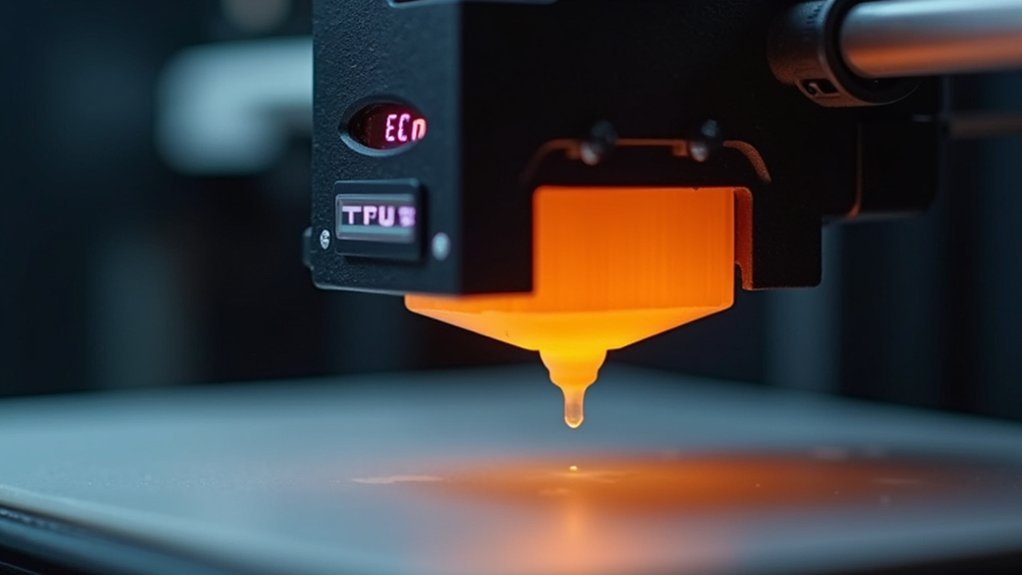
While setting the correct initial temperature is essential, maintaining that temperature throughout your TPU print determines whether you’ll achieve consistent results or face frustrating failures.
You’ll need to actively monitor nozzle temperature using thermal sensors or display readings to prevent temperature stability issues that cause under-extrusion.
To maintain ideal filament flow during printing:
- Run a temperature tower test before printing to identify your specific TPU’s ideal temperature range
- Use a well-calibrated hotend to minimize temperature fluctuations
- Keep your nozzle clean to prevent clogs that affect temperature consistency
- Consider thermal insulation sleeves for longer prints
Regular monitoring prevents the temperature variations that plague TPU printing, ensuring your flexible filament maintains proper flow characteristics throughout the entire print job.
Frequently Asked Questions
What Is the Best Temperature for TPU Nozzles?
You’ll want to use 210°C to 250°C for TPU nozzles. Start with softer filaments at 210-220°C and stiffer ones at 230-250°C. Adjust in 5°C increments and check your manufacturer’s guidelines.
What Temperature Should TPU Filaments Be Set At?
You should set TPU filament temperatures between 210-250°C depending on hardness. Start with softer varieties at 210-220°C and stiffer ones at 230-250°C. Always run temperature towers to find your filament’s ideal setting.
What Are the Optimal TPU Settings?
You’ll want nozzle temps between 210-250°C based on TPU hardness, bed temps at 30-60°C, and slow print speeds of 15-30 mm/s for best results with flexible filaments.
What Should My Build Plate Temperature Be for TPU?
You should set your build plate temperature between 40°C to 60°C for TPU printing. This range provides ideal first layer adhesion and prevents warping while ensuring good layer bonding for successful flexible prints.




Leave a Reply