
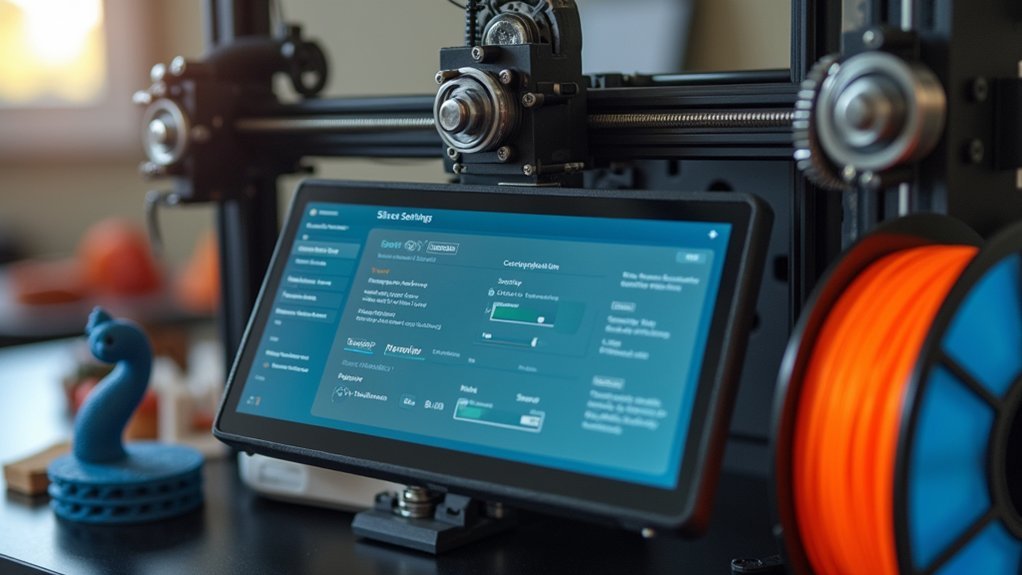
You’ll need to dramatically adjust your slicer settings when printing with flexible filaments like TPU. Set your print speed to 20-30 mm/s, disable retraction completely or keep it under 0.5mm, and configure your nozzle temperature between 230-240°C with a heated bed at 50-60°C. Reduce infill to 10-20% to maintain flexibility, limit acceleration to 2000 mm/s², and increase your extrusion multiplier to 1.1 for proper flow. These foundational adjustments will reveal the full potential of flexible printing techniques.
Understanding Flexible Filament Properties and Requirements

Flexibility transforms ordinary 3D printing into a domain of possibilities where you can create gaskets, phone cases, and custom-fit wearables that bend without breaking.
Flexible filaments like TPU combine plastic and rubber polymers, delivering remarkable elasticity and resilience for demanding applications.
Shore hardness becomes your primary measurement tool, ranging from 60A to 90A. Lower values mean greater flexibility, affecting your project’s final characteristics.
You’ll need to understand how this impacts your print settings before starting.
Temperature set requirements differ considerably from rigid materials. TPU typically demands around 230°C nozzle temperature and 50-60°C for bed adhesion.
Your retraction settings should be minimized or eliminated entirely to prevent jams.
Layer adhesion improves with slower speeds and proper thermal management, ensuring successful prints every time.
Essential Print Speed and Movement Settings
When working with flexible filaments, your printer’s speed and movement settings become critical factors that determine success or failure. These materials require careful adjustments to prevent stretching, binding, and poor extrusion quality.
- Set print speed between 20-30 mm/s – This slow range prevents filament stretching and guarantees consistent extrusion. Reduce travel speed simultaneously to minimize stringing and improve overall quality.
- Minimize retraction settings – Set retraction distance to 0 or keep it extremely low to prevent jams. Flexible filaments don’t respond well to traditional retraction methods.
- Limit acceleration to 2000 mm/s² – This prevents sudden movements that cause filament binding. Start with jerk settings around 5 mm/s for smoother movements and better layer adhesion.
Temperature and Extrusion Configuration

Achieving ideal temperature and extrusion settings forms the foundation of successful flexible filament printing, as these parameters directly control material flow and layer bonding. You’ll need to set your nozzle temperature between 230°C and 240°C for TPU, adjusting in 5°C increments based on performance. Configure your build plate temperature at 50°C to 60°C for maximum adhesion.
| Setting | Configuration |
|---|---|
| Nozzle Temperature | 230°C – 240°C |
| Build Plate Temperature | 50°C – 60°C |
| Extruder Multiplier | 1.1 |
| Print Fan Speed | Off or Low |
Disable retraction settings to prevent jamming and maintain consistent filament flow. Set your extruder multiplier to 1.1 for proper extrusion. Keep the print fan off or at low speeds, as excessive cooling compromises layer adhesion and causes stringing issues.
Retraction and Flow Rate Adjustments
Because flexible filaments tend to coil and stretch during retractions, you’ll need to minimize or completely eliminate retraction settings to prevent jamming and maintain smooth extrusion.
These filament settings require careful adjustment to achieve ideal print quality without under-extrusion issues.
Here are three essential adjustments for flexible filaments:
- Set retraction length to 0-0.5mm and keep retraction speed around 20-30 mm/s to prevent binding in the extruder and maintain consistent flow rate throughout your print.
- Increase the extrusion multiplier to approximately 1.1 to compensate for potential slippage and guarantee adequate material flow during printing.
- Test retraction settings incrementally using 0.5mm adjustments to find the sweet spot that minimizes stringing while preserving print quality, and regularly clean extruder gears for consistent filament grip.
Support and Infill Optimization for Flexible Materials
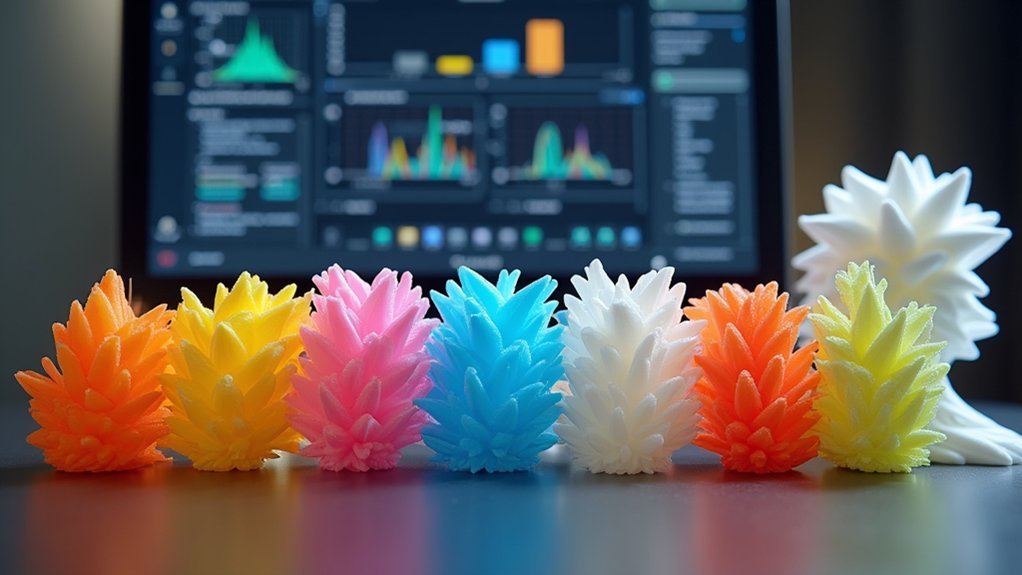
Flexibility preservation requires strategic adjustments to both support structures and infill density when working with flexible filaments.
You’ll want to reduce infill settings to 10-20% for TPU and similar materials, maintaining elasticity while speeding up print times and reducing material waste.
Configure your support settings with at least 0.3mm gap for easier removal without damaging the flexible structure.
Choose simple support patterns like “Grid” or “Lines” rather than complex designs to streamline removal.
Enable support blockers in unnecessary areas to minimize waste and print duration.
Consider adding a brim or raft to your print surface for improved adhesion, preventing warping and enhancing stability throughout the printing process with flexible filaments.
Frequently Asked Questions
What Settings Should I Use for TPU?
Set your TPU nozzle to 230°C, print speed at 20-30 mm/s, disable retraction, heat bed to 50°C, and use 1.1 extruder multiplier. You’ll get better flow and prevent jams.
What Are the Settings for Flexible Filaments in Prusa?
You’ll need slow speeds of 20-30 mm/s, disable retraction completely, set nozzle temperature to 230°C, bed to 50°C, and optimize first layer Z-offset for proper adhesion.
What Temperature Should TPU Filaments Be Set At?
You should set TPU filaments at 220°C to 240°C for the nozzle, with 230°C as your starting point. Use 50°C to 60°C for the heated bed to improve adhesion.
What Is the Best Fan Setting for TPU?
You should keep your fan off or set it to 10-20% speed for TPU printing. Higher fan speeds cool the filament too quickly, causing under-extrusion and poor layer adhesion.




Leave a Reply