
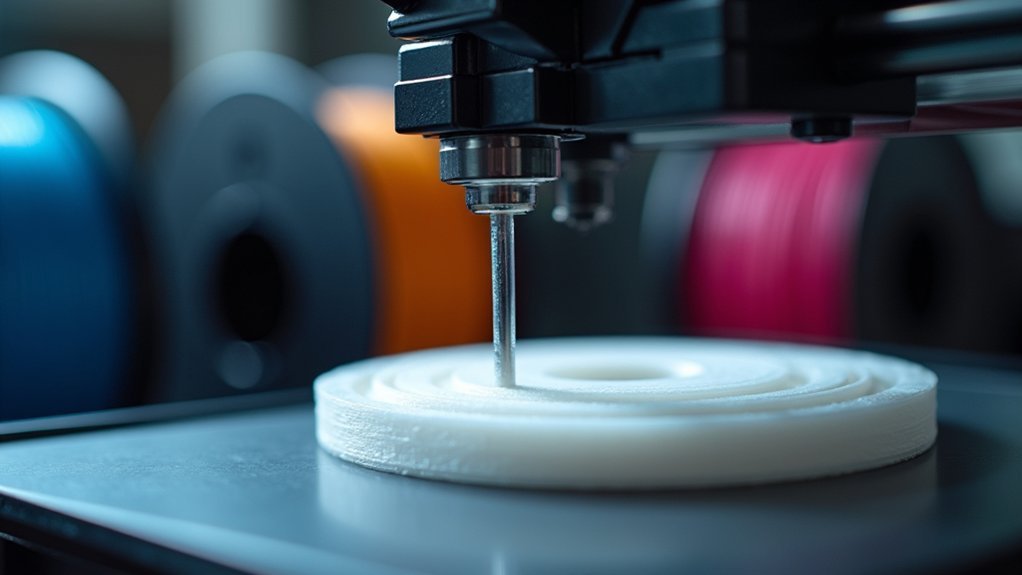
You can eliminate print stringing by setting your retraction speed between 40-60 mm/s for PLA and 30-50 mm/s for PETG. Start with moderate settings and adjust incrementally while coordinating with your print temperature—lowering it by 5-10 degrees helps reduce oozing. Direct-drive extruders handle faster speeds better than Bowden setups, so adjust accordingly. If you’re still experiencing issues, systematic testing of speed-to-distance ratios will reveal the advanced techniques that optimize your specific printer setup.
Understanding Retraction Speed Mechanics in 3D Printing
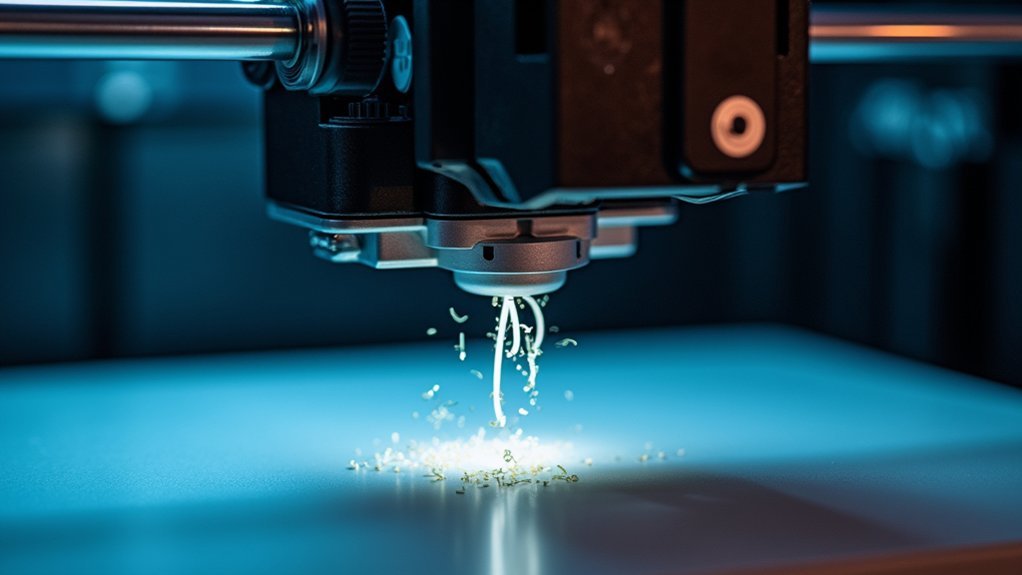
When your 3D printer moves between different areas of a print without extruding material, retraction speed determines how quickly the filament pulls back into the nozzle to prevent unwanted oozing.
This critical parameter typically ranges from 1200 to 6000 mm/min, striking a balance between effective material withdrawal and smooth filament flow.
You’ll find that slow retraction speed allows filament to leak during travel moves, creating those frustrating strings between print sections.
Conversely, excessive speed can cause filament separation or nozzle jamming, disrupting your entire print.
The key lies in finding your printer’s sweet spot through systematic testing.
Reducing stringing requires understanding how retraction speed interacts with your specific filament type and printer configuration, as different materials respond uniquely to speed adjustments.
Optimal Retraction Speed Settings for Different Filament Types
Different filament types require specific retraction speed adjustments to achieve ideal print quality without compromising material flow.
For PLA, you’ll want to set your retraction speed between 40-60 mm/s to effectively prevent stringing while maintaining smooth extrusion.
PETG performs best at 30-50 mm/s, reducing oozing risks without hindering material flow.
Flexible filaments need slower speeds to prevent jamming in your extruder mechanism.
Your printer’s extruder type also influences best settings.
Direct-drive systems can handle faster retraction speeds, helping minimize stringing more effectively.
Bowden extruders require careful adjustment to avoid filament separation issues.
Remember that different brands within the same filament type may need unique settings.
Start with these baseline recommendations, then experiment systematically to find your printer’s sweet spot for each specific material you’re using.
Balancing Retraction Speed With Distance Parameters
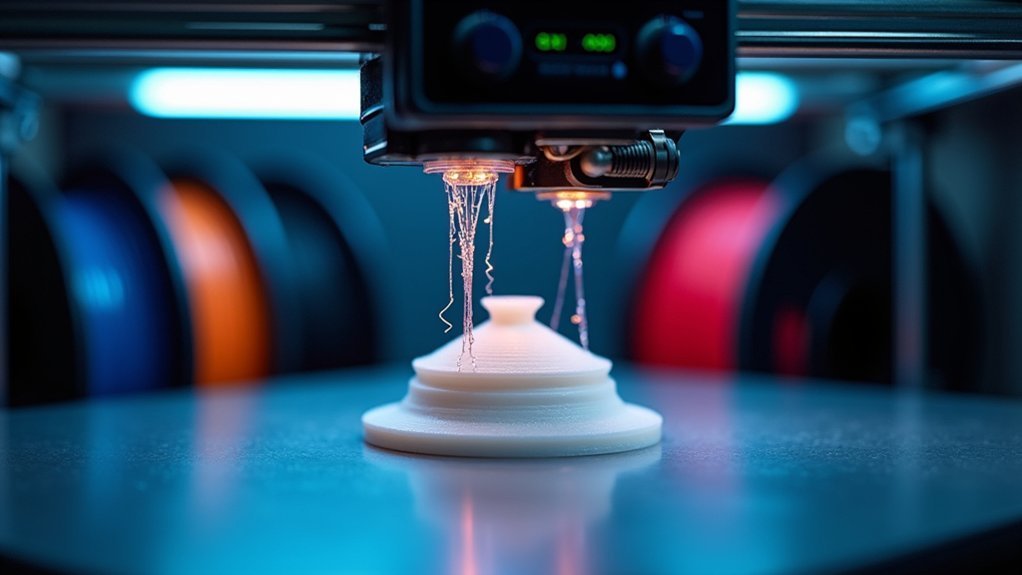
When you’re fine-tuning your retraction settings, you’ll need to find the sweet spot between speed and distance that works for your specific filament type.
Start with small, incremental adjustments to both parameters rather than making dramatic changes that could cause filament separation or feeding issues.
Testing different speed-to-distance ratios systematically will help you achieve the cleanest prints with minimal stringing for each material in your workshop.
Optimal Speed Distance Ratios
Finding the perfect balance between retraction speed and distance requires understanding how these two parameters work together to prevent stringing while maintaining print quality.
Your retraction speed should complement your distance settings – typically ranging from 1200 to 6000 mm/min. When you increase retraction distance, particularly with Bowden extruders, you’ll need to reduce speed to prevent filament tension issues.
Higher speeds minimize the time filament spends semi-molten, reducing stringing during travel moves. However, excessive speed can cause filament separation.
Start with moderate settings and make incremental 1mm distance adjustments alongside speed changes. Test different ratios systematically to find your best settings for specific filaments. This methodical approach guarantees you achieve the cleanest prints with minimal stringing between sections.
Material Specific Parameter Tuning
Each filament type demands its own unique retraction profile because material properties like viscosity, melting behavior, and flow characteristics directly influence how effectively your extruder can pull back molten plastic.
You’ll need to establish material specific baselines then fine-tune from there. PLA typically performs well with moderate retraction settings around 25-45 mm/s, while PETG’s higher viscosity often requires slower speeds to prevent filament separation.
ABS and other high-temperature materials need coordinated adjustments between retraction parameters and print temperature. Start with conservative settings, then incrementally increase speed while monitoring for stringing or grinding.
Remember that temperature changes affect material flow, so recalibrate your retraction profile whenever you modify thermal settings for peak performance.
Testing Incremental Setting Changes
Since retraction speed and distance work together as interdependent variables, you’ll achieve the best results by testing incremental setting changes systematically rather than adjusting parameters randomly.
Start with your current retraction distance and modify speed in 500 mm/min increments between 1200-6000 mm/min. Document each test’s impact on stringing to identify patterns and ideal combinations.
Testing incremental adjustments prevents you from missing the sweet spot where retraction speed perfectly balances with distance parameters for your specific filament.
- Test retraction speed in 500 mm/min increments while keeping distance constant
- Document stringing results after each adjustment for comparison
- Monitor for filament separation at higher speeds or oozing at lower speeds
- Combine retraction testing with temperature and cooling parameter adjustments
- Run dedicated test prints focusing on areas prone to stringing issue
Temperature and Speed Coordination for String Prevention
When you coordinate print temperature and retraction speed effectively, you’ll create a powerful defense against stringing that outperforms either adjustment alone. Lowering your print temperature by 5-10 degrees reduces filament oozing while increasing print speed minimizes the time available for strings to form during non-printing moves.
You’ll find the ideal retraction speed typically ranges from 1200 to 6000 mm/min, but balancing this with your temperature creates synergistic effects.
Use temperature towers to test various settings and identify the best temperatures for different print speeds. This coordinated approach guarantees smoother shifts between print areas while maintaining quality.
When you adjust both parameters together rather than individually, you’ll achieve cleaner prints with greatly reduced stringing issues.
Troubleshooting Common Retraction Speed Problems
Even with proper temperature and speed coordination, you’ll occasionally encounter retraction speed problems that require targeted troubleshooting.
When stringing persists despite your coordination efforts, systematic adjustments become essential for resolving these issues.
- Slow retraction causing oozing: Increase your retraction speed from 1200mm/min toward 3000-4000mm/min to reduce filament drooling during travel moves.
- Excessive speed creating filament separation: Lower speeds below 6000mm/min if you notice gaps or inconsistent extrusion after retractions.
- Persistent stringing despite speed adjustments: Incrementally increase retraction distance by 1mm while maintaining your current speed settings.
- Material-specific complications: Use pre-configured slicer profiles as baselines, then fine-tune based on your specific filament characteristics.
- Inconsistent results: Monitor each test print systematically, changing only one retraction speed parameter at a time for accurate troubleshooting.
Advanced Techniques for Fine-Tuning Retraction Performance
You’ll achieve superior retraction performance by implementing Linear Advance calibration methods that precisely control filament pressure during speed changes.
Integrating coasting techniques allows your extruder to stop feeding filament slightly before travel moves, reducing pressure buildup that causes oozing.
Combining these approaches with strategic Z-hop settings creates an all-encompassing retraction system that minimizes stringing while maintaining consistent extrusion quality.
Linear Advance Calibration Methods
Although retraction settings form the foundation of stringing control, linear advance calibration takes print quality to the next level by managing nozzle pressure throughout the entire extrusion process.
While adjusting retraction length helps, stringing is a common problem that requires more sophisticated solutions. Linear advance calibration enhances pressure control during varying extrusion rates, working alongside your retraction settings to eliminate those frustrating strings between print features.
- Print test patterns with varying extrusion rates to identify ideal linear advance values
- Start with values between 0.5 to 1.0, then adjust based on your specific filament characteristics
- Use automated G-code scripts to systematically evaluate different settings without manual intervention
- Recalibrate regularly when switching filaments or modifying printer hardware components
- Combine enhanced linear advance with proper retraction settings for maximum stringing reduction
Coasting and Z-Hop Integration
Building on linear advance calibration, coasting and Z-hop integration represent the next level of precision retraction control.
You’ll achieve superior stringing prevention by combining these complementary techniques. Coasting reduces nozzle pressure by stopping extrusion before travel moves, starting with 0.2-1.0mm³ volume depending on your filament type.
Meanwhile, Z-hop lifts your nozzle slightly during retraction, preventing surface dragging that causes artifacts.
The synergy between coasting and Z-hop creates ideal travel move performance. While coasting minimizes internal pressure buildup, Z-hop eliminates physical contact with your print.
You’ll need to experiment with both parameters simultaneously, monitoring print quality closely. Different filament materials require unique settings adjustments.
Start conservative with your values, then fine-tune based on your specific printer and material combination for maximum stringing elimination.
Frequently Asked Questions
How to Get Rid of Stringing Post Print?
You can remove stringing post-print by carefully using a heat gun or hair dryer to melt away thin strands, or gently cut them with a sharp knife or craft blade for cleaner results.
Does Printing Faster Reduce Stringing?
You’ll generally see less stringing when printing faster because the nozzle spends less time between printed areas, giving filament fewer chances to ooze out during non-printing movements.
Can Retracting Too Fast Cause Stringing?
Yes, you’ll cause stringing if you retract too fast. The filament won’t fully withdraw, leaving residual ooze that creates strings when your print head moves between sections.
What Is the Optimal Retraction Speed?
You’ll want 40-60 mm/s for direct-drive extruders and 80-100 mm/s for Bowden setups. Start within these ranges, then fine-tune based on your specific filament type and printer’s performance.




Leave a Reply