

Most resin printing failures stem from improper build plate leveling, incorrect exposure times, or contaminated resin. Start by checking your build plate’s distance from the vat using paper resistance testing, then adjust bottom layer exposure to 8-12 times your normal layer time. Confirm you’re using high-quality resin stored at 20-30°C and filter it regularly to remove particles. If prints still fail, examine your support structures and UV calibration settings for your specific resin type and environmental conditions.
Build Plate Leveling and Calibration Issues
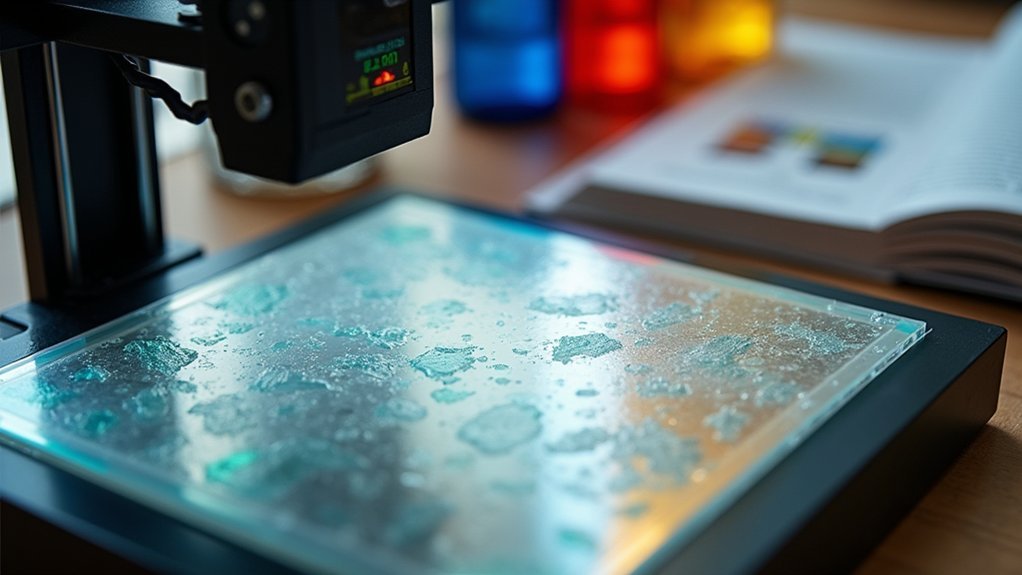
When your resin prints fail to stick to the build plate or show uneven layers, build plate leveling issues are likely the culprit.
You’ll need to verify your build plate sits parallel and properly distanced from the resin vat screen.
Start by checking if your leveling screws are evenly tightened. Use a piece of A4 paper to test the gap—you should feel slight resistance when pulling it between the plate and screen. If resistance varies across different areas, your plate’s tilted.
Use A4 paper to test build plate gaps—consistent resistance across all areas indicates proper leveling.
Inspect your build plate with a straight edge and flashlight to spot warping or damage.
Signs you need re-leveling include failed first layers, prints detaching mid-print, or layer compression. Additionally, if you notice thin films forming on the resin tray while nothing adheres to the build plate, you should decrease your lift speed to 5mm/min for bottom layers to improve adhesion.
Consider upgrading to auto-leveling printers for consistent results.
Bottom Layer Exposure Time Problems
Bottom layer exposure time serves as the foundation for successful resin prints, yet it’s one of the most commonly misconfigured settings that leads to print failures.
You’ll need to set your bottom exposure time 8–12 times longer than normal layer exposure to guarantee proper adhesion and curing. However, don’t exceed 30 seconds to avoid overheating your printer and resin.
Common problems include:
- Overexposure – causes bloated features and filled negative spaces
- Underexposure – leads to poor adhesion and complete print failure
- Wrong ratios – affects dimensional accuracy and feature quality
You should conduct exposure tests with incremental times, confirm proper build plate leveling, and consult your resin manufacturer’s guidelines for best results with specific materials. Most printers require 5 layers or more for the bottom layer count to ensure adequate thickness and strength for secure platform adhesion.
Resin Quality and Compatibility Concerns
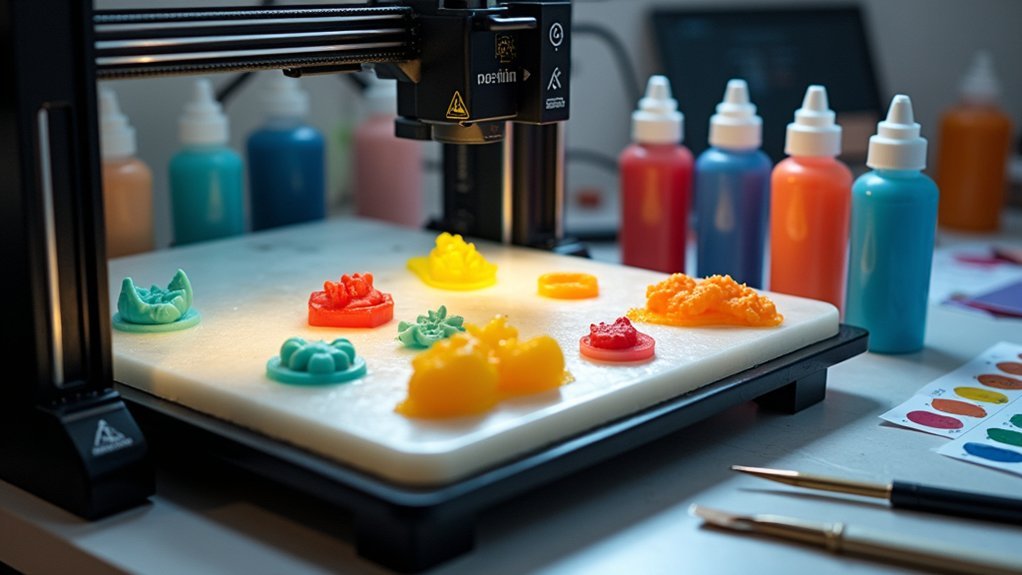
You’ll encounter fewer printing failures when you select high-quality resins that match your printer’s specifications and light wavelength requirements.
Store your resin properly in cool, dark conditions at recommended temperatures between 20-30°C to maintain consistent viscosity and prevent degradation.
Mix thoroughly before each use and filter regularly to remove contaminants that can compromise your print quality and surface finish. Adjust your exposure settings based on resin type since different formulations require specific curing parameters for optimal strength and adhesion.
Choosing Quality Resin
Since resin quality directly impacts your print success rate, selecting the right material becomes crucial for avoiding common failures like poor layer adhesion, surface defects, and dimensional inaccuracies.
You’ll want to prioritize certified resins that undergo rigorous batch testing, as these provide consistent properties and reliable performance. Check that your chosen resin matches your printer’s curing technology and wavelength requirements – manufacturer-recommended options typically deliver better compatibility and accuracy.
High-quality resins offer several advantages:
- Enhanced purity prevents cloudiness, brittleness, and curing inconsistencies
- Proper formulation guarantees ideal viscosity for smooth layer formation
- Fresh resins with adequate shelf life maintain their chemical stability
You should also verify any necessary certifications for your specific application, whether that’s biocompatibility for medical uses or safety standards for professional applications. Materials with high green modulus enable precise printing of thin parts while maintaining structural integrity during the printing process.
Proper Storage Methods
Even the highest-quality resin won’t deliver consistent results if you don’t store it properly, as improper storage conditions can trigger premature curing, contamination, and chemical degradation that lead to failed prints.
Keep your resin in its original opaque, UV-resistant bottle in a cool, dry place away from sunlight and heat sources. Maintain stable temperatures to preserve proper viscosity and avoid high humidity that causes water contamination.
Always close containers tightly after use and filter any uncured resin before storage to remove particles. Label bottles with opening dates since most resins last 6-12 months.
Store different resin types separately to prevent chemical incompatibility, and use older stock first to minimize waste while ensuring reliable printing performance. If you encounter persistent printing issues despite proper storage, contact your printer manufacturer’s customer support for specialized troubleshooting assistance.
FEP Film Maintenance and Replacement
The FEP film in your resin printer acts as a critical barrier between the liquid resin and LCD screen, but it won’t last forever. This consumable component requires regular maintenance and replacement every 1-6 months depending on your print volume and resin type.
Watch for these replacement indicators:
- Cloudiness or scratches that reduce UV light transmission
- Resin residues stuck to the film surface that won’t clean off
- Frequent print failures with models sticking to the film
When cleaning, use isopropyl alcohol and gentle pressure to avoid damage.
If stubborn cured resin won’t budge, replace the film rather than scraping aggressively.
During replacement, verify proper alignment without wrinkles and check your printer’s calibration afterward for best results. After installation, check that the FEP film maintains proper tension to ensure optimal printing performance.
Layer Adhesion and Bonding Failures
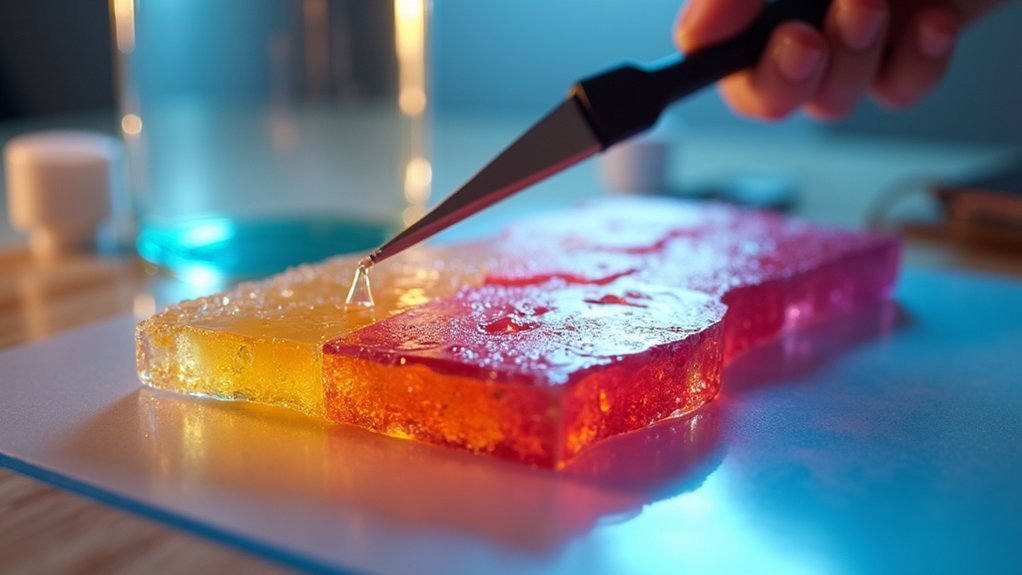
While a properly maintained FEP film guarantees clear UV transmission, poor layer adhesion can still cause your prints to fail through delamination and separation between layers. You’ll need to address exposure settings, mechanical parameters, and environmental factors to achieve strong bonding.
| Problem | Cause | Solution |
|---|---|---|
| Layer separation | Under-exposed regular layers | Increase exposure time by 10-20% |
| Bottom delamination | Excessive bottom exposure | Reduce bottom layer exposure slightly |
| Print pulling apart | Fast lift speeds | Decrease lift/retract speeds |
| Weak bonding | Cold temperatures | Maintain stable ambient temperature |
Start by increasing your regular layer exposure time, then slow down your lift speeds. Confirm your build plate is perfectly level and clean. Filter contaminated resin regularly, and maintain consistent room temperature during printing for peak results. For large models, ensure you hollow the prints with proper drainage holes to reduce internal stresses that can lead to layer separation.
Lift Speed and Movement Settings
Beyond achieving proper layer adhesion, your printer’s lift speed and movement settings directly control the mechanical forces that can make or break your prints. Excessive lift speeds create harsh peel forces that damage delicate details and cause layer separation.
You’ll want to start with baseline speeds of 40-60 mm/min for normal layers, while bottom layers need slower 5 mm/min speeds for solid build plate adhesion.
Consider these key factors when tuning lift speeds:
- Thicker resins require slower speeds to prevent suction failures
- Complex models need gentler speeds to preserve fine details
- Stronger support structures allow faster speeds up to 180 mm/min
Variable lift sequences work best—slow initial peeling followed by faster lifting.
Don’t forget retract speeds between 150-400 mm/min for smooth resin flow. Maintaining a detailed settings log helps you track which configurations produce the best results for different resin types and model complexities.
Resin Vat Contamination and Cleaning
You’ll encounter print failures when your resin vat becomes contaminated with particles, moisture, or partially cured resin from previous jobs.
Identifying these contamination sources requires examining your resin for visible particles, checking for cloudiness that indicates moisture absorption, and looking for solidified resin remnants stuck to the vat bottom. Multi-stage wash systems can effectively remove both preliminary resin buildup and fine residue through sequential cleaning processes with agitation and solvent recirculation.
Once you’ve pinpointed the contamination type, you can apply the appropriate cleaning technique to restore your vat’s condition and prevent future print defects.
Identifying Contamination Sources
Since resin contamination can silently sabotage your prints before you even start, understanding where contaminants originate becomes critical for maintaining print quality.
You’ll encounter contamination from multiple pathways that directly impact your printing success.
Environmental exposure poses the biggest threat when you leave resin vats uncovered. Ambient air introduces dust particles as small as 50 microns, while moisture absorption can reach 2% by weight, degrading your resin’s mechanical properties.
Temperature and humidity fluctuations accelerate this contamination process.
Your handling practices also introduce contaminants:
- Touching resin surfaces without gloves transfers oils and skin particles
- Using dirty tools spreads cured resin fragments into fresh resin
- Improperly sealed storage containers allow particle infiltration
Nearby chemical fumes from household cleaners can alter resin composition, while uncured resin crystals from previous prints create ongoing contamination cycles. The printing process itself generates chemical emissions from photoinitiators and binders that can contaminate your workspace and affect subsequent prints.
Proper Cleaning Techniques
When contamination infiltrates your resin vat, swift and systematic cleaning becomes your most effective defense against print failures.
Pour excess resin into an opaque container, then use plastic scrapers to remove adhered deposits without damaging the FEP film. Wipe all vat surfaces with microfiber cloths dampened in 95% isopropyl alcohol, paying attention to edges and seals where residue accumulates.
For stubborn spots on the FEP film, spray alcohol directly and gently scrape. Never use metal tools that’ll scratch the delicate surface.
After cleaning, inspect the film for cloudiness, cracks, or damage that could compromise future prints. Allow everything to dry completely before reinstalling.
Don’t soak metal vats excessively, as this causes paint peeling and rust formation. Clean your vat after every failed print to prevent cured resin from damaging the FEP film and potentially creating dead pixels on your LCD screen.
Temperature Control and Environmental Factors
Why do some resin prints fail despite perfect settings and high-quality materials? The answer often lies in environmental factors you might’ve overlooked.
Temperature dramatically affects resin viscosity and curing behavior, making environmental control essential for consistent results. Your ideal ambient temperature should stay between 20°C and 35°C. Below 20°C, resin becomes too thick, causing poor layer adhesion and failed prints. Above 35°C, rapid curing creates defects and uneven surfaces.
Environmental control isn’t optional for resin printing—temperature fluctuations between 20°C and 35°C can make or break your prints.
To maintain stable conditions:
- Use space heaters or temperature-controlled enclosures to regulate ambient temperature
- Store resin at room temperature before printing to preserve perfect viscosity
- Monitor temperature with external sensors and adjust exposure times accordingly
You’ll also need to control humidity, minimize dust, and eliminate vibrations that cause layer misalignment during printing. Higher temperatures will produce smooth, glossy finishes that enhance the vibrancy of your printed models.
Support Structure Design and Placement
Although environmental factors play a crucial role in print success, poorly designed support structures remain the leading cause of resin printing failures.
You’ll need ideal support tip thickness between 0.4-0.5 mm for stability, especially during fast printing processes. Thinner supports (0.2-0.3 mm) often fail under higher lift speeds or heavy parts.
Focus on even distribution of support points to prevent localized failures. Dense clusters resist forces between the build plate and FEP film better than sparse placement.
Create interconnected support networks rather than isolated points for stronger foundations.
Enhance your design by orienting the largest flat surface on the build plate and chamfering sharp edges. Remember that failure is the primary resin consumer in printing, making these support design strategies essential for cost-effective production.
Set contact depth greater than 0.4 mm for firm adhesion, using spherical contact points to increase surface area while minimizing post-processing damage.
UV Exposure Time Optimization
Even the most expertly placed support structures won’t save your print if you haven’t dialed in the proper UV exposure times.
Exposure time controls how long each layer gets cured by UV light, directly affecting print quality and success. You’ll need to calibrate for your specific resin, printer, and environment since manufacturer settings are just starting points.
Start with recommended settings, then test variations of +/- 10-20% using calibration files like Anycubic’s “R_E_R_F” exposure range finder.
Print test models with detailed features at different exposure times to find your sweet spot. A standard exposure time of 6 seconds works well for many resins as a baseline for testing.
Key exposure guidelines:
- Bottom layers need 8-12 times longer exposure than normal layers for proper adhesion
- Under-exposure creates soft, incomplete layers with missing details
- Over-exposure causes brittleness and dimensional inaccuracies
Room temperature around 25°C (77°F) provides ideal curing conditions.
Print Detachment and Support Failures
When your carefully planned print suddenly detaches from the build plate or supports snap mid-way through the process, you’re dealing with one of resin printing’s most frustrating failure modes. These failures typically stem from inadequate adhesion or mechanical stress during printing.
Start with proper build plate leveling using the paper calibration method. Budget printers often need re-leveling before each print. Increase your bottom layer exposure time by 20-50% and use 4-8 bottom layers for stronger adhesion.
Clean your build plate thoroughly with 90%+ isopropyl alcohol to remove any surface contaminants that could weaken adhesion between the cured resin and the plate.
| Issue | Cause | Solution |
|---|---|---|
| Print detaches completely | Poor build plate adhesion | Increase bottom exposure, re-level plate |
| Supports break mid-print | Fast Z-axis lift speeds | Reduce lift speed, add more supports |
| Partial detachment | Insufficient support density | Increase support contact points |
| Layer separation | Weak bottom layers | Extend bottom layer count to 6-8 |
Surface Quality and Layer Line Issues
While support failures can ruin entire prints, surface quality issues frustrate makers with subtler but equally damaging defects.
You’ll encounter rough, pitted surfaces from over-curing or under-curing your layers. Excessive exposure creates gritty textures, while insufficient exposure yields bumpy, uneven results.
Layer lines become pronounced when you use thick layer heights or improper exposure settings. Contaminated resin with dust particles creates surface pitting that ruins your print’s finish. Poor layer adhesion from fast lift speeds can also create unwanted pitting throughout your model’s surface.
Key parameters affecting surface quality include:
- Layer thickness – Reduce height for finer, less visible lines
- Exposure balance – Optimize timing to prevent over/under-curing defects
- Resin cleanliness – Filter before each print to eliminate particles
You’ll achieve smoother surfaces by maintaining proper lift speeds, keeping your printing environment clean, and ensuring your resin tank’s film remains undamaged for consistent light transmission.
Dimensional Accuracy and Calibration Fixes
Beyond surface imperfections lies another common challenge that can render technically perfect prints useless: dimensional inaccuracy. When your 35mm calibration cube measures 34.8mm, you’re experiencing typical resin shrinkage during curing. You’ll need to adjust your slicing software’s scale factors to compensate.
Start with proper Z-axis calibration—ensure your build platform is perfectly level and set to correct initial height. Overexposure causes expansion and rough surfaces, so fine-tune exposure times through test prints. Maintain warm resin temperature to reduce viscosity and prevent layer pressure buildup.
Proper Z-axis calibration requires a perfectly level build platform and precise exposure timing to prevent expansion and surface defects.
Check belt tensions and Z-axis perpendicularity for mechanical accuracy. Create an enclosed printing environment to stabilize temperature and humidity, preventing warping. Use calibration cubes regularly to measure deviation and adjust accordingly. Print a designed test piece measuring 100mm with both inner and outer dimensional features to get accurate shrinkage measurements for your specific resin type.
Proper support structures minimize warping, especially when printing directly on the build plate.
Frequently Asked Questions
How Do I Safely Dispose of Failed Prints and Uncured Resin Waste?
Cure failed prints and liquid resin under UV light until hardened. You’ll dispose of cured resin as regular plastic waste. Never pour uncured resin down drains – it’s hazardous waste requiring special disposal.
What Personal Protective Equipment Should I Wear During Resin Printing Operations?
You’ll need nitrile gloves, safety goggles, and a respirator with organic vapor filters. Wear protective clothing like lab coats, closed-toe shoes, and guarantee proper ventilation in your workspace.
How Often Should I Replace the UV LED Array in My Printer?
You should replace your UV LED array every 500-2000 hours depending on usage and cooling. Watch for print quality issues, dead pixels, or uneven curing as signs it’s time for replacement.
Can I Mix Different Resin Brands or Colors Together Safely?
You can mix different resin brands if they’re compatible, sharing similar base chemistries and curing wavelengths. Always test small batches first, wear PPE, and guarantee thorough mixing for consistent results.
What’s the Shelf Life of Opened Resin Bottles Under Proper Storage?
You’ll get about two months from opened resin bottles when stored properly. Keep them tightly sealed, at room temperature, away from sunlight, and label with opening dates for best results.




Leave a Reply