
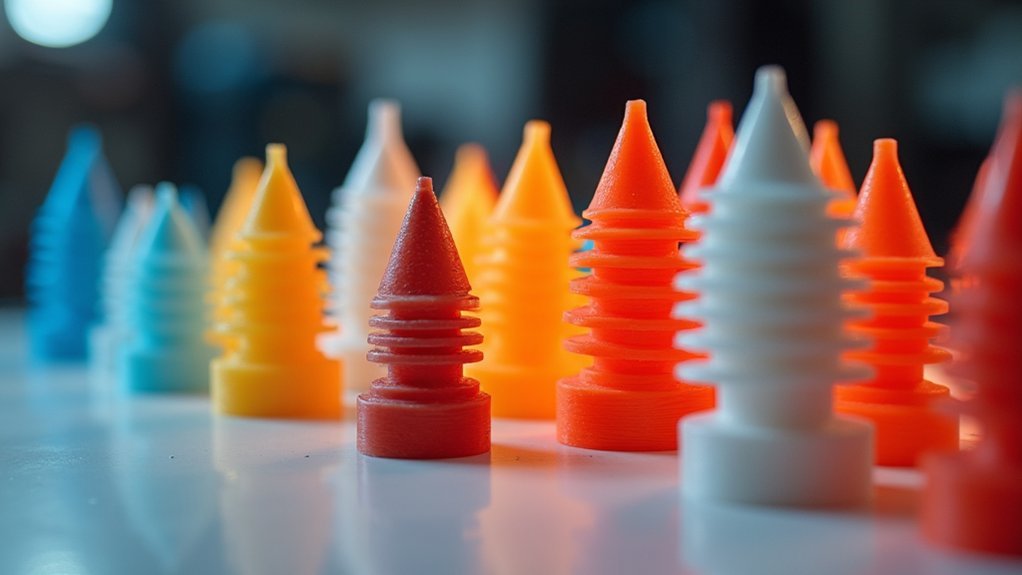
Your nozzle size dramatically affects printing temperature requirements across five key ways. Larger nozzles need 10-20°C higher temperatures due to increased filament flow rates and greater thermal load on your hotend. Smaller nozzles like 0.25mm risk clogging at standard temperatures and may need temperature boosts to guarantee proper flow. Heat transfer efficiency varies with diameter, while material residence time in larger nozzles demands careful temperature balancing to prevent degradation yet maintain consistent extrusion and avoid under-extrusion issues that’ll compromise your print quality and layer adhesion.
Heat Transfer Efficiency Varies With Nozzle Diameter
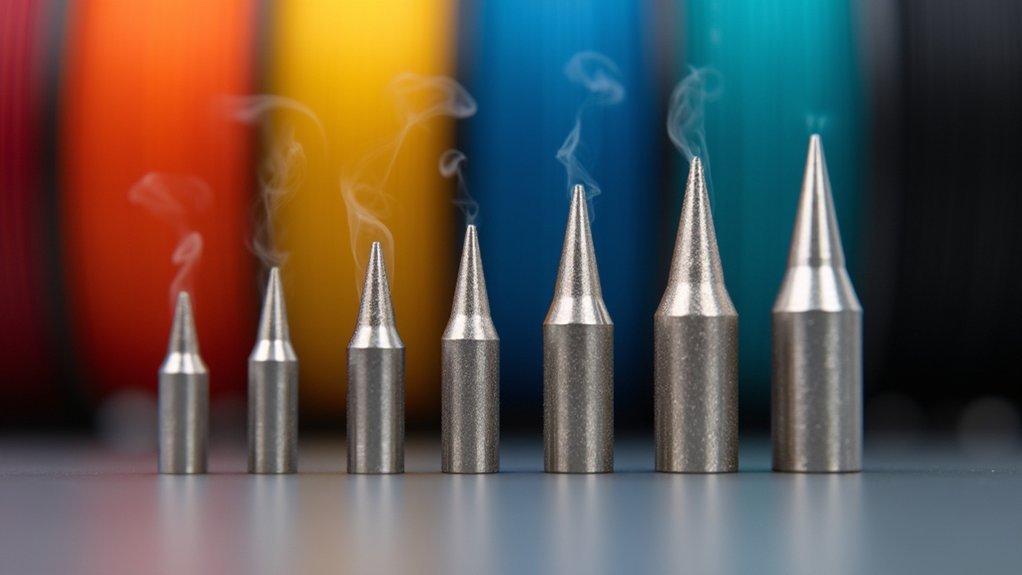
When you’re selecting a nozzle diameter for your 3D printer, you’re directly impacting the heat transfer efficiency within your hotend assembly.
Larger nozzles provide increased surface area contact, facilitating faster filament melting through enhanced thermal conductivity. Brass nozzles excel in this regard, offering superior heat transfer properties that make them ideal for standard applications.
However, you’ll need to adjust your printing temperature based on diameter selection. Smaller nozzles require higher temperatures due to reduced heat retention volume, while larger nozzles demand careful temperature control to prevent overheating from increased material flow.
Your choice of nozzle materials also affects filament compatibility – brass handles temperatures up to 300°C, while specialized materials like ruby reach 550°C, expanding your printing possibilities considerably.
Filament Flow Rate Changes Require Temperature Adjustments
As you increase your nozzle size, you’ll need to raise printing temperatures to compensate for the higher filament flow rates required.
Larger nozzles demand more melted material per second, creating additional thermal load on your hotend. Without proper temperature adjustments, you’ll experience under-extrusion as the filament can’t melt fast enough to maintain consistent flow.
Insufficient heating with larger nozzles causes under-extrusion as filament cannot melt quickly enough for consistent material flow.
A 0.6mm nozzle typically needs 10-20°C higher temperatures than a 0.4mm nozzle to prevent clogging and guarantee smooth extrusion.
When you’re using 1.0mm nozzles, even greater temperature increases become necessary to avoid blockages from rapidly cooling filament.
Failing to adjust printing temperature appropriately will compromise layer adhesion and overall print quality, as insufficient heat prevents proper material bonding between layers.
Larger Nozzles Need Higher Temperatures for Consistent Extrusion
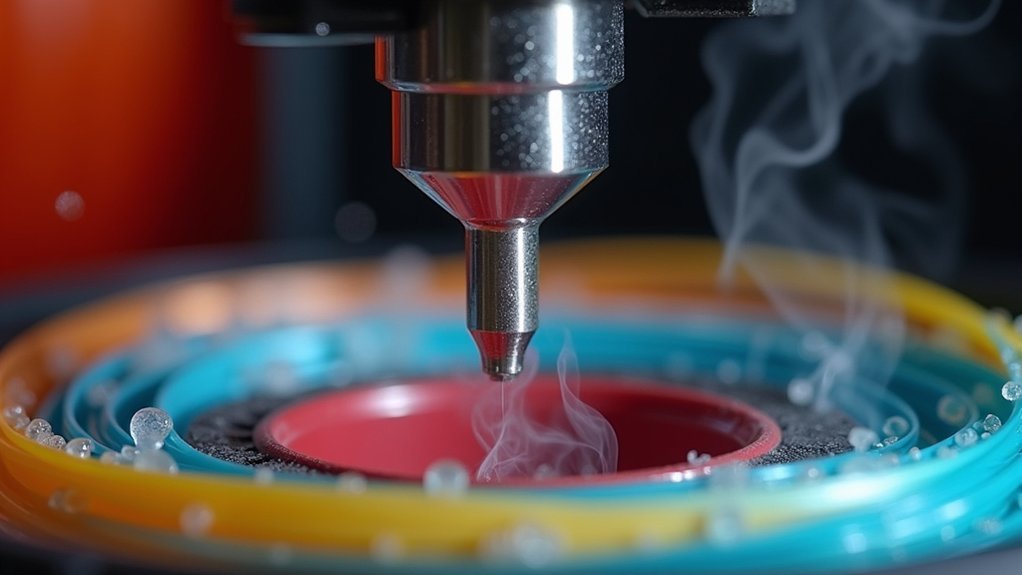
The thermal dynamics become even more pronounced with nozzles exceeding 1.0mm in diameter.
You’ll need to increase your printing temperatures by 10-20°C above standard settings to achieve consistent extrusion. The larger nozzle diameter creates higher material flow rates that cause significant heat dissipation, reducing the filament’s viscosity and leading to under-extrusion if temperatures remain insufficient.
You must fine-tune your hotend temperature to match your filament requirements, as the increased extrusion width demands more thermal energy for proper melting.
Without adequate heat, you’ll experience clogs and poor print quality. However, these higher temperatures offer benefits—they enhance layer adhesion and overall print strength.
Just monitor carefully to prevent stringing and over-extrusion issues that can compromise your results.
Smaller Nozzles Risk Clogging at Standard Temperatures
Contrary to their larger counterparts, smaller nozzles like 0.25mm create unique thermal challenges that increase clogging risks at standard temperatures.
You’ll find that these smaller nozzles have limited flow capacity, making them prone to filament jamming when using typical temperature settings. The reduced thermal mass means your nozzle cools rapidly, preventing complete filament melting and causing partial blockages.
Standard temperatures often don’t provide sufficient heat for proper filament flow through tiny openings. You’ll need to increase temperatures by 10-20°C above standard settings to prevent extrusion issues.
However, don’t go too high, as excessive heat creates printing problems like stringing. Regular maintenance becomes essential with smaller nozzles—you’ll need consistent cleaning and careful temperature monitoring to optimize performance and minimize clogging risks.
Material Residence Time Affects Optimal Heating Requirements
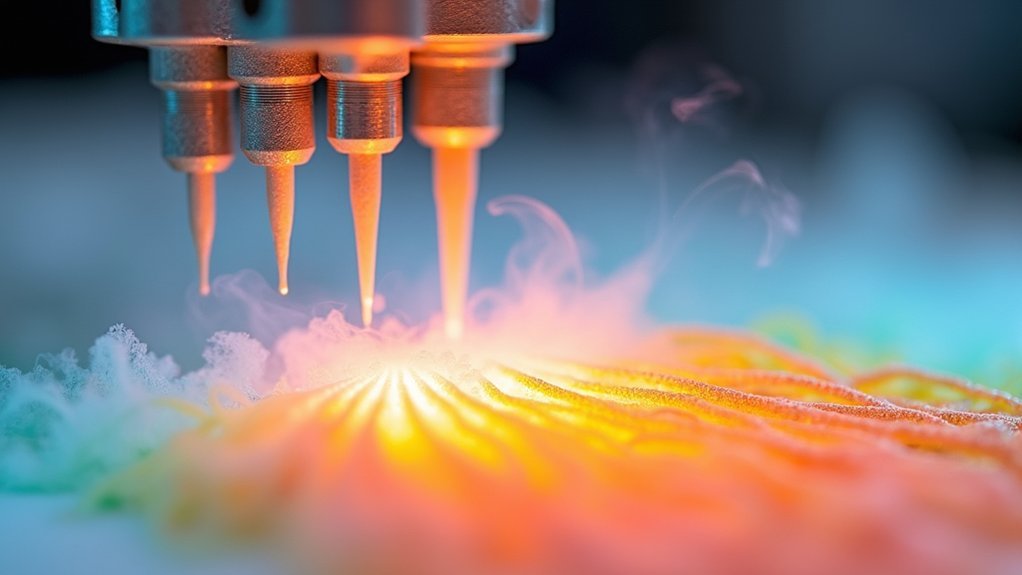
Material residence time fundamentally changes how you should approach temperature settings based on your nozzle size.
Larger nozzles like 0.6mm or 1.0mm keep filament in the hotend longer, requiring higher printing temperature to guarantee complete melting before extrusion. This extended residence time can affect temperature-sensitive materials, potentially causing thermal degradation if you’re not careful with calibration.
Conversely, smaller nozzles allow quicker material flow with reduced residence time, letting you use lower temperatures while maintaining ideal heating.
You’ll need to balance these factors carefully—incorrect settings lead to under-extrusion, over-extrusion, or poor layer adhesion.
Monitor your material’s thermal limits closely, especially with larger nozzles where prolonged heat exposure becomes a critical factor in print quality.
Frequently Asked Questions
What Is the Effect of Nozzle Size?
You’ll find that larger nozzles require higher printing temperatures for proper filament flow, while smaller nozzles need lower temperatures to prevent overheating. Nozzle material also affects heat retention and distribution.
Does Temperature Increase in a Nozzle?
Temperature doesn’t increase within the nozzle itself during printing. You’ll need to set higher temperatures when using larger nozzles to guarantee proper filament melting and flow rates for quality extrusion.
What Is the Difference Between .2mm and .4mm Nozzles?
You’ll find 0.2mm nozzles create finer details but print slower and clog easier, while 0.4mm nozzles print faster with moderate detail and require less maintenance for general projects.
How Does Nozzle Size Affect 3D Printing?
You’ll find larger nozzles print faster with thicker layers but sacrifice detail, while smaller nozzles create finer details slower. They’ll also affect your material flow, print strength, and which filament types work best.




Leave a Reply