
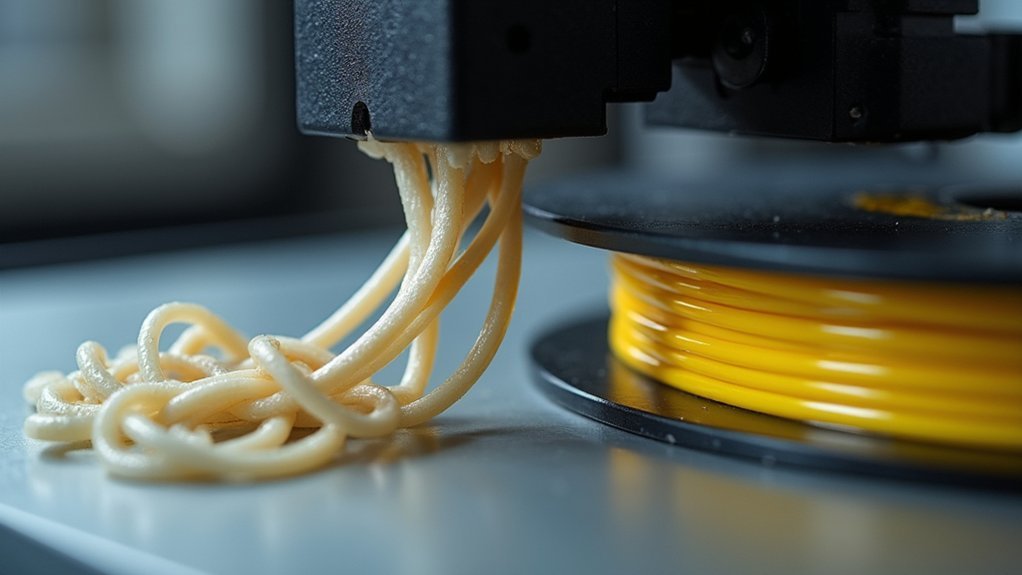
Your flexible filament feeding issues stem from three common problems: extruder motor clicking from excessive idler pressure that crushes TPU, Bowden tube obstructions caused by debris accumulation and worn interiors creating friction, and filament path misalignment that blocks consistent flow. You’ll hear clicking when the motor skips steps due to resistance, notice inconsistent extrusion from tube blockages, and experience complete feeding failures from path deviations. Understanding these mechanical causes will help you implement the right solutions.
Extruder Motor Clicking and Skipping Steps
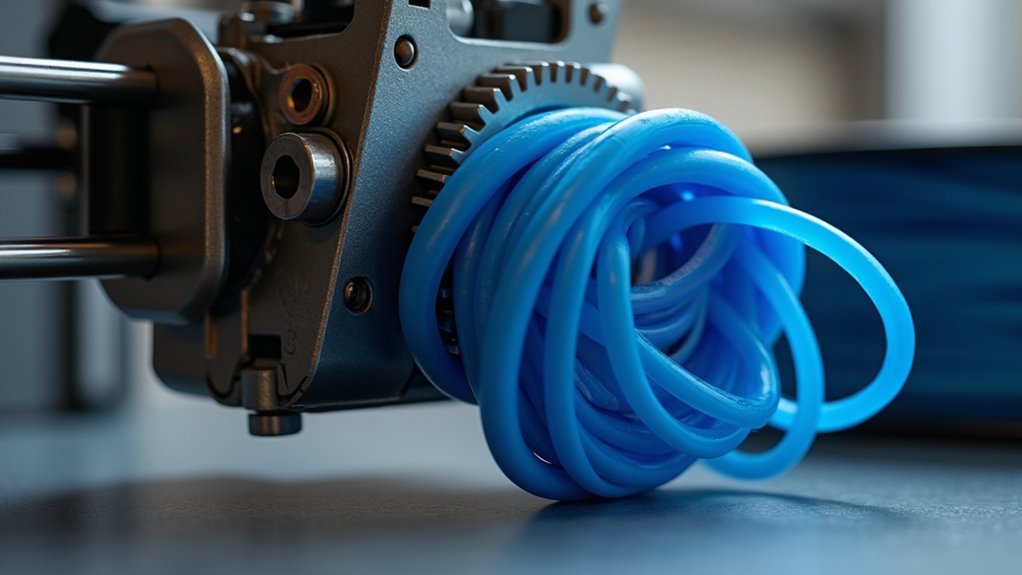
When your extruder motor starts clicking or skipping steps, it’s signaling that the stepper motor can’t overcome the resistance in your filament path. This clicking sound indicates excessive push force preventing proper filament feeding.
High retraction settings often cause this issue by creating too much back-and-forth movement. Check your idler pressure first—inspect the filament for crushing or gouging marks. If you see deformation, loosen the idler screws slightly to reduce pressure.
Examine your Bowden tube and PTFE liner for wear or debris that increases friction. A worn PTFE liner creates significant resistance, making jamming more likely.
When clicking occurs, immediately monitor whether filament’s moving into the nozzle. If it’s not advancing, cancel the print to prevent further jamming or extruder damage.
Bowden Tube Obstructions and Friction Issues
While clicking motors often signal resistance problems, the root cause frequently lies within your Bowden tube itself. Debris accumulation creates obstructions that block filament flow, causing under-extrusion and clogs. Worn tube interiors increase friction, making flexible filaments struggle during feeding. You’ll notice these issues worsen with high bend radius configurations.
Check that your Bowden tube sits fully inserted into the nozzle assembly. Frayed or improperly seated ends create gaps where melted filament leaks, deforming the tube and disrupting the extrusion process. These feeding issues compound quickly with flexible materials.
Regular maintenance prevents most problems. Inspect your tube for blockages, replace worn sections, and guarantee straight filament paths. Proper tube condition directly impacts your printer’s ability to handle flexible filaments successfully.
Filament Path Misalignment and Blockages
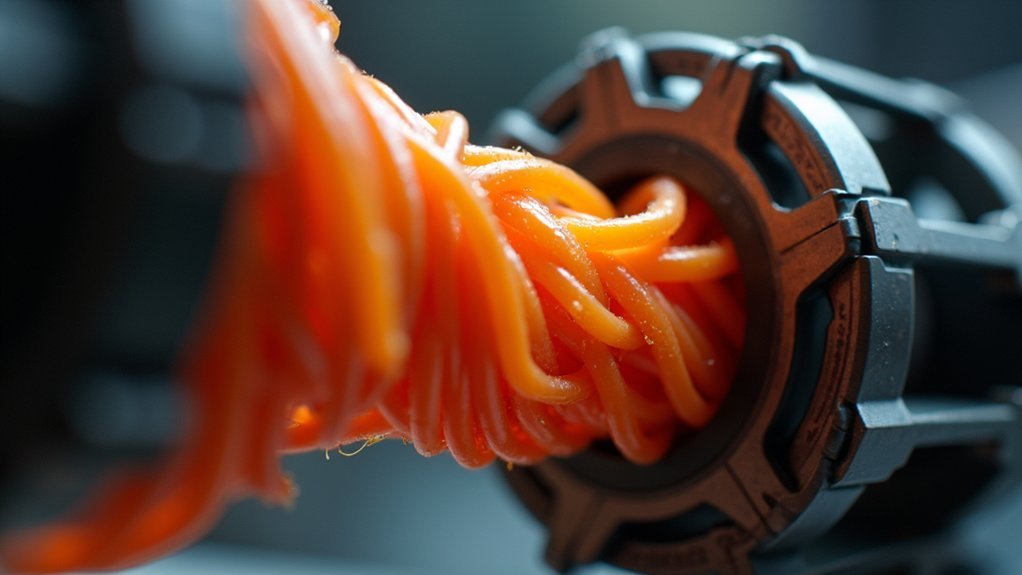
Since proper filament alignment determines feeding success, you’ll need to verify that your flexible material follows a straight, unobstructed path from spool to hotend. Misalignment in the filament path creates excessive friction, causing feeding issues and potential blockages when printing TPU filament. Your extruder struggles with these obstacles, resulting in inconsistent extrusion and failed prints.
| Problem | Cause | Solution |
|---|---|---|
| Crushed TPU | Excessive idler pressure | Reduce tension gradually |
| Filament slippage | Insufficient filament grip | Increase idler bolt tension |
| Bowden tube gaps | Improper hotend insertion | Fully seat tube connection |
| Flow interruption | Debris in tube | Clean Bowden tube thoroughly |
| Path deviation | Worn extruder components | Install alignment upgrades |
Regularly inspect your Bowden tube for fraying or debris that obstructs filament flow, and consider modified extruder parts for improved performance.
Frequently Asked Questions
Why Isn’t My Filament Feeding Properly?
Your filament isn’t feeding because you’ve got high friction in the path, worn Bowden tube, debris blocking flow, incorrect nozzle height, or excessive extruder pressure causing motor skipping.
Why Is My Filament Feeder Skipping?
Your filament feeder’s skipping because you’ve got too much idler tension, a clogged nozzle creating back pressure, or incorrect diameter settings causing over-extrusion that overwhelms the extruder motor’s capability.
Why Does My Filament Stop Feeding?
Your filament stops feeding when there’s a clog in your nozzle or extruder pathway, insufficient pressure from loose idler screws, or high friction from worn Bowden tubes blocking smooth material flow.
Why Is My TPU Not Extruding?
Your TPU isn’t extruding because you’ve likely got a clogged nozzle, incorrect temperature settings, insufficient idler tension, or high retraction settings that’re preventing proper filament flow through the extruder.




Leave a Reply