
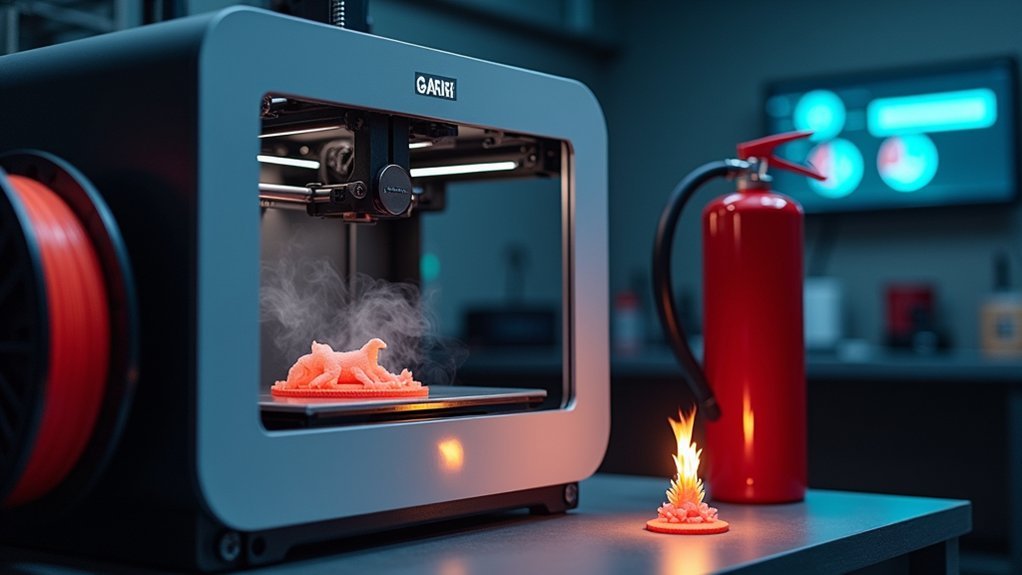
3D printers pose significant fire risks from thermal runaway, electrical failures, and overheating components that can ignite flammable filaments like ABS and nylon. You’ll need thermal runaway protection, regular maintenance of wiring connections, and continuous monitoring systems to prevent fires. Install smoke detectors, keep electrical-rated fire extinguishers nearby, and never leave your printer unattended during long sessions. Understanding these essential safety measures and emergency protocols will help you protect your workspace and minimize dangerous incidents.
Common Causes of 3D Printer Fires
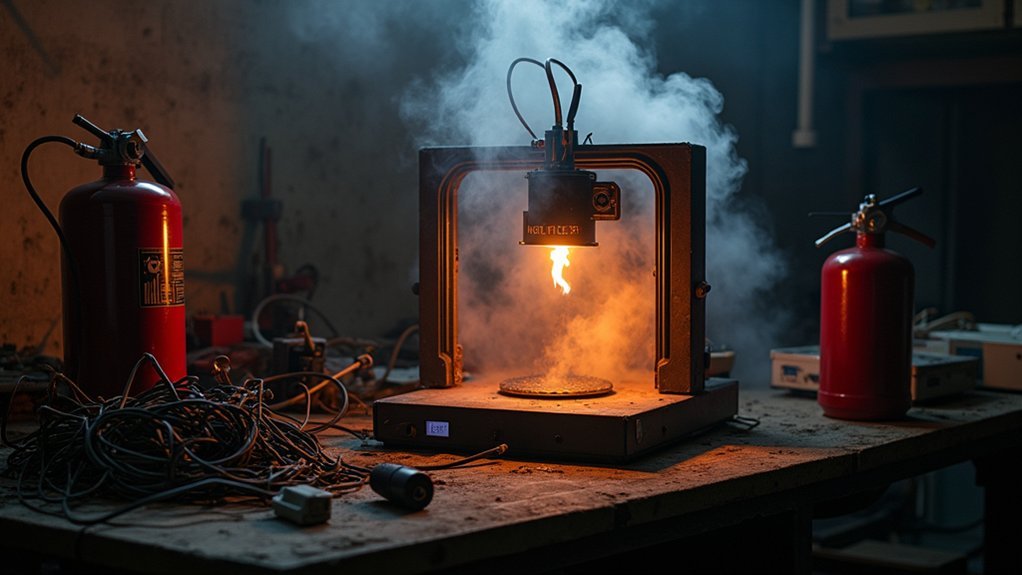
Although 3D printers have become increasingly reliable, several common causes can still lead to dangerous fires if left unchecked.
Thermal runaway represents the most serious threat, occurring when malfunctioning thermistors cause temperatures to exceed safe limits, potentially igniting flammable materials like ABS or nylon.
Electrical fires stem from loose connections and damaged wiring that create short circuits, while overheating components generate excessive heat from clogged nozzles and extrusion jams.
Unattended printing sessions amplify these fire risks, as problems develop without immediate detection.
Poor ventilation around power supplies and heated beds prevents proper heat dissipation.
Understanding these common causes helps you implement proper maintenance schedules and safety measures to protect your workspace from potential disasters.
Understanding Filament Flammability and Fire Risks
Your choice of 3D printing filament directly impacts fire risk, as different materials exhibit vastly different flammability characteristics.
ABS burns readily and poses significant fire hazards, while PLA tends to melt rather than ignite, making it a safer option for most applications.
Understanding these material properties and heat-related factors will help you make informed decisions that reduce fire risks during your printing projects.
Filament Fire Properties
When selecting filament for your 3D printing projects, understanding each material’s fire properties directly impacts your workspace safety.
Different materials pose varying fire risks and health risks that you must consider.
Key filament fire properties you should know:
- PLA offers the safest option – It’s not highly flammable and melts rather than ignites, making it ideal for beginners and enclosed spaces.
- ABS and Nylon present significant hazards – Both are flammable materials that release harmful fumes when burned, requiring excellent ventilation systems.
- Environmental factors amplify risks – Prolonged printing duration, accumulated dust near heat sources, and poor ventilation can escalate fire risks regardless of your chosen material.
Always prioritize proper ventilation and workspace cleanliness when working with flammable filaments.
Heat-Related Risk Factors
Heat-related risk factors in 3D printing extend beyond simple material selection and demand your constant attention to thermal management.
Prolonged printing sessions markedly increase fire risks, as your unattended printer can overheat and ignite flammable materials. Poor ventilation compounds these fire hazards by allowing heat to accumulate around critical components, creating dangerous conditions for filament combustion.
Dust buildup around your printer acts as dangerous kindling, with accumulated particles and filament shavings easily igniting under high temperatures. You’ll notice that smoke production indicates overheating issues requiring immediate intervention.
Low-quality materials pose additional risks since inferior filament compositions ignite more readily than premium alternatives.
Maintaining proper airflow and monitoring temperatures during operation helps prevent thermal buildup that leads to catastrophic failures.
Essential Fire Prevention Strategies for 3D Printing
You’ll want to implement thermal runaway protection on your 3D printer’s firmware, which automatically shuts down the device when temperatures exceed safe limits.
This critical safety feature prevents overheating components from causing fires during long print jobs.
Additionally, you should consider installing remote monitoring systems that let you track your printer’s status and receive alerts even when you’re not physically present.
Thermal Runaway Protection
Although many 3D printer fires start with overheating components, thermal runaway protection (TRP) serves as your first line of defense against these dangerous incidents.
This critical safety feature monitors temperature rises and automatically shuts down your printer when thresholds are exceeded, preventing potential fire hazards that could result from malfunctioning thermistors or clogged nozzles.
To maximize TRP effectiveness for fire prevention:
- Verify TRP is enabled – Check your firmware settings to confirm this safety feature is active on your 3D printers.
- Perform regular maintenance – Inspect wiring and connections to prevent electrical failures that could bypass protection.
- Use additional monitoring tools – Deploy cameras or remote monitoring systems like OctoPrint to complement built-in safety features.
These steps greatly reduce printer fires risks.
Remote Monitoring Systems
Remote monitoring systems transform 3D printing safety by giving you real-time oversight of your printer’s operation, even when you’re miles away from your workspace.
Solutions like OctoPrint with cameras provide live feedback on your 3D printing jobs, enabling quick intervention when fire hazards emerge. AI-driven platforms such as Obico detect failures automatically and let you adjust temperatures remotely to prevent overheating incidents.
You can integrate smart smoke detectors that automatically cut power when detecting smoke, greatly enhancing fire safety.
These systems eliminate the risks of unattended operation during long prints while maintaining strict adherence to protocols. Remote monitoring doesn’t just improve convenience—it’s essential for preventing fires by keeping you informed and ready to respond to potential dangers throughout the entire printing process.
Safety Equipment and Monitoring Systems
When operating a 3D printer, you’ll need essential safety equipment to protect against fire hazards and detect problems before they escalate.
Smart monitoring systems provide early fire detection and can automatically cut power when smoke is detected, preventing electrical fires from spreading.
Essential safety equipment includes:
- Fire extinguisher rated for electrical fires and smoke detector systems for immediate alerts
- Monitoring systems like OctoPrint with AI failure detection tools to track print progress remotely
- Fireproof enclosures to contain potential fire hazards and reduce harmful fume exposure
You should conduct regular maintenance checks on all safety equipment to guarantee they’re functioning properly.
These systems work together to create multiple layers of protection, allowing you to respond quickly to emergencies and monitor your printer safely during long-duration prints.
Proper Maintenance and Inspection Protocols
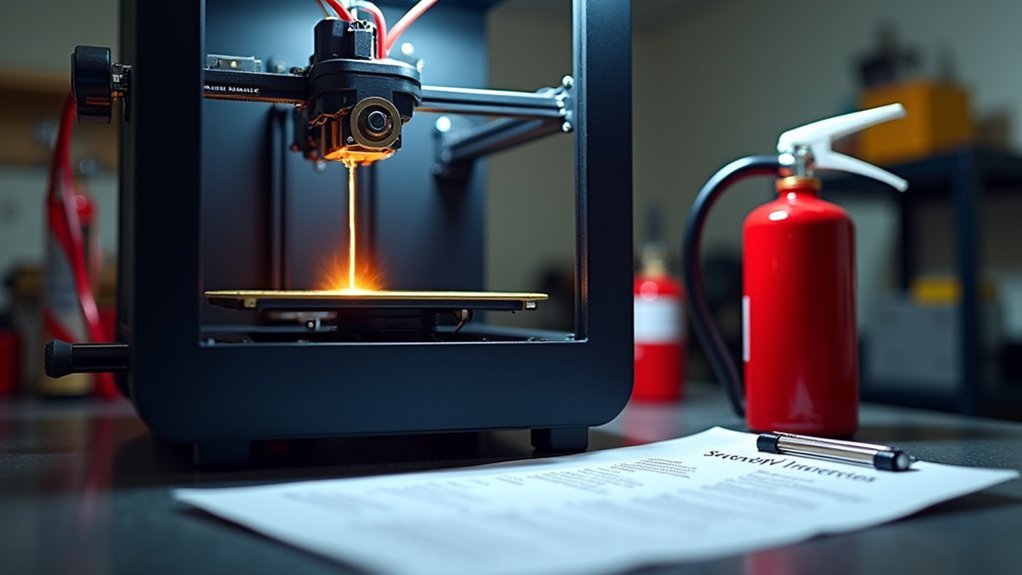
Regular maintenance and inspection protocols form the backbone of 3D printer fire prevention, requiring you to establish systematic checks that identify potential hazards before they become dangerous.
You’ll need to inspect wiring and connections regularly for signs of wear or damage, as deteriorating components can cause short circuits and escalate fire risk. Confirm your thermistor and heating elements function properly without obstructions, preventing overheating that creates fire hazards.
Consistent cleaning the printer removes dust and filament debris that can ignite under high temperatures.
Regular dust and debris removal prevents combustible materials from accumulating near heated printer components, eliminating potential ignition sources.
Replace worn parts immediately rather than delaying repairs. Maintain detailed logs of all maintenance activities and inspections to verify you’re following proper maintenance schedules consistently.
These systematic inspection protocols greatly reduce fire risk while keeping your equipment operating safely throughout its lifespan.
Emergency Response When 3D Printer Fires Occur
Despite your best maintenance efforts, 3D printer fires can still occur and require immediate, decisive action to protect lives and property.
When fire strikes, you must maintain safety as your top priority while following essential safety precautions.
Here’s your emergency response plan:
1. Evacuate immediately – Leave the area at once and alert anyone nearby about the danger.
Activate the fire alarm system and call emergency services by dialing 911 to report the incident.
2. Fight the fire safely – If you’re trained and it’s safe, use a fire extinguisher rated for electrical fires.
Never attempt this while standing in water or touching electrical components.
3. Secure the area – Don’t approach the printer until professionals have assessed the situation.
Ventilate the area by opening doors and windows to clear harmful smoke.
Frequently Asked Questions
What Are the Risks of Fire With 3D Printers?
You’ll face thermal runaway risks where excessive heat ignites components. Electrical issues like loose wiring cause fires. Flammable filaments release toxic fumes when burning. Unattended printing increases dangers considerably during operations.
How to Make Sure Your 3D Printer Won’t Catch Fire?
You’ll prevent fires by enabling thermal runaway protection, using quality filaments like PLA, regularly inspecting wiring, monitoring prints closely, installing smoke detectors, and keeping electrical fire extinguishers nearby.
How Safe Is It to Leave a 3D Printer Unattended?
You shouldn’t leave your 3D printer unattended due to significant fire risks from thermal runaway, overheating, and electrical failures. These dangers increase substantially during extended overnight prints without real-time monitoring.
What Are the Hazards of Using a 3D Printer?
You’ll face overheating risks from motors and extruders, electrical hazards from faulty wiring, flammable material dangers, maintenance-related malfunctions, and user errors that can cause dangerous conditions during operation.




Leave a Reply