

To fix extruder gear slipping, start by adjusting your extruder tension until you feel slight resistance when manually feeding filament. Clean the extruder gear with a soft brush to remove debris and inspect for wear. Increase your print temperature by 5-10°C and reduce print speed for smoother extrusion. Clear any hotend blockages by pushing filament through the heated nozzle. Finally, verify your filament’s diameter and quality with calipers. These targeted solutions will restore your printer’s consistent performance.
Adjust Extruder Tension Settings
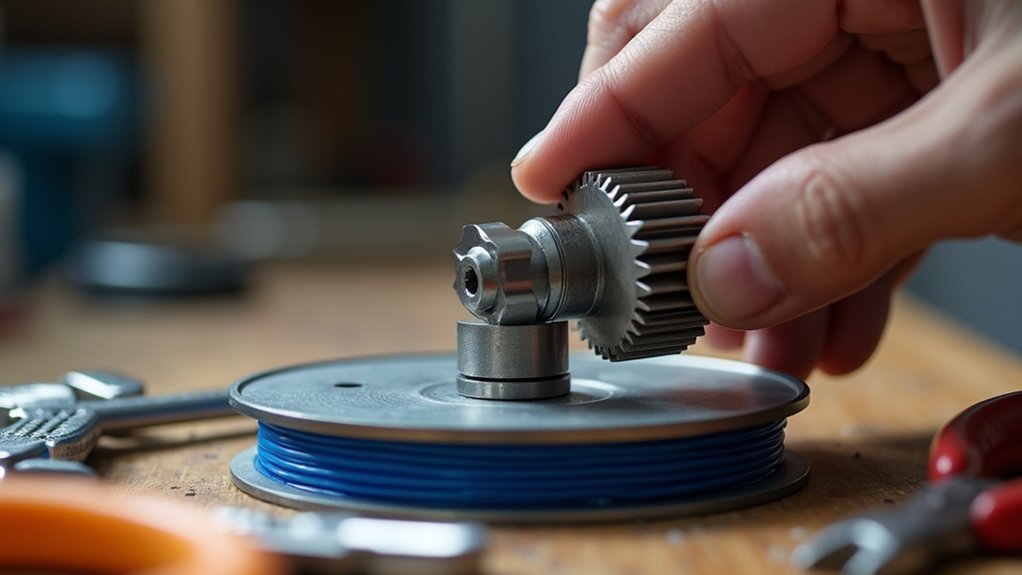
When your extruder gear slips, the first solution you should try is adjusting your extruder tension settings. A flush setting won’t provide sufficient pressure for all filament types, causing the extruder gear to slip and create clicking sounds during printing.
You’ll need to tighten the tension screw until there’s slight resistance when manually feeding filament – this guarantees smooth feeding while preventing slippage.
Monitor your tension settings regularly, especially after replacing or cleaning components, as these actions can alter filament pressure.
Test different filament brands and diameters to determine ideal tension for your specific materials. Proper adjustment eliminates inconsistent extrusion and guarantees your extruder gear maintains reliable grip throughout the printing process.
Clean and Inspect the Extruder Gear
Another common culprit behind extruder gear slipping is accumulated debris that interferes with the gear’s ability to grip filament properly.
You’ll need to regularly inspect your extruder gear for filament buildup, dirt, or debris that can cause performance issues. Use a soft brush or compressed air to thoroughly clean the gear, ensuring all teeth are completely free from obstructions.
While cleaning, check for wear or damage on the gear teeth, as worn surfaces considerably reduce filament grip.
Don’t forget to verify that your gear’s tension mechanism is properly adjusted—insufficient tension leads to slipping during printing.
Finally, inspect the gear’s alignment with the filament feed path to guarantee smooth feeding without interference, preventing future extrusion issues.
Check Temperature and Print Speed Settings
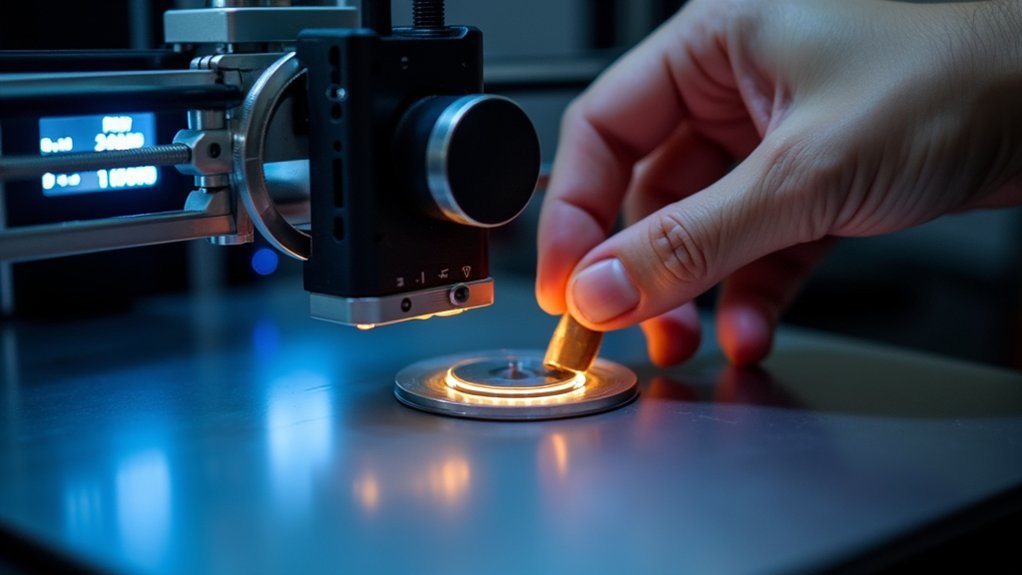
If your extruder gear continues slipping after cleaning, temperature and print speed settings might be the underlying issue. Low temperatures can cause poor filament flow, making your extruder work harder and slip more frequently.
Try increasing your print temperature by 5° to 10°C above your current setting. For PLA, aim for temperatures between 220°C and 230°C to enhance extrusion consistency.
High print speeds can also trigger extruder gear slipping and that distinctive clicking sound. Reduce your print speed to allow smoother filament feeding through the hotend.
When speeds are too high combined with low temperatures, you’ll notice inconsistent extrusion creating gaps or holes in your printed layers. Monitor your print quality carefully after adjusting these settings to guarantee improved performance.
Clear Hotend and Nozzle Blockages
Even after adjusting temperature and speed settings, blocked hotends and nozzles can still cause your extruder gear to slip persistently.
Start by pushing filament through the heated hot end—if you feel resistance, there’s likely a blockage. Remove the PTFE tube from the hot end to verify smooth filament flow. If filament doesn’t move freely, you’ll need to disassemble components.
For severe clogs, carefully use a butane torch on the removed nozzle. Regular cleaning prevents debris accumulation that leads to blockages—cleaning filament works effectively for maintenance.
If blockages persist despite your efforts, replace the nozzle entirely, especially when it shows wear or damage signs.
Verify Filament Diameter and Quality
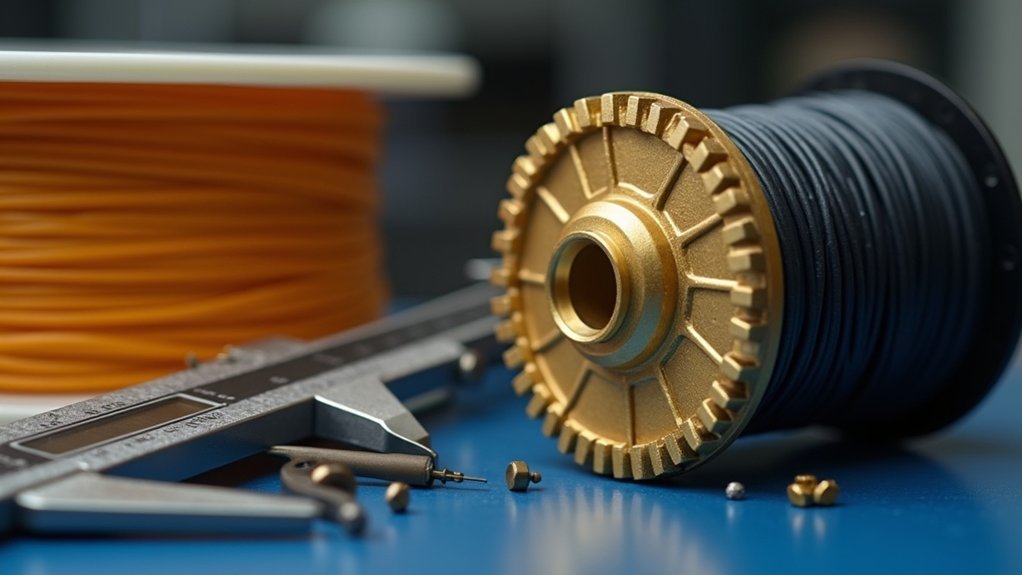
Poor-quality filament causes more extruder problems than most users realize. Use calipers to measure your filament diameter accurately, ensuring it matches manufacturer specifications. Diameter discrepancies create resistance that makes your extruder work harder to push filament through the hotend, leading to gear slipping.
Inspect your filament for consistent roundness and surface defects. Inconsistent diameter or rough surfaces increase friction, causing your extruder to struggle and slip.
Store filament in dry environments since moisture absorption causes swelling, creating additional resistance. Test different filament brands to find ones compatible with your printer setup. Some brands feed more smoothly than others.
Clean your filament path and extruder gear regularly, as lower-quality filaments leave more residue that hinders smooth feeding and worsens slipping issues.
Frequently Asked Questions
How to Fix Extruder Skipping?
You’ll need to adjust your extruder tension screw, clean debris from the gear, perform a cold pull to clear blockages, increase print temperature by 5-10°C, and replace worn components.
How to Fix Filament Slip?
You’ll fix filament slip by tightening your extruder’s tension screw, cleaning debris from gears, checking nozzle clogs, verifying filament diameter settings, and increasing print temperature by 5-10°C for better flow.
Should I Lubricate Extruder Gears?
You should lubricate extruder gears sparingly with PTFE-based lubricant to reduce friction and wear. Don’t over-lubricate since it’ll attract dust and debris, causing clogs and feeding issues.
Why Is My Extruder Gear Clicking?
Your extruder gear’s clicking because it’s slipping on the filament. This happens when there’s insufficient tension, dirty gear teeth, or you’re printing at too low temperatures, making filament harder to push.




Leave a Reply