
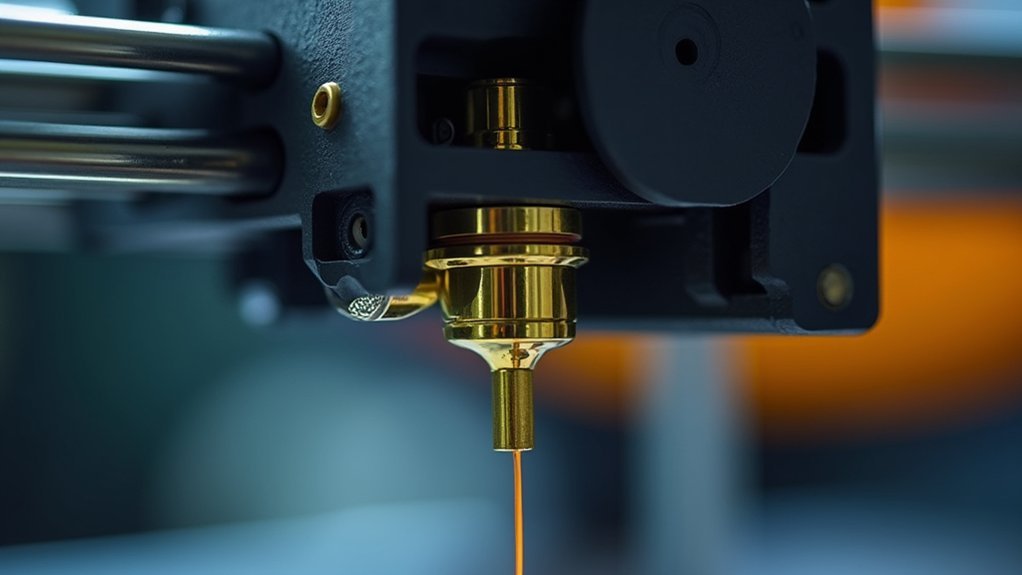
To calibrate your extruder for perfect filament flow, start by measuring your filament diameter at five points and adjusting your slicer settings accordingly. Next, perform E-steps calibration by marking 120mm of filament, commanding 100mm extrusion, then calculating the correct value using the actual measurement. Finally, print test cubes to measure wall thickness and fine-tune your flow rate percentage. Master these techniques and you’ll achieve professional-quality prints with superior layer adhesion and structural integrity.
Why Proper Extruder Calibration Matters for Print Quality
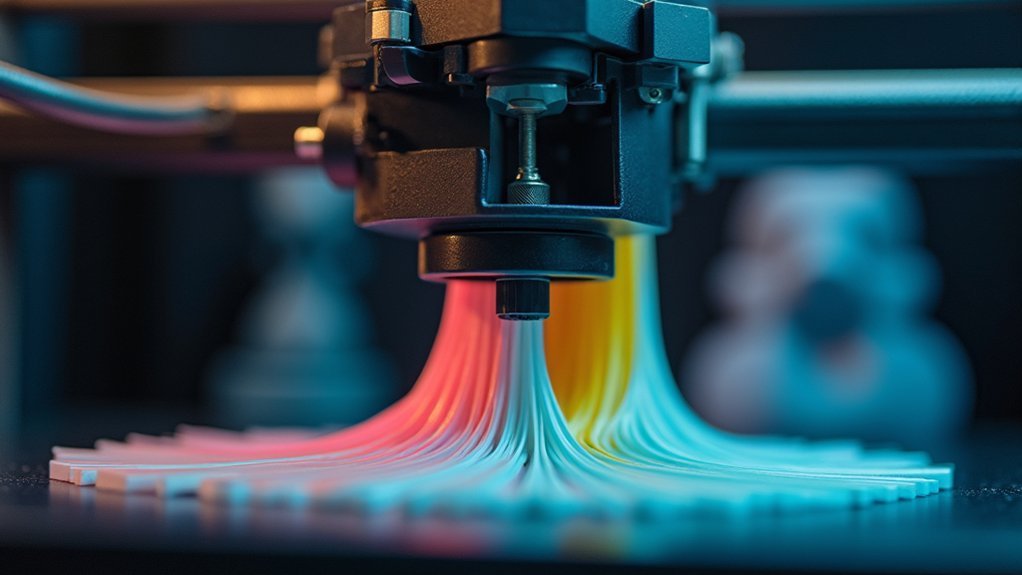
When your extruder isn’t properly calibrated, you’ll quickly notice the difference in your print quality. Poor calibration leads to under-extrusion or over-extrusion, creating weak layers and compromised structural integrity.
Flow rate calibration guarantees your printer delivers the exact amount of filament needed for each layer, preventing gaps or excessive material buildup.
Flow rate calibration ensures precise filament delivery per layer, eliminating gaps and preventing material buildup for consistent print quality.
A properly calibrated extruder enhances layer adhesion, which is essential for strong prints, especially with advanced materials.
You’ll also see improved surface finish and dimensional accuracy when your extrusion multiplier is correctly set.
Beyond aesthetics, proper calibration reduces material waste by eliminating failed prints and reprints.
Regular flow adjustments maintain consistent results, making your printing process more efficient and cost-effective while delivering professional-quality results every time.
Essential Tools and Prerequisites for Flow Rate Calibration
Before you begin flow rate calibration, you’ll need to gather the right tools and verify your printer’s baseline settings.
Start with accurate extruder calibration—your E-steps must be precisely calibrated to avoid compounding errors during flow calibration. A digital caliper with double-digit measurement capability is essential for measuring wall thickness of your print samples.
Measure your filament diameter at five sections spaced 10cm apart, as standard 1.75mm filament varies slightly. Input the first two digits of measured diameter into your slicer.
Verify your nozzle diameter setting matches your actual nozzle. Set ideal temperature and retraction distance for your material before adjusting the flow value.
If your printer supports it, check extruder tension calibration to maintain consistent filament flow throughout the process.
Measuring Filament Diameter and Setting Up Your Slicer

Accurate filament diameter measurement forms the foundation of successful flow rate calibration. You’ll need to measure your filament at five sections spaced 10 cm apart using calipers, avoiding excessive pressure to maintain precision.
Measure filament diameter at five points spaced 10 cm apart using calipers with light pressure for precise calibration results.
Calculate the average and input this value into your filament settings for ideal printing results.
Your slicer settings directly impact extrusion accuracy:
- Measure consistently – Take readings at multiple points to account for manufacturing variations
- Update diameter settings – Enter the average measured diameter into your printer’s filament settings
- Monitor for changes – Regularly verify measurements as inconsistencies cause under or over-extrusion
Properly configured slicer settings prevent excess material deposition and guarantee your test print produces accurate prints.
Step-by-Step E-Steps Calibration Process
E-steps calibration requires precise measurement and calculation to achieve ideal extrusion rates.
Start by marking 120 mm of filament from your extruder’s entry point, then command your printer to extrude exactly 100 mm. Use a caliper for measuring the actual filament extruded to determine any discrepancy.
Calculate your new E-steps value using this formula: New E-steps = (Current E-steps × 100) / Actual length extruded. Input this value into your firmware or slicer software.
The next step involves testing with new filament by printing a small object. Make certain your printing temperature is correct and check for a clogged nozzle if results seem off.
This guarantees the right amount of plastic flows for best printing quality in your printed object.
Fine-Tuning Flow Rate Settings and Verification Testing

Once you’ve completed the E-steps calibration, you’ll need to fine-tune your flow rate settings to achieve ideal print quality.
Print a test cube and measure its wall thickness to determine if your printer extrudes the correct amount of material. This process is suitable for your printer and will greatly improve surface finish.
Test cube wall thickness measurements reveal extrusion accuracy and provide the foundation for achieving superior print surface quality.
- Calculate and adjust: Enter measured values into a flow rate calculator, then input the new flow rate percentage in your slicer settings.
- Verify accuracy: Print another test cube to confirm dimensions match specifications before you go to the next calibration step.
- Document results: Record final settings and observations to save time on future calibrations.
Conduct this calibration periodically rather than for every filament spool, considering factors like print speed and retraction speed used in 3D printing.
Frequently Asked Questions
What Does Calibrating Extrusion Flow Do?
You’ll fine-tune your printer’s plastic output to achieve ideal flow rates near 1.00. This prevents under-extrusion causing missing layers and over-extrusion creating blobs, improving print quality and reducing material waste.
Why Is My Filament Not Flowing Properly?
Your filament isn’t flowing properly because you’ve got incorrect E-steps, clogs in the nozzle, insufficient extruder tension, wrong filament diameter settings, or temperature that’s too low for your material.
Do I Need to Calibrate Extrusion Every Time?
You don’t need to calibrate extrusion every time. Only recalibrate when switching filament types, experiencing consistent under/over-extrusion issues, or accounting for extruder wear and environmental changes.
What Does Flow Rate Calibration Do?
Flow rate calibration fine-tunes your printer’s plastic extrusion amount, ensuring you get the ideal 1.00 flow rate. It prevents under-extrusion and over-extrusion issues, improving layer quality and reducing material waste for cleaner prints.




Leave a Reply