
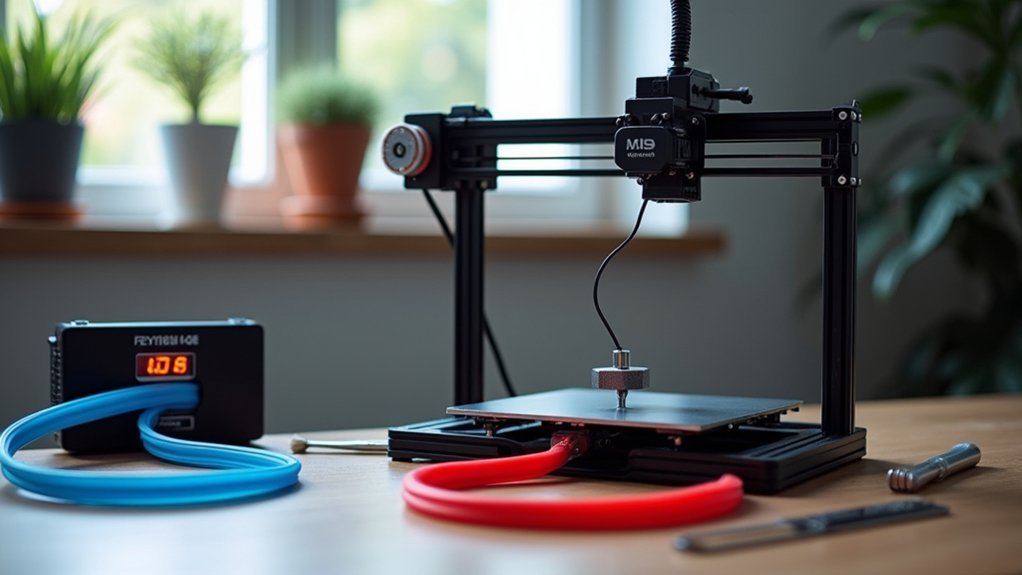
You’ll achieve ideal ABS prints by setting your hotend temperature between 230-250°C and maintaining your heated bed at 110°C. Use temperature towers to test 5-degree increments and find your filament’s sweet spot. Watch for signs of trouble: excessive stringing indicates overheating, while under-extrusion and clicking sounds suggest temperatures that’re too low. Clean your extruder gears weekly and maintain proper filament tension to prevent jams. Master these fundamentals and you’ll discover advanced techniques that transform challenging ABS into reliable, professional-quality prints.
Understanding ABS Temperature Requirements
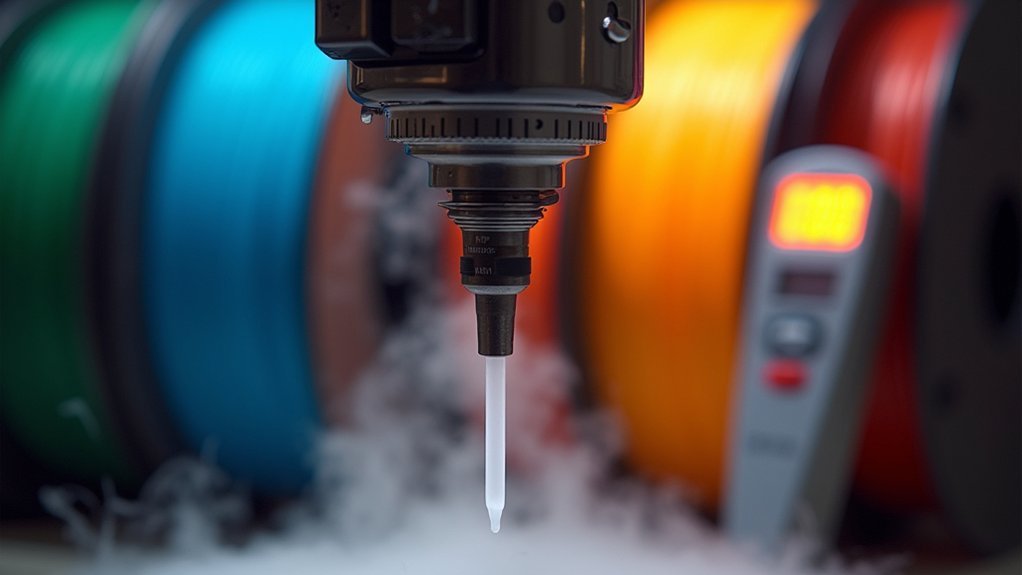
When you’re working with ABS filament, getting the temperature settings right is crucial for successful prints.
You’ll need to set your extrusion temperature between 210°C and 250°C, with most printers performing best around 230°C for ideal melting and flow.
Don’t forget your heated bed – maintain it at 110°C to prevent warping and guarantee proper adhesion.
Keep your heated bed at 110°C to avoid warping issues and ensure your ABS prints stick properly to the build surface.
Remember that different ABS brands and colors may require slight adjustments to these baseline temperatures.
If you’re printing too cold, you’ll experience under-extrusion and weak layer bonds.
Too hot, and you’ll deal with oozing and stringing problems.
Consider running a temperature tower test to dial in the perfect settings for your specific filament, ensuring strong layer adhesion and high-quality results.
Finding Your Optimal Nozzle Temperature Range
You’ll need to test different temperatures systematically to find what works best for your specific ABS filament and printer setup.
A temperature tower is your most effective tool for this process, as it lets you print multiple temperature settings in a single test and visually compare the results.
Focus on how well the layers bond together at each temperature, since poor layer adhesion is one of the most common issues you’ll encounter when your nozzle temperature is too low.
Temperature Tower Testing Method
Although ABS filament manufacturers provide general temperature guidelines, finding the exact nozzle temperature that works best for your specific printer and environmental conditions requires hands-on testing.
A temperature tower is your most reliable testing method for determining ideal ABS printing settings. This 3D printed test structure features multiple segments with incrementally varying temperatures, typically ranging from 230°C to 250°C in 5°C increments.
Print your temperature tower using identical conditions you’ll use for actual projects, including bed temperature and environmental factors.
Once completed, examine each section for layer adhesion quality, stringing, warping, and signs of under or over-extrusion. The best-performing segment reveals your ideal temperature range.
Document this baseline temperature for consistent, high-quality ABS prints moving forward.
Adjusting for Layer Adhesion
After completing your temperature tower test, you’ll need to fine-tune your nozzle temperature specifically for perfect layer adhesion. Start with your best temperature result and make 5-degree adjustments to enhance performance.
| Temperature Issue | Symptoms | Solution |
|---|---|---|
| Under-extrusion | Weak layers, poor adhesion | Increase temperature 5°C |
| Over-heating | Excessive stringing, oozing | Decrease temperature 5°C |
| Ideal range | Strong bonds, clean extrusion | Maintain current setting |
Monitor your prints carefully for signs of under-extrusion, which appears as weak layers or poor adhesion between segments. If you notice these issues, increase your extrusion temperature incrementally. Conversely, if you see excessive stringing or material oozing, lower the nozzle temperature while ensuring proper layer bonding remains intact.
Using Temperature Towers for Precise Calibration
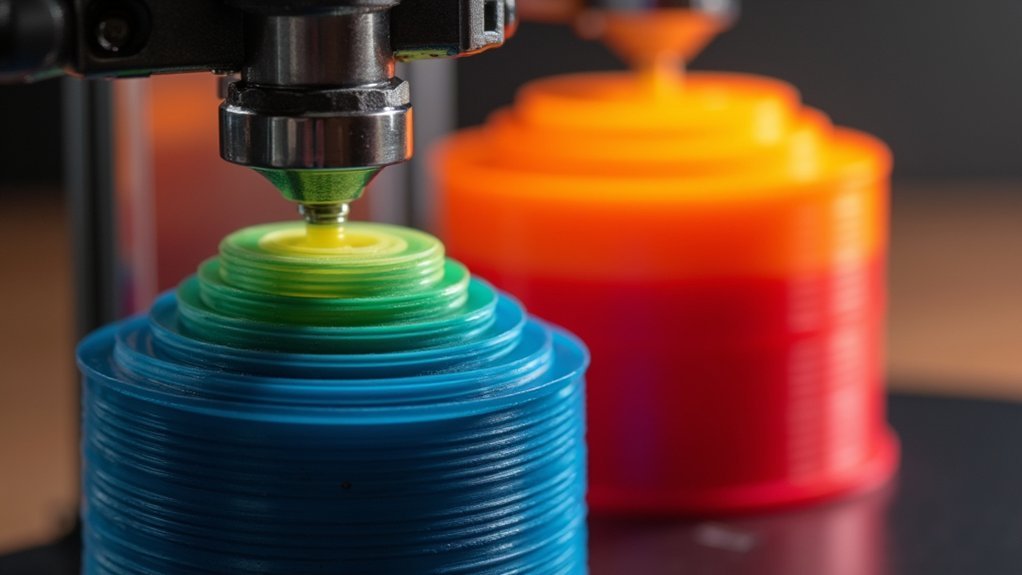
When you’re seeking pinpoint accuracy in your ABS printing temperatures, temperature towers become your most reliable diagnostic tool. These specialized test structures print sections at varying temperatures, typically in 5°C increments, letting you evaluate how your specific filament performs across different heat ranges.
Start with your ABS manufacturer’s recommended baseline temperature, then observe each section carefully. You’ll assess layer adhesion, surface finish, and stringing to identify the sweet spot where your extrusion flows efficiently.
Document your findings from each temperature section—this data becomes invaluable for future prints.
The key is systematic testing. Each tower reveals how your particular filament brand responds to heat changes, giving you precise calibration data that eliminates guesswork and dramatically improves your print quality.
Signs Your Hotend Temperature Is Too High
While temperature towers help you find the ideal range for your ABS filament, recognizing when you’ve exceeded that threshold becomes equally important for maintaining print quality.
Watch for excessive oozing or stringing between printed parts, which indicates your hotend temperature is causing unwanted filament flow. You’ll notice a glossy, overly shiny finish when high temperatures degrade your filament’s natural matte appearance.
Excessive oozing and glossy finish are clear indicators that your hotend temperature has crossed into the danger zone for ABS.
Warping or curling at print edges occurs when filament experiences rapid cooling after being extruded at excessive temperatures. Poor layer adhesion or layers melting together suggests improper bonding from overheating.
Regularly inspect your filament for bubbling or discoloration, as prolonged exposure to high temperatures degrades the material. These visual cues help you adjust your hotend temperature before print quality suffers.
Identifying When Your Nozzle Is Too Cold
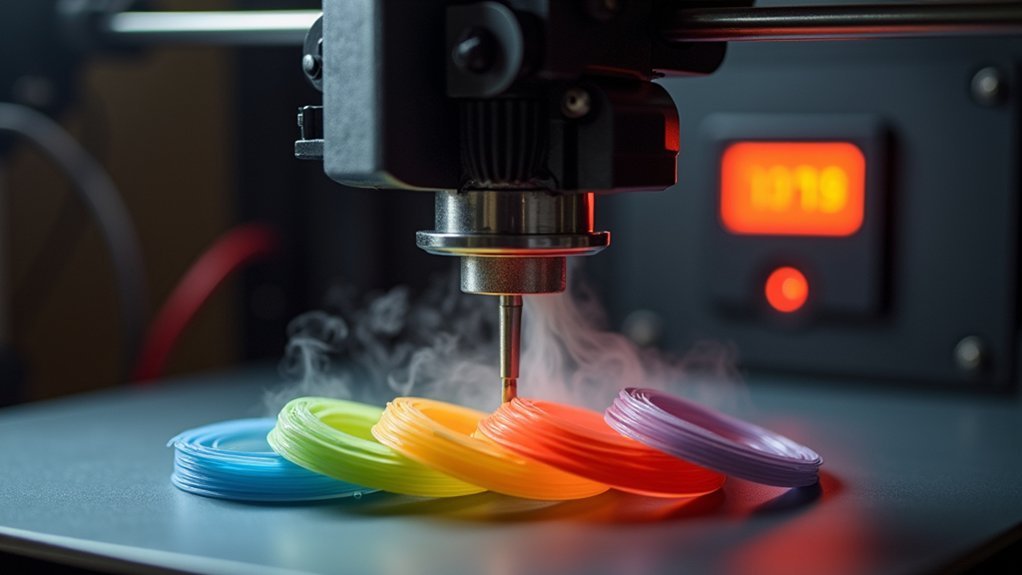
Just as excessive heat creates distinct problems, insufficient nozzle temperature produces its own set of telltale signs that’ll compromise your ABS prints. When your extruder runs too cold, you’ll notice inconsistent filament flow or under-extrusion as the material can’t melt properly. Poor layer adhesion becomes apparent, creating weak bonds between printed layers.
| Problem | Visual Sign | Audio Cue |
|---|---|---|
| Under-extrusion | Gaps in layers | Silent operation |
| Poor adhesion | Weak layer bonds | Normal sounds |
| Extruder jamming | Clicking motor | Grinding noises |
| Stringing issues | Excessive oozing | Intermittent clicks |
| Flow problems | Inconsistent lines | Motor skipping |
Listen for clicking or grinding sounds from your extruder motor, indicating the filament’s struggling against a cold nozzle. Test different temperature settings in 5-degree increments between 210°C and 250°C.
Regular Hotend Cleaning and Maintenance
Maintaining your hotend through regular cleaning prevents the buildup of carbonized filament and debris that can sabotage your ABS printing quality.
Consistent hotend maintenance guarantees reliable extrusion and prevents costly downtime from clogs or component failures.
Follow these essential cleaning and maintenance steps:
- Heat and purge – Raise your hotend to ABS melting temperature and push cleaning filament or nylon through to remove residue buildup from the internal pathways.
- Inspect the nozzle – Check regularly for clogs or visible wear patterns that indicate replacement needs before print quality deteriorates.
- Clean exterior surfaces – Use a soft brush or compressed air to remove dust and debris from the hotend housing and cooling fins.
- Verify components – Confirm your thermistor and heating element connections remain secure for accurate temperature control and safe operation.
Preventing and Clearing Nozzle Clogs
Because ABS requires precise thermal conditions to flow properly, nozzle clogs represent one of the most frustrating obstacles you’ll encounter during printing.
To prevent extrusion problems, maintain your hot end temperature between 220-250°C consistently. Lower temperatures cause incomplete filament melting, leading to blockages.
Regular maintenance is essential. Clean your drive gear and nozzle tip frequently to remove debris that can obstruct material flow.
When clogs occur, start heating your extruder to 120°C and attempt filament removal. If unsuccessful, use temperature increments to gradually increase heat to 180°C for stubborn blockages.
Try the “change filament” technique by pushing new material through at elevated temperatures to force out old filament remnants.
If problems persist, disassemble your extruder to inspect and clear any jams between components.
All-Metal Hotend Benefits for ABS Printing
When you upgrade to an all-metal hotend, you’ll reveal significant advantages for ABS printing that standard PTFE-lined hotends simply can’t deliver.
These hotends excel at temperature management, maintaining stable heat control essential for ABS’s demanding requirements.
Your all-metal hotend transforms ABS printing through:
- Higher temperature capability – Print safely at 270°C without PTFE degradation releasing harmful fumes
- Superior thermal stability – Achieve consistent temperature control that prevents warping and guarantees reliable results
- Reduced clogging risks – Eliminate PTFE breakdown issues that commonly plague standard hotends during high-temperature printing
- Enhanced filament flow – Experience smoother extrusion that improves layer adhesion and overall print quality
You’ll also gain versatility for experimenting with advanced materials like ASA and PC filaments beyond ABS.
Extruder Gear Maintenance and Filament Tension
Your extruder gear’s condition directly impacts ABS print quality, so you’ll need to keep the drive gear components clean and free from filament debris that can cause feeding issues.
Proper filament grip tension is essential—too tight creates jams while too loose leads to under-extrusion that ruins your prints.
Regular maintenance of these components prevents the frustrating extruder gear jams that can waste hours of printing time and expensive ABS filament.
Cleaning Drive Gear Components
The drive gear in your extruder serves as the critical link between your printer’s motor and the filament feed system, making its cleanliness vital for consistent ABS printing results.
When debris accumulates on the drive gear teeth, you’ll experience feeding issues that compromise print quality and reliability.
Regular cleaning prevents filament grinding and guarantees peak grip during ABS printing:
- Power down your printer and remove any loaded filament from the extruder assembly
- Use a soft brush to gently scrub accumulated debris from each tooth groove
- Apply compressed air to blow out stubborn particles from tight spaces around the gear
- Inspect for wear and replace the drive gear if teeth appear damaged or worn
This maintenance routine greatly improves your printer’s performance with temperature-sensitive materials like ABS.
Adjusting Filament Grip Tension
After cleaning your drive gear thoroughly, proper filament grip tension becomes your next priority for achieving consistent ABS extrusion.
You’ll need to adjust the tensioner screw to find the perfect balance where your extruder gear holds the filament securely without crushing it. Test this by manually pushing filament through the extruder—it should move smoothly without excessive resistance or slipping.
Monitor your prints carefully for signs of improper filament grip. If you notice under-extrusion or step skipping, your tension likely needs adjustment.
Remember to regularly inspect your drive gear for wear, as worn gears compromise tension control and cause extrusion problems. Replace worn components promptly to maintain peak performance and prevent frustrating print failures during your ABS projects.
Preventing Extruder Gear Jams
When extruder gear jams strike during ABS printing, they’ll derail your project faster than any temperature issue. Proper maintenance prevents these costly interruptions and keeps your prints flowing smoothly.
Regular extruder gear cleaning removes accumulated filament debris that compromises grip strength. You’ll need to establish proper filament tension through careful tensioner adjustments—too loose causes slippage, while excessive tightness creates jams.
Here’s your prevention checklist:
- Clean gear teeth weekly using a brass brush to remove stubborn plastic buildup
- Check pinch wheel condition for wear patterns or embedded debris
- Inspect hot end pathways for obstructions between extruder and nozzle
- Verify temperature settings match your ABS specifications for ideal flow
These proactive steps eliminate most jamming scenarios before they impact your print quality.
Temperature-Related Layer Adhesion Issues
Since ABS filament requires precise thermal conditions to bond effectively between layers, you’ll need to maintain your extruder temperature within the ideal 210°C to 250°C range.
If you’re experiencing poor layer adhesion, gradually increase temperature in 5-degree increments until you achieve consistent bonding. Watch for excessive stringing or oozing as warning signs of overheating.
Set your heated bed to approximately 110°C to minimize warping and enhance first layer adhesion. The warm surface helps ABS stick better during cooling.
Low ambient temperatures can also cause inconsistent bonding, so consider using an enclosure to maintain stable conditions around your print.
Ensure your hotend is clean and functioning properly, as clogs or inconsistent heating cause under-extrusion, resulting in weak layer adhesion and poor print quality.
Hotend Component Replacement and Upgrades
Sometimes hotend hardware becomes the limiting factor in achieving consistent ABS printing results. When your current setup can’t maintain stable temperatures above 240°C, it’s time for an upgrade to an all-metal hotend that eliminates PTFE degradation risks.
Persistent temperature instability above 240°C signals the need for all-metal hotend upgrades to eliminate PTFE limitations in ABS printing.
Before installing your new hotend, verify you’ve got everything ready:
- Compatibility check – Confirm the upgrade fits your printer’s existing hardware and wiring
- Thermal paste application – Apply between components for improved heat transfer efficiency
- Firmware updates – Modify temperature settings to match your new hotend’s capabilities
- Integrated cooling system – Choose models with built-in fans to prevent heat creep during extended prints
Regular maintenance keeps your upgraded hotend performing effectively, so inspect for clogs and clean the nozzle frequently.
Frequently Asked Questions
What Temperature Should the Nozzle Be for ABS?
You should set your nozzle temperature between 230°C and 240°C for ABS printing. Start at 230°C and increase in 5-degree increments until you achieve ideal layer adhesion and print quality.
What Temperature Should I Use for ABS?
You should start with 230°C for your ABS prints, then adjust in 5-degree increments if needed. Test between 210°C-250°C to find what works best for your specific filament brand.
What Precautions Should Be Taken When Printing With ABS?
You’ll need proper ventilation since ABS emits harmful fumes. Use a heated bed at 100-110°C, maintain consistent ambient temperature with an enclosure, and regularly clean your extruder to prevent clogs.
What Happens if You Print ABS Too Hot?
When you print ABS too hot, you’ll experience material degradation, increased oozing and stringing, poor surface finish, warping issues, and compromised layer adhesion that weakens your prints considerably.




Leave a Reply