
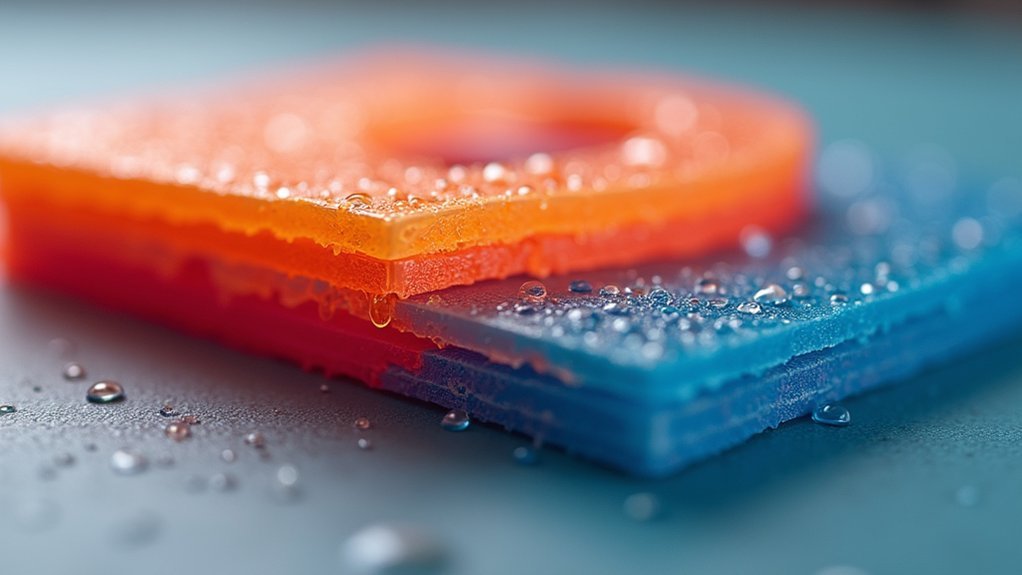
When your filament absorbs moisture from the air, you’ll experience layer separation because the trapped water vaporizes into steam during extrusion. This steam creates internal pressure that disrupts the smooth flow of molten plastic, preventing proper adhesion between layers. The pressure fluctuations and temperature changes weaken bonds, creating gaps that lead to structural weaknesses in your prints. Understanding the signs and prevention methods will help you achieve stronger, more reliable prints.
How Moisture Gets Into 3D Printing Filament
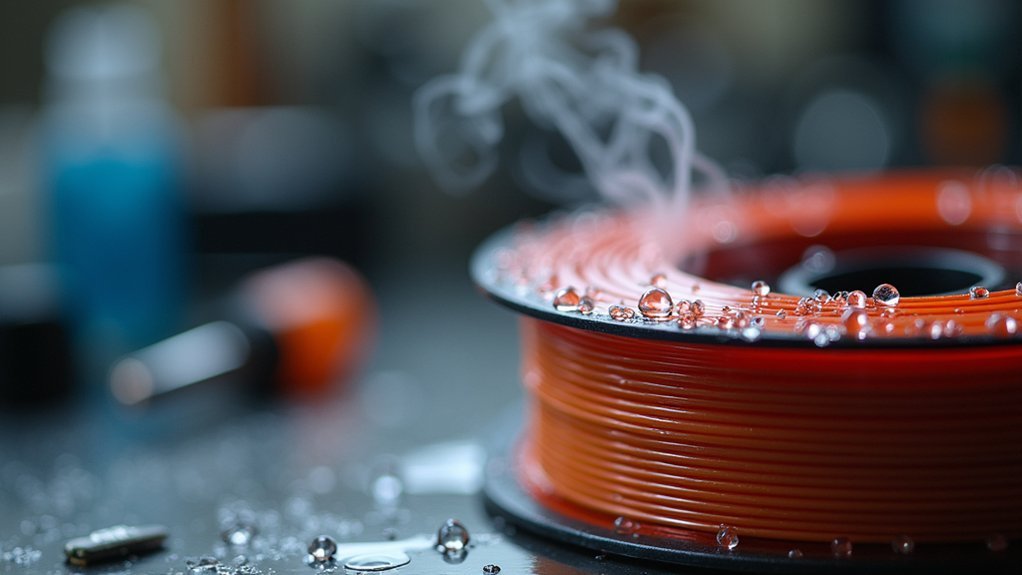
Hygroscopic materials like PLA and ABS filaments act as moisture magnets, constantly pulling water vapor from the surrounding air into their molecular structure.
You’ll find that your filament absorbs moisture through two primary pathways: exposure to high humidity environments and prolonged storage in open air conditions.
Related guide: Best Filament Storage Solutions to Keep Your 3D Printing Materials Moisture-Free
When you leave filament unsealed, atmospheric moisture gradually penetrates the material’s surface and works its way deeper into the core. High humidity levels accelerate this absorption process considerably.
Even brief exposure can compromise your filament’s quality, affecting the entire printing process.
The absorption happens continuously whenever your filament contacts humid air.
Temperature fluctuations worsen the problem by creating condensation that directly contacts the material.
Once moisture infiltrates your filament, it becomes trapped within the polymer structure until heated during extrusion.
The Science Behind Steam Formation During Extrusion
When your 3D printer heats wet filament to extrusion temperatures, the trapped moisture instantly transforms into steam within the nozzle chamber. This steam formation disrupts the normal flow of melted plastic, creating pressure irregularities that directly impact print quality.
The physics behind this process involves several critical factors:
- Energy diversion – Your extruder must work harder because heat energy gets consumed converting water to steam instead of melting filament.
- Pressure buildup – Steam creates internal pressure that forces inconsistent material flow through the nozzle.
- Bubble formation – Escaping steam leaves voids in extruded layers, weakening inter-layer adhesion.
- Temperature fluctuations – The cooling effect of evaporation causes temperature instability during extrusion.
This steam-induced disruption ultimately leads to layer separation as the compromised material can’t properly bond.
Why Water Vapor Disrupts Layer Bonding
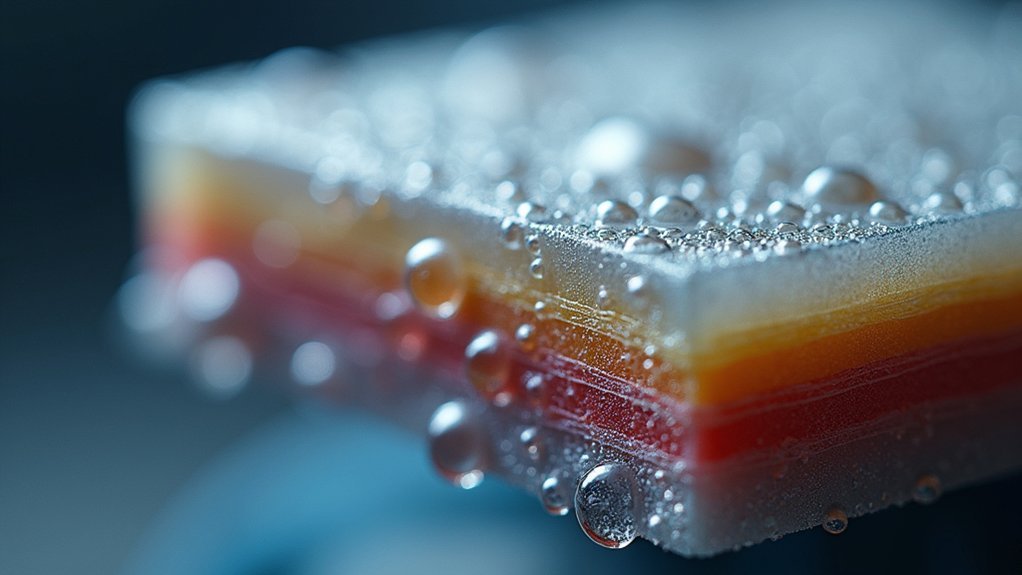
When water vapor forms during extrusion, you’re dealing with steam that creates internal pressure and disrupts the smooth flow of molten filament.
This pressure buildup doesn’t just affect the current layer—it also prevents proper adhesion between layers as the steam escapes and creates gaps.
You’ll notice that temperature fluctuations caused by steam formation weaken the bonds between layers, making your print more likely to separate along layer lines.
Steam Formation During Extrusion
As your 3D printer’s hotend heats wet filament to extrusion temperature, the absorbed moisture instantly vaporizes into steam, creating a cascade of problems that’ll wreak havoc on your print quality.
This steam formation disrupts your printing process through several mechanisms:
- Irregular material flow – Steam bubbles interrupt smooth filament extrusion through the nozzle
- Temperature fluctuations – Rapid vapor conversion causes inconsistent heating, compromising material deposition
- Audible disruption – Popping and hissing sounds indicate moisture rapidly converting to vapor
- Bubble formation – Steam creates pockets that prevent proper material flow and layer bonding
When wet filament undergoes this steam formation process, you’ll notice poor layer adhesion as the vapor interferes with the molten plastic’s ability to bond with previous layers, ultimately leading to structural weaknesses and print failures.
Pressure Changes Affect Adhesion
Beyond the visible disruption of steam bubbles, water vapor creates invisible pressure changes that fundamentally alter how your printed layers bond together.
When moisture-laden filament heats up, expanding water vapor generates internal pressure that pushes against the molten plastic as it exits your nozzle. These pressure changes create an inconsistent flow that prevents uniform material distribution across each layer.
You’ll notice that moisture disrupts the smooth, continuous deposition needed for proper layer adhesion. The irregular pressure fluctuations cause your extruder to push out varying amounts of material, creating microscopic gaps and air pockets between layers.
Without consistent material contact, the thermal and mechanical bonds that hold layers together weaken considerably, making your prints vulnerable to separation along layer lines.
Temperature Fluctuations Break Bonds
These pressure disruptions work hand-in-hand with temperature fluctuations that water vapor creates throughout your printing process.
When moisture turns to steam, it causes rapid expansion and contraction cycles that destabilize your extruder’s thermal environment.
These thermal inconsistencies directly contribute to layer separation through several mechanisms:
- Uneven cooling patterns prevent proper layer fusion as temperatures spike and drop unpredictably
- Steam generation creates localized hot spots that disrupt the controlled heating your filament needs
- Rapid temperature changes cause materials to expand and contract at different rates, weakening bonds
- Inconsistent thermal conditions prevent layers from reaching ideal bonding temperatures
You’ll need proper temperature settings to minimize these effects, but wet filament makes maintaining stable temperatures nearly impossible, ultimately compromising your print’s structural integrity.
Temperature Effects of Wet Filament on Print Quality
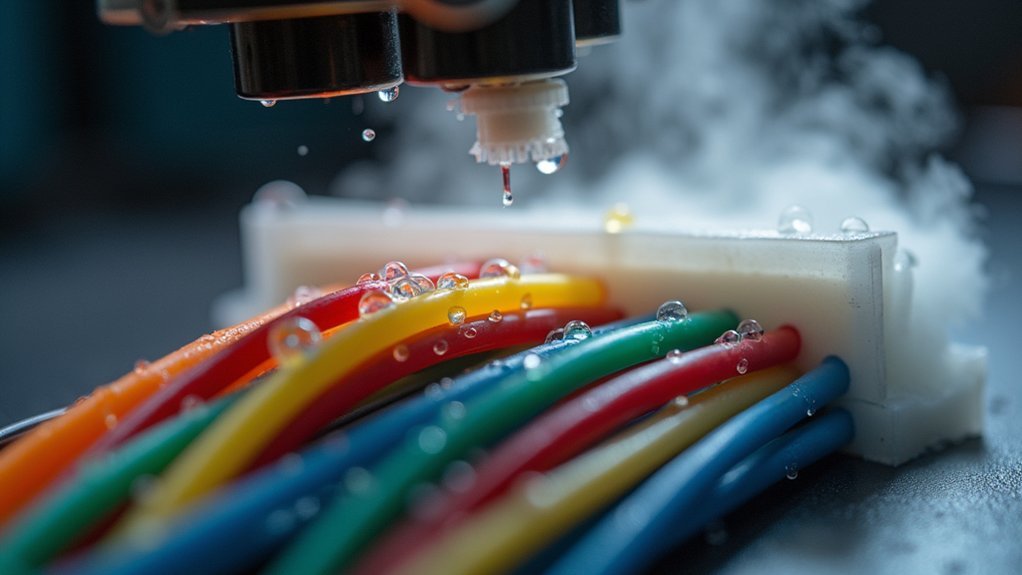
When moisture infiltrates your filament, it fundamentally alters the thermal dynamics of the printing process, creating a cascade of temperature-related issues that directly compromise print quality. The moisture forces you to increase printing temperatures to achieve proper melt flow, but this compensation creates new problems. Higher temperatures can cause overheating, leading to warping and dimensional inaccuracies.
| Wet Filament Condition | Temperature Effects |
|---|---|
| Moisture vaporization | Steam disrupts material flow |
| Bubbling sounds | Rapid temperature fluctuations |
| Higher temp requirements | Overheating and warping |
| Inconsistent extrusion | Variable layer temperatures |
| Poor cooling | Inadequate layer bonding |
These temperature effects create inconsistent layer formation, where layers cool too rapidly and fail to bond properly, resulting in layer separation that compromises your print’s structural integrity.
Identifying Signs of Moisture-Related Layer Separation
Recognizing moisture-related layer separation starts with watching for telltale visual and audible cues during your printing process. When moisture absorption occurs in your filament, it directly impacts layer adhesion and overall printing quality through several obvious warning signs.
- Visual changes: Your filament will appear darker or discolored compared to its original dry state.
- Audio indicators: Listen for bubbling or popping sounds during extrusion as steam releases from heated moisture.
- Print defects: Excessive stringing, oozing, and visible gaps between layers indicate poor adhesion.
- Texture problems: Filament that feels sticky or tacky to touch has absorbed moisture.
These symptoms create weak spots in your printed objects, compromising structural integrity and producing inconsistent results throughout your print job.
Testing Your Filament for Moisture Content
How can you determine if your filament has absorbed too much moisture before it ruins your print? Start with a simple snap test: bend your filament sharply. Healthy filament snaps cleanly, while wet filament bends or deforms without breaking. This quick check reveals moisture content that leads to layer separation.
During printing, watch for telltale signs. Wet filament creates excessive stringing and oozing as moisture interferes with proper extrusion. You’ll notice steam or bubbling in initial layers when moisture vaporizes at printing temperatures.
Watch for steam, bubbling, excessive stringing, and oozing during printing – these are clear indicators your filament has absorbed too much moisture.
Listen for unusual popping sounds and smell for odd odors emanating from the hotend.
Visually inspect your filament for discoloration or darker sections, which indicate moisture absorption that compromises print quality and causes poor layer adhesion.
Proper Filament Storage and Drying Methods
Once you’ve identified moisture-compromised filament, proper storage becomes your first line of defense against future layer separation issues.
Your filament will absorb moisture from the environment if left exposed, so implementing effective storage and drying methods protects your investment.
Essential storage and drying practices include:
- Store filament in airtight containers with silica gel desiccants to prevent environmental moisture absorption
- Use a filament dryer, food dehydrator, or oven at low temperatures (around 50°C) for several hours when drying is needed
- Adjust your printer’s proper settings after drying to optimize performance with restored filament
- Monitor stored filament regularly for discoloration or signs of moisture compromise
These drying methods effectively remove absorbed moisture, ensuring your prints maintain strong layer adhesion and professional quality results.
Frequently Asked Questions
What Happens When Filament Gets Wet?
When your filament gets wet, you’ll notice bubbling sounds during printing, poor layer adhesion, increased stringing, and potential nozzle clogs. Moisture creates steam that disrupts extrusion flow and weakens your prints.
Can Wet Filament Cause Poor Bed Adhesion?
Yes, wet filament causes poor bed adhesion because moisture creates steam that disrupts contact between filament and bed. You’ll experience bubbling, uneven surfaces, and inconsistent flow that prevent proper first-layer bonding.
Does Wet Filament Cause Warping?
Yes, wet filament causes warping because moisture creates steam during printing, disrupting layer adhesion and causing uneven cooling. You’ll experience layer separation and curling as the steam pressure deforms your material throughout the process.
Does Wet Filament Cause Stringing?
Yes, wet filament causes stringing because moisture creates steam during printing, disrupting smooth filament flow. You’ll notice excessive “hairs” and oozing between layers as the material expands and contracts unpredictably from bubbling.



