
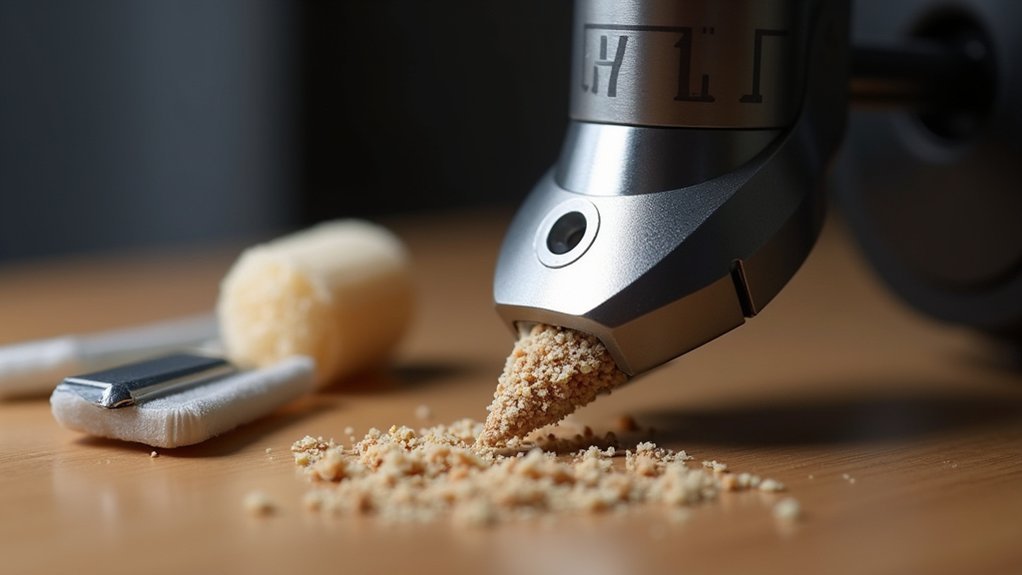
You’ll need a hardened steel nozzle and temperatures between 175°C-220°C for successful wood filament printing. Use 0.4mm nozzles for filaments with 20% wood content or less, upgrading to 0.6mm for higher concentrations. Set your heated bed to 50°C-70°C and print at 40-60 mm/s to prevent clogs. Perform cold pulls weekly using PLA at 100-120°C, then cooling to 90°C before extraction. Proper maintenance every 5-10 prints will maximize your printing success and reveal advanced techniques.
Optimal Temperature Settings for Wood Filament Printing
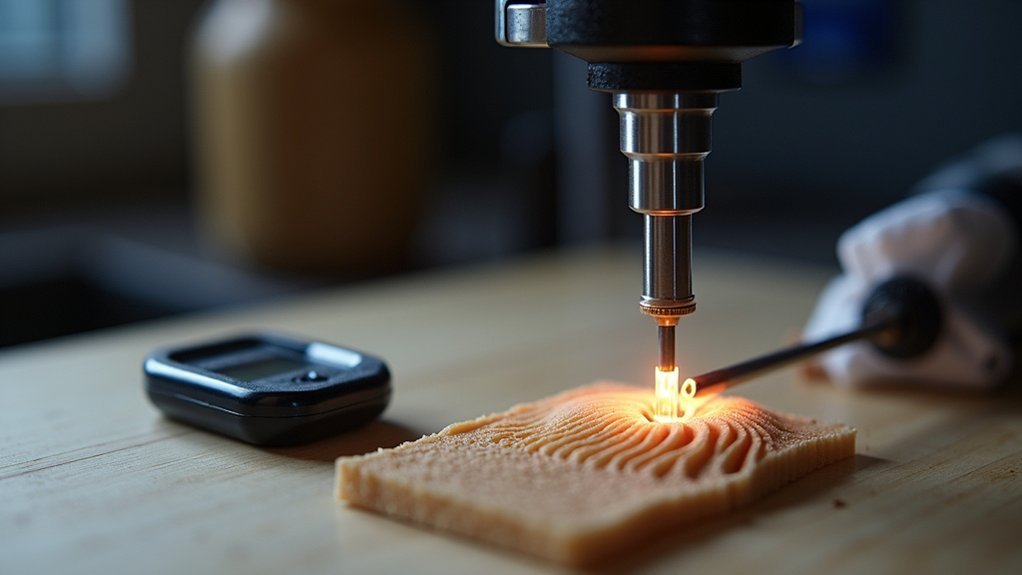
How can you achieve the perfect balance between print quality and nozzle longevity when working with wood filament?
Setting ideal temperature settings between 175°C to 220°C is essential for your wood filament success. You’ll need to adjust your nozzle size based on wood content – use a 0.4mm hardened steel nozzle for up to 20% wood content, but switch to 0.6mm for higher wood content exceeding 30%.
Maintain your heated bed at 50°C to 70°C for proper adhesion. Keep your printing speed between 40-60 mm/s to preserve detail and prevent nozzle clogging.
Different brands require temperature adjustments, so monitor your print quality closely. Don’t forget to fine-tune your cooling fan settings to complement these temperature parameters.
Selecting the Right Nozzle Material and Size
Two critical decisions determine your wood filament printing success: choosing the right nozzle material and selecting the ideal size.
Hardened steel nozzles outperform brass alternatives when printing with wood filament because they resist wear from abrasive wood particles.
Your nozzle size selection depends on wood content:
- 0.4mm hardened steel nozzle works well for filaments with 20% or less wood content
- 0.6mm nozzle prevents clogs when using higher wood content filaments (30%+)
- Larger nozzle sizes (0.5mm+) minimize stringing and oozing issues
- Regular maintenance after switching from wood to other materials like ABS prevents future problems
A larger nozzle improves flow and reduces clog likelihood, making your wood printing experience smoother and more reliable.
Preventing and Managing Nozzle Clogs
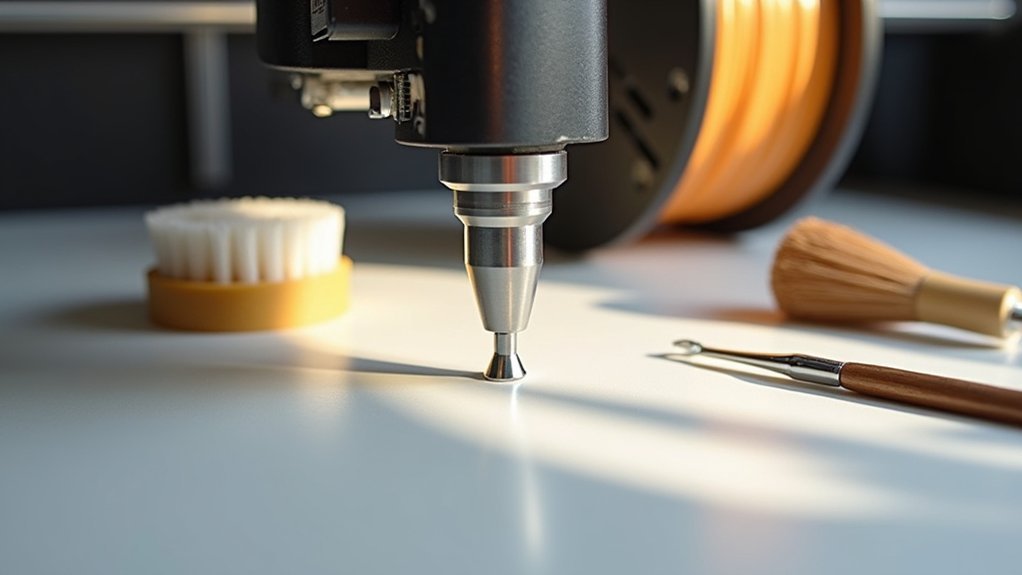
While wood filaments create beautiful prints with natural textures, their fibrous particles make nozzle clogs inevitable without proper prevention strategies.
Wood PLA requires vigilant nozzle care due to its abrasive nature. A hardened steel nozzle withstands wood particle wear better than standard brass options. Monitor your temperature settings carefully—overheating causes carbonization and increased clogging. Adjust your flow rate to prevent over-extrusion, which compounds blockage issues.
When clogs occur, use the cold pull method for effective cleaning. Heat your nozzle to printing temperature, then cool it slightly before pulling the filament out smoothly. This technique removes debris trapped in the nozzle chamber.
Consider upgrading to a 0.6mm nozzle for high wood content filaments to reduce clogging frequency and maintain consistent extrusion.
Cold Pull Method for Nozzle Cleaning
The cold pull method offers the most reliable technique for removing stubborn clogs from your wood filament nozzle. This cleaning approach involves heating your nozzle to specific temperatures to soften stuck material, then cooling it slightly before extraction.
Here’s how to execute the cold pull properly:
- Heat your nozzle to 100-120°C for PLA compatibility
- Insert standard PLA filament into the heated nozzle
- Lower temperature to 90°C to achieve ideal pulling consistency
- Gently pull the filament out to extract trapped wood particles
You’ll effectively dislodge debris without damaging your nozzle’s internal components.
Perform this cleaning method regularly after wood filament printing sessions, as wood particles create frequent clogging issues. The cold pull prevents long-term buildup that could permanently damage your equipment.
Regular Maintenance Schedule for Wood Filament Users
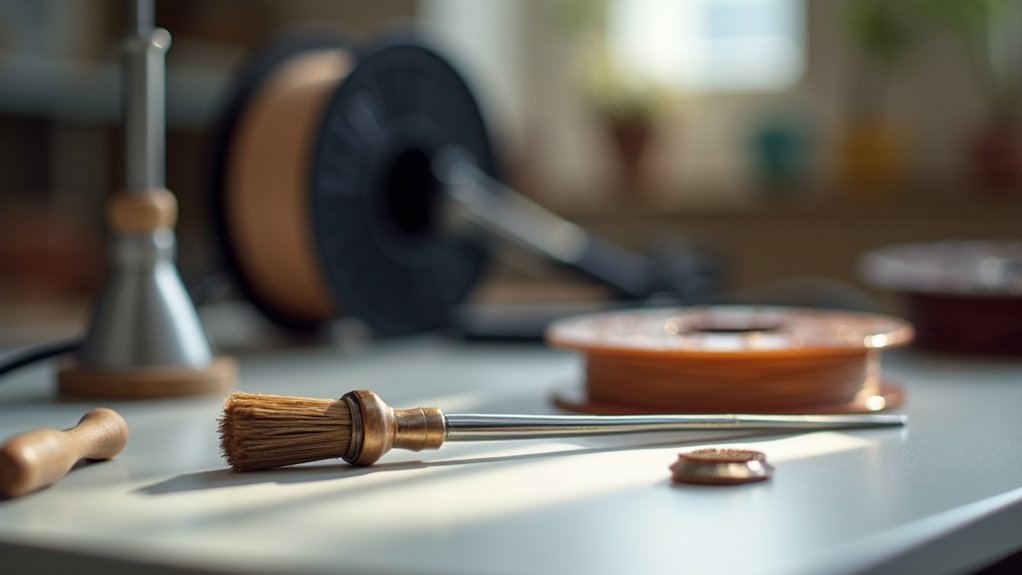
Five key maintenance tasks will keep your wood filament nozzle performing at its finest and prevent costly replacements.
First, perform routine nozzle maintenance every 5-10 prints, as wood particles create brittleness that leads to clogs.
Wood particles accumulate quickly in nozzles, causing brittleness and clogs that require maintenance every 5-10 prints to prevent failures.
Second, use the cold pull method weekly to remove built-up wood debris effectively.
Third, replace your nozzle after every 2-3 spools since wood filament’s abrasiveness causes significant wear.
Fourth, maintain detailed records of your print settings and temperature adjustments to track prime performance periods and identify when print quality declines.
Finally, regularly inspect your filament path for dust and moisture accumulation, as wood filament’s environmental sensitivity directly impacts nozzle performance.
This proactive cleaning schedule prevents expensive downtime and guarantees consistent results.
Frequently Asked Questions
What Temp Should Wood Filament Nozzle Be?
You should set your wood filament nozzle temperature between 175°C to 220°C. If you’re using darker wood finishes, you’ll need temperatures up to 240°C for ideal printing results.
What Are the Best Print Settings for Wood Filament?
You’ll want to set your extruder between 175-220°C, bed at 50-70°C, use a 0.6mm hardened nozzle, print at 40-60mm/s, and optimize retraction settings to prevent stringing.
What Temperature Do You Dry Wood Filaments?
You should dry wood filaments at temperatures between 40°C to 60°C. Don’t exceed 60°C as it’ll damage the material. Use a filament dryer for 4-8 hours depending on moisture content.
What Is the Best Nozzle for Wood Filament?
You’ll want a hardened steel nozzle that’s 0.5mm or larger for wood filament. If you’re using high wood content filaments (30%+), go with 0.6mm to prevent clogs and guarantee smooth extrusion.



