

You’ll need proper ventilation for your home 3D printer since it releases volatile organic compounds (VOCs) and ultrafine particles that can cause respiratory irritation, headaches, and nausea. Guarantee six air changes per hour through exhaust fans, open windows, or mechanical ventilation systems. Use HEPA and activated carbon filters to capture particles and absorb harmful gases. Install air quality monitors to track pollutant levels and maintain regular filter cleaning schedules. Below you’ll discover extensive strategies for creating a safer printing environment.
Understanding 3D Printer Emissions and Health Risks
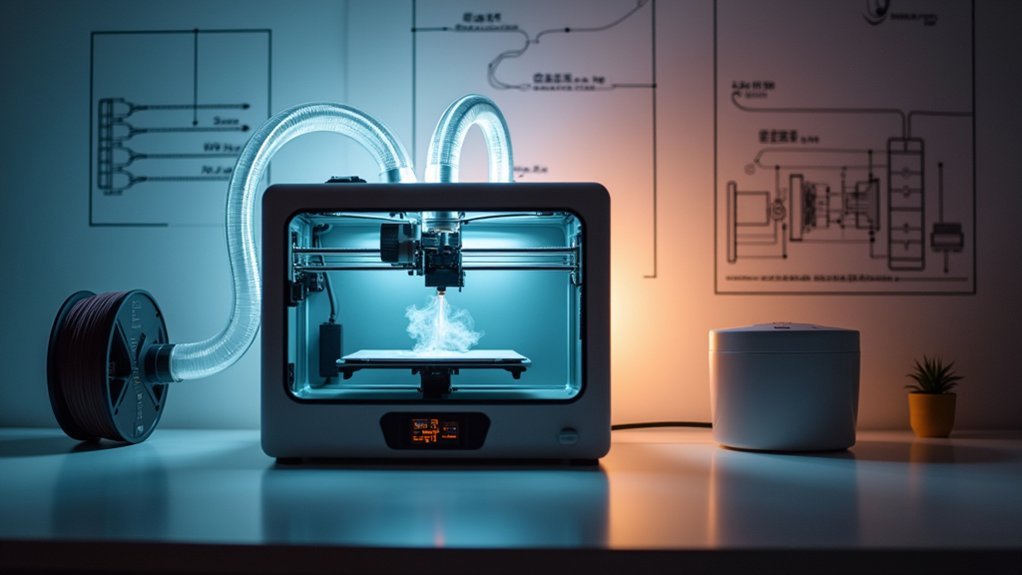
While 3D printing opens up exciting possibilities for home creators, it’s essential you understand the invisible health risks lurking in your workspace. 3D printers release Volatile Organic Compounds (VOCs) and ultrafine particles (UFPs) when heating materials, creating harmful emissions that can cause respiratory irritation, headaches, and nausea.
These ultrafine particles penetrate deep into your lungs, posing serious threats in poorly ventilated environments.
Different filaments carry varying risk levels. ABS and nylon produce considerably more dangerous emissions than PLA, with some VOCs like styrene potentially causing carcinogenic effects over time. Long-term exposure amplifies these health risks greatly.
You can’t see or smell many pollutants, making air quality monitoring essential for detecting harmful concentration levels in your printing space.
Types of Harmful Fumes Released During 3D Printing
When you operate your 3D printer, you’re exposed to two primary categories of harmful emissions that can impact your health.
Volatile organic compounds (VOCs) like styrene and formaldehyde release into the air, particularly when printing with materials such as ABS, nylon, and PETG.
You’ll also encounter ultrafine particles (UFPs) that become airborne during the heating process, which can penetrate deep into your respiratory system.
Volatile Organic Compounds
As you fire up your 3D printer, the heated filament begins releasing volatile organic compounds (VOCs) into the air—invisible chemicals that can pose serious health risks in your workspace.
These harmful fumes vary considerably depending on your material choice. ABS filament produces higher VOC concentrations, including styrene and formaldehyde, while PLA generates relatively lower emissions making it safer for indoor printing.
During the printing process, you’re also exposed to Ultrafine Particles (UFPs) that can penetrate deep into your lungs, potentially causing cardiovascular issues.
Without proper ventilation, these contaminants accumulate quickly. Essential safety measures include installing an air purifier with activated carbon filters and ensuring adequate airflow to dramatically reduce VOC concentrations and protect your health.
Ultrafine Particle Emissions
Beyond the chemical vapors themselves, your 3D printer generates massive quantities of ultrafine particles that create an invisible cloud of microscopic pollutants throughout your workspace.
These UFPs measure just 1-100 nanometers, making them small enough to penetrate deep into your lungs and cause serious health risks.
Your printer releases three particularly dangerous particle types:
- Carbon black particles – Created during filament heating that can lodge permanently in lung tissue.
- Styrene compounds – Toxic particles causing respiratory irritation and neurological effects.
- Volatile organic compounds (VOCs) – Chemical particles triggering asthma and allergic reactions.
Studies show 3D printing produces over 10 million particles per cubic meter, severely degrading indoor air quality.
Proper ventilation using exhaust systems and air purifiers with HEPA filters effectively removes these microscopic threats from your environment.
Essential Ventilation Requirements for Home 3D Printing
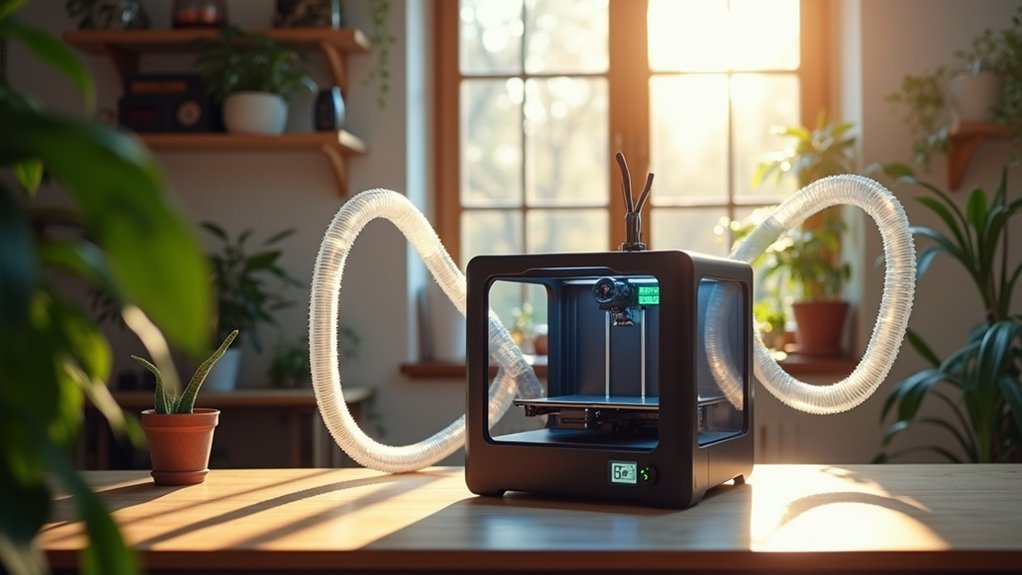
You’ll need to establish proper air circulation rates and choose effective filtration systems to create a safe 3D printing environment.
Your workspace should achieve approximately six air changes per hour to prevent harmful fume accumulation.
The right combination of airflow and filtration will protect you from VOCs and ultrafine particles released during printing.
Air Change Rate Requirements
Six air changes per hour represents the baseline ventilation standard you’ll need to maintain safe air quality during 3D printing operations.
This air change rate guarantees your ventilation system effectively removes harmful fumes from your workspace, creating a safe environment for extended printing sessions.
Your specific ventilation requirements depend on three key factors:
- Printer design – Closed printers contain emissions better, reducing ventilation demands compared to open designs.
- Printer size and operation – Larger, continuously operating printers generate more fumes requiring enhanced air circulation.
- Air quality monitoring – Regular testing confirms your ventilation system maintains proper rates and reduces health risks.
Remember to check local regulations for compliance standards.
Proper ventilation protects your health while guaranteeing peak 3D printing performance in your home workshop.
Filter System Selection
Three critical components form the foundation of an effective 3D printer filter system: HEPA filters for ultrafine particle capture, activated carbon filters for chemical absorption, and adequate airflow capacity to match your ventilation requirements.
When making your filter system selection, you’ll need air filtration systems specifically designed for 3D printing applications. These systems effectively remove volatile organic compounds (VOCs) and ultrafine particles (UFPs) that various filament materials emit during printing.
Your ventilation solutions should accommodate approximately 6 air changes per hour to maintain peak air quality. Larger, open printers require more powerful systems for continuous operation.
Don’t overlook regular maintenance – timely filter replacements and unit cleaning guarantee your system performs effectively and keeps your printing environment safe.
Natural Ventilation Methods and Airflow Optimization
While mechanical ventilation systems offer robust solutions, natural ventilation methods provide an accessible and cost-effective approach to managing 3D printer emissions in your workspace.
These techniques effectively reduce harmful fumes while maintaining fresh air circulation throughout your printing area.
Essential Natural Ventilation Strategies:
- Position your printer strategically – Place it near windows or existing vents to facilitate immediate toxic emission escape and enhance fresh air intake during printing sessions.
- Establish cross-ventilation – Create openings on opposite sides of your room to generate continuous airflow that disperses particles and odors effectively.
- Combine with exhaust fans – Install fans alongside natural airflow optimization to boost fume removal efficiency considerably.
Regular air quality monitoring helps you assess ventilation effectiveness and make necessary adjustments to maintain a safe atmosphere.
Mechanical Ventilation Systems and Exhaust Solutions
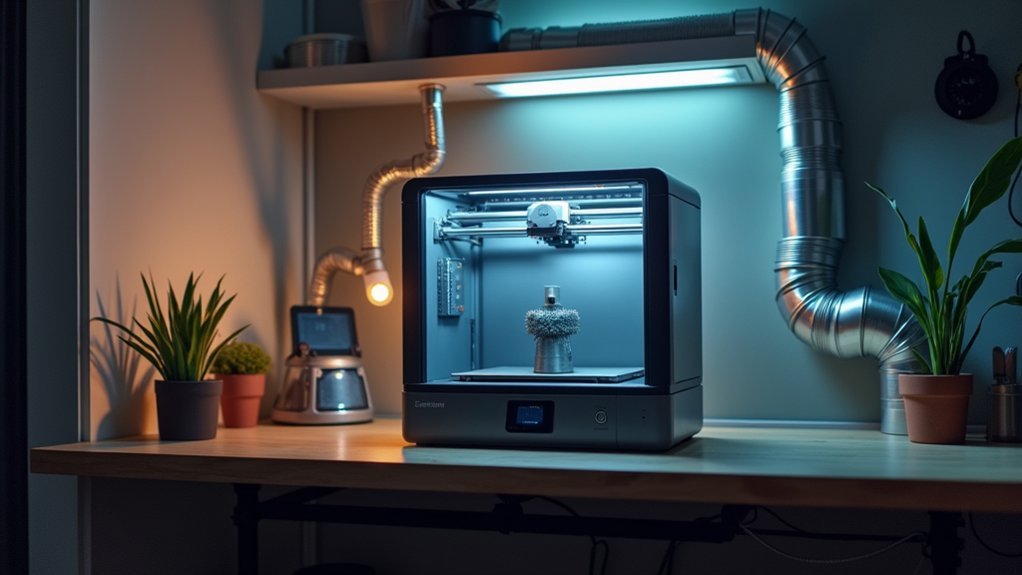
When natural ventilation isn’t sufficient for your 3D printing setup, mechanical ventilation systems provide the controlled airflow and targeted exhaust capabilities needed to effectively remove harmful fumes and particles from your workspace.
These exhaust solutions can be tailored to your specific printer type and room size, with experts recommending at least six air changes per hour for ideal air quality.
You’ll want to integrate HEPA filters and activated carbon filters into your system to capture ultrafine particles (UFPs) and absorb volatile organic compounds (VOCs).
For enclosed printer setups, negative pressure enclosures work best to reliably expel fumes.
Don’t forget regular maintenance—filter replacements and system inspections guarantee your ventilation operates efficiently and protects your health.
Air Filtration Options for Capturing Particles and VOCs
Beyond mechanical ventilation systems, you’ll need robust air filtration to tackle the specific pollutants your 3D printer releases into your workspace.
Air filtration options effectively capture ultrafine particles (UFPs) and volatile organic compounds (VOCs) that mechanical systems might miss.
Your filtration system should include these three essential components:
- HEPA filters – Capture 99.97% of particles as small as 0.3 microns, effectively trapping UFPs from printing.
- Activated carbon filters – Absorb VOCs and odors that HEPA filters can’t handle.
- Multi-stage air purifiers – Combine pre-filters, HEPA, and carbon layers for thorough protection.
For ideal indoor air quality, you’ll need an air exchange rate of at least six times per hour.
Remember to regularly maintain and replace filters, as clogged filters drastically reduce efficiency.
Setting Up Proper Ventilation in Different Room Types
Your room size and layout directly impact which ventilation strategy will work best for your 3D printing setup. Proper ventilation is essential for maintaining a safe printing environment across different spaces.
| Room Type | Recommended Ventilation Solution |
|---|---|
| Small rooms | Exhaust fan or air purifier with HEPA filters achieving six air changes per hour |
| Dedicated printing spaces | Fume hood or ventilation system directing emissions outside |
| Home workshops with multiple printers | Mechanical ventilation system connected to ducting for efficient extraction |
| General rooms | Open windows/doors for natural airflow in well-ventilated area |
| Basements/enclosed spaces | Negative pressure enclosures designed for 3D printers |
Ensure airflow isn’t restricted by furniture or obstacles. Each solution targets specific challenges while maintaining effective contaminant removal for your particular space configuration.
Monitoring Air Quality and Maintaining Ventilation Systems
Installing proper ventilation is only half the battle—you’ll need to actively monitor air quality and maintain your systems to confirm they’re working effectively.
Air quality monitors help detect harmful levels of VOCs and UFPs in your printing space, giving you real-time feedback on your ventilation systems’ performance.
Real-time air quality monitoring provides immediate feedback on whether your ventilation system is effectively protecting your workspace from harmful printing emissions.
Here’s your essential maintenance routine:
- Monitor regularly – Use air quality monitors to track pollutant levels and confirm proper ventilation is maintaining safe conditions.
- Schedule maintenance – Clean or replace HEPA filter components and check airflow systems monthly.
- Keep detailed logs – Document when you perform air quality assessments and system checks.
Combine activated carbon filters with HEPA filter setups for maximum effectiveness.
Understanding these practices helps you comply with safety regulations while protecting your health.
Safety Equipment and Best Practices for Home Printing Environments
While proper ventilation forms your primary defense against harmful emissions, you’ll need additional safety equipment and protocols to create a truly secure home printing environment.
Always wear personal protective equipment including masks and gloves when handling materials to prevent exposure to harmful particles.
Install air quality monitors to detect dangerous VOC and UFP levels in real-time. Complement your ventilation solutions with HEPA and activated carbon filter systems for maximum protection.
Following these best practices guarantees printer safety: regularly inspect ventilation equipment functionality, keep a fire extinguisher accessible, and familiarize yourself with emergency procedures since overheating poses combustion risks.
These thorough safety tips, combined with effective monitoring and maintenance routines, create a secure workspace that protects your health while enabling productive 3D printing activities.
Frequently Asked Questions
Is It Safe to Breathe Around a 3D Printer?
You shouldn’t breathe directly around 3D printers without proper ventilation. They emit harmful particles and VOCs that can irritate your respiratory system. Use exhaust fans, air filtration, and choose safer filaments like PLA.
How to Properly Ventilate a Room With a 3D Printer?
You’ll need six air changes hourly, exhaust fans removing fumes outdoors, HEPA/carbon filtration systems, open windows for natural airflow, and air quality monitors to detect pollutants effectively.
Is It Safe to Have an Enclosed 3D Printer in Your Room?
You can safely have an enclosed 3D printer in your room if you maintain proper ventilation, monitor air quality regularly, and use low-emission materials to minimize harmful fume accumulation.
Is It Safe to Leave the House With a 3D Printer Running?
You shouldn’t leave your house with a 3D printer running due to fire risks from overheating or thermal runaway. Without supervision, malfunctions can’t be addressed quickly, creating dangerous situations.



