

You’ll accelerate your architectural visualization prototyping by adopting integrated modeling software like Revit or 3ds Max for streamlined workflows. Leverage pre-built asset libraries to cut design time while maintaining visual quality, and optimize rendering settings by using draft mode during iterations. Establish clear client communication protocols early to capture expectations and reduce revision cycles. Implement real-time feedback systems that allow stakeholders to interact directly with models, catching design flaws before they become costly construction errors. These strategies will transform your entire prototyping approach.
Streamline Your 3D Modeling Workflow for Rapid Iteration
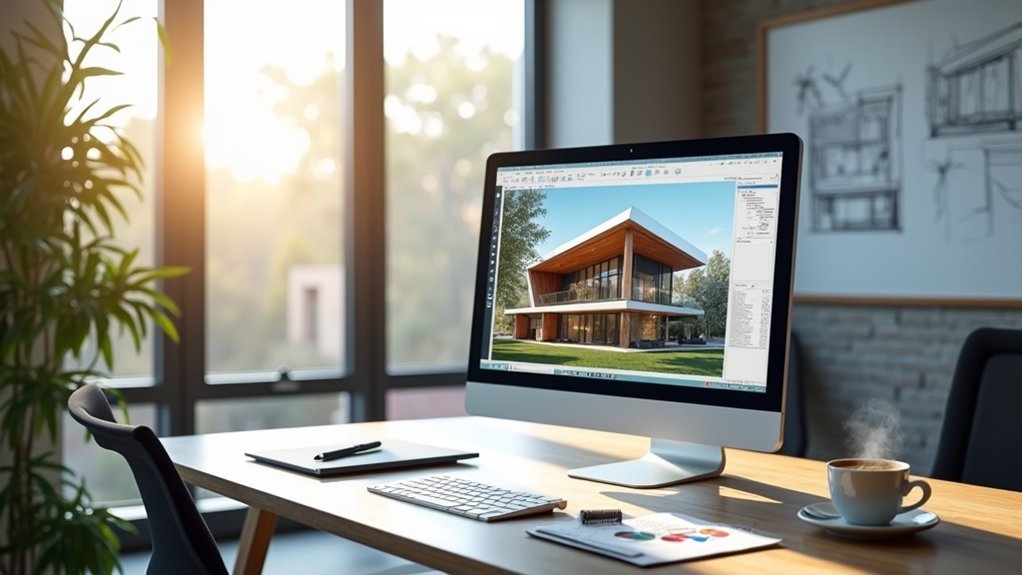
Accelerate your architectural visualization process by choosing software that seamlessly integrates modeling and rendering capabilities. Tools like Autodesk Revit or 3ds Max eliminate the need to transfer files between programs, streamlining your design process considerably.
Adopt a modular approach when building your models. Create reusable components that you can quickly adjust and adapt across different projects. This strategy dramatically speeds up your workflow and guarantees consistency throughout your architectural visualization work.
Build once, use everywhere – modular components transform your architectural workflow into a streamlined, consistent powerhouse of efficiency.
Leverage library assets and pre-built textures instead of creating every detail from scratch. This allows faster prototyping while maintaining quality standards.
Implement real-time rendering tools such as V-Ray or Lumion to visualize changes instantly. These rendering software solutions enable immediate feedback loops, letting you generate high-quality images and iterate rapidly throughout your design development process.
Leverage Pre-Built Asset Libraries to Accelerate Design Development
Pre-built asset libraries serve as your secret weapon for rapid architectural visualizations development.
You’ll dramatically cut design time by accessing ready-to-use furniture, fixtures, and landscaping elements that integrate seamlessly into your projects. Software like SketchUp and Revit offers extensive libraries packed with high-quality models that instantly enhance realism without custom creation.
You’ll streamline your design process through categorized, searchable elements that let you quickly locate project-specific items. These assets come with optimized textures and materials, maintaining exceptional visual quality while reducing post-processing work.
You’ll accelerate prototyping phases and release creative freedom by experimenting with various styles and compositions. Instead of starting from scratch, you’re building upon proven foundations that boost both speed and innovation in your architectural visualizations.
Optimize Rendering Settings for Speed Without Sacrificing Quality
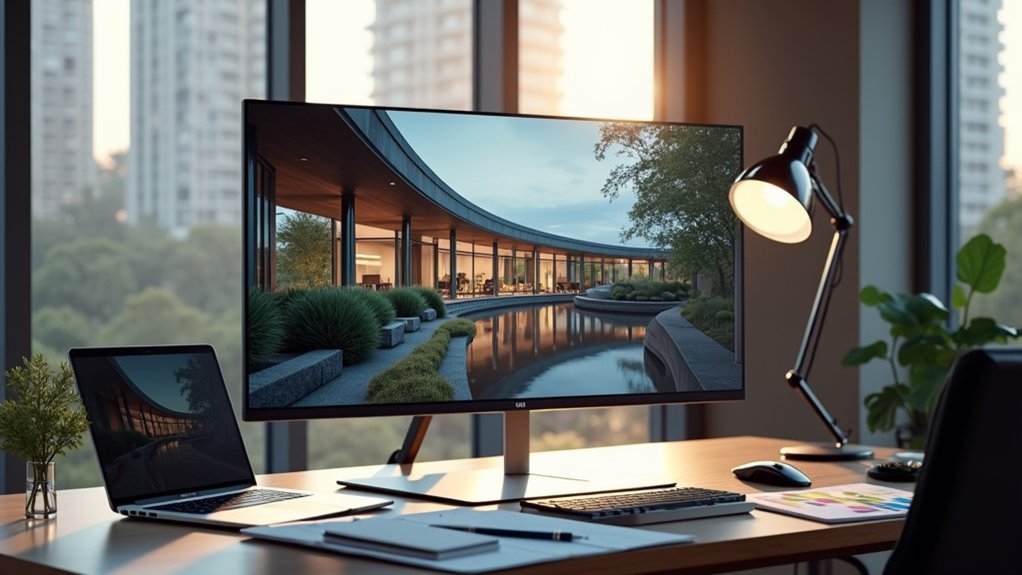
Building upon your foundation of pre-built assets, you’ll maximize efficiency by fine-tuning your rendering settings to balance speed with visual impact.
Lower your resolution and switch to draft quality during architectural rendering iterations—you’ll maintain sufficient visual clarity for design validation while dramatically reducing processing time.
Reduce resolution and use draft quality for faster iterations while preserving enough visual detail for effective design review.
Replace complex shaders with simplified materials and basic textures that preserve your design intent without computational overhead.
Implement render layers and passes to modify specific elements without reprocessing entire scenes.
Configure your visualization software to leverage GPU acceleration rather than CPU-only rendering for substantial speed improvements.
Consider cloud rendering services that distribute workloads across multiple servers.
These best practices let you optimize rendering settings while maintaining good lighting and visual quality essential for effective architectural presentations.
Establish Clear Client Communication Protocols Early in the Process
Since architectural visualization projects often derail due to miscommunication, you’ll save countless hours by establishing structured client protocols before your first design iteration.
Begin with detailed discussions that capture client expectations, budget constraints, and specific visualization requirements for your architectural design. Document every piece of feedback meticulously during initial meetings—this creates a reference point that prevents costly revisions later.
Use visual aids like sketches or 3D models to guarantee you’re aligned on design elements before diving into complex prototyping.
Clear communication protocols should include scheduled regular check-ins throughout the process, allowing you to make timely adjustments based on evolving client needs.
This upfront investment in structured dialogue dramatically reduces project timeline extensions and keeps your visualization work focused and efficient.
Implement Real-Time Feedback Systems for Instant Design Validation

While traditional feedback cycles can stretch projects for weeks, real-time validation systems transform your architectural visualization workflow into an immediate, collaborative experience.
You’ll integrate real-time feedback platforms with your 3D visualization tools, allowing stakeholders to interact directly with models and provide instant input. This approach dramatically reduces revision cycles while ensuring your architectural rendering aligns perfectly with client expectations.
Cloud-based systems keep your entire team synchronized with the latest design iterations, enabling streamlined communication across all project phases.
You’ll catch design flaws early, preventing costly construction-stage errors. When clients engage actively in the validation process, they feel valued and invested in outcomes.
This enhanced collaboration directly boosts client satisfaction while accelerating your design services for commercial projects, creating a competitive advantage through faster delivery and superior results.
Frequently Asked Questions
What Software Combinations Work Best for Fast Architectural Visualization Prototyping?
You’ll find SketchUp paired with Lumion delivers excellent speed for initial concepts. Blender’s free and powerful for detailed work. Rhino with V-Ray offers precision. Unreal Engine provides real-time rendering for interactive presentations.
How Do You Handle Version Control When Working With Multiple Team Members?
You’ll need cloud-based platforms like Git LFS for large files, establish clear naming conventions, use branching strategies for different design iterations, and implement regular backup schedules to prevent conflicts and data loss.
What’s the Ideal Computer Hardware Setup for Rapid Visualization Workflows?
You’ll need a powerful GPU with at least 8GB VRAM, 32GB RAM minimum, and a fast SSD. Don’t skimp on CPU cores—rendering benefits from multi-threading. Dual monitors boost productivity considerably.
How Do You Price Visualization Services for Different Project Scales and Timelines?
You’ll typically charge $75-150 per hour for standard projects, $200-400 for rush work, and $500-1500 flat rates for simple renderings. Factor in project complexity, client budget, and your experience when setting prices.
What Common Mistakes Should Beginners Avoid When Starting Architectural Visualization Prototyping?
Don’t overcomplicate your first models with excessive detail. You’ll waste time on elements that won’t show in final renders. Focus on proper lighting, camera angles, and basic materials before adding complex geometry or textures.



