
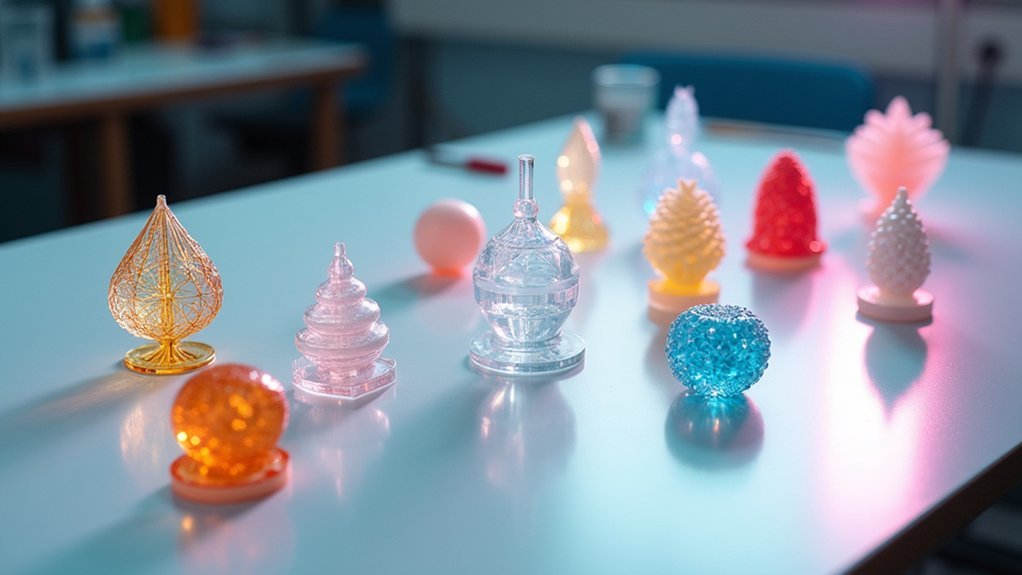
You can achieve crystal-clear transparency in your 3D prints through ten proven coating methods: manual sanding with progressive grits up to 12,000, spray coating applications using water-based clear coats, resin dipping for smooth finishes, clear acrylic treatments, UV-resistant coatings for durability, automotive clear coat systems, multi-stage polishing compounds, thin film applications, and post-cure resin enhancements. Each technique offers unique advantages for different project requirements and material types. The following detailed guide reveals the specific steps and professional techniques that’ll transform your cloudy prints into glass-like masterpieces.
Manual Sanding and Polishing Technique
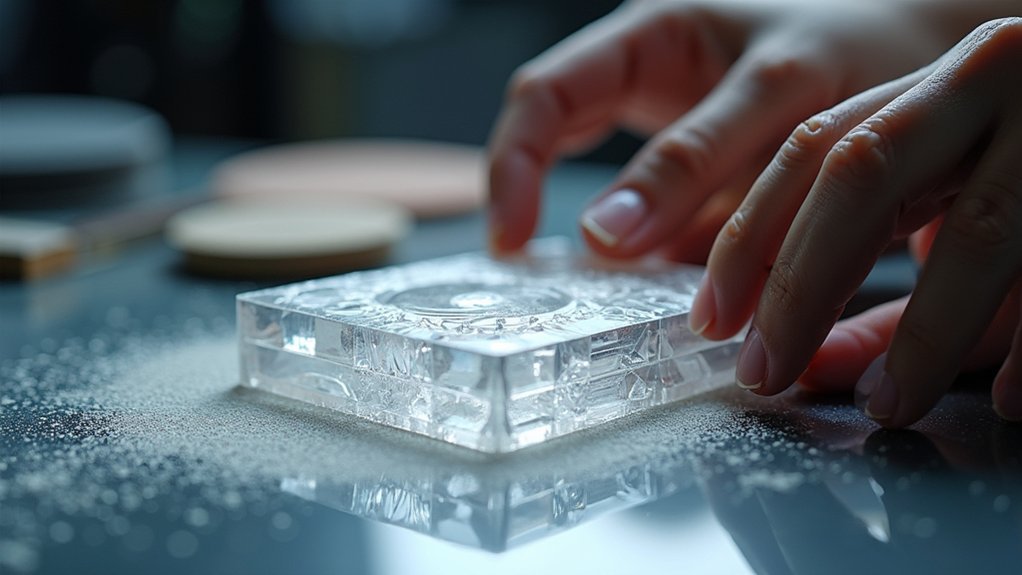
When you’re ready to achieve a crystal-clear finish on your 3D prints, manual sanding and polishing offers the most control over the final result.
Start with 400-grit sandpaper to eliminate major imperfections, then gradually progress through finer grits up to 12000. You’ll want to use circular motions while sanding to distribute pressure evenly and prevent scratches. This methodical approach creates a smooth surface that’s essential for transparency.
Related guide: Best Clear Transparent Resins
Clean your part thoroughly between sanding stages to remove dust and debris.
Once you’ve completed the finest grit, polish using acrylic cleaner or resin polish for enhanced clarity.
For complex geometries, employ a rotary tool with polishing attachments to reach intricate areas and maintain consistent shine throughout your print.
Spray Coating Application Method
For prints requiring professional-grade transparency without the labor-intensive nature of manual polishing, spray coating delivers consistent results across complex surfaces. You’ll achieve ideal transparency by applying water-based clear coat spray in thin, even layers using a spray gun.
| Layer | Application Time | Drying Time | Notes |
|---|---|---|---|
| First | 30 seconds | 2 minutes | Base coverage |
| Second | 30 seconds | 2 minutes | Build opacity |
| Third | 30 seconds | 2 minutes | Final clarity |
| Total | 1.5 minutes | 6 minutes | Complete process |
Apply three thin coats, allowing each to dry naturally for two minutes. This builds transparency gradually while preventing detail loss. Inspect your transparent 3D printed object after each application to verify desired clarity. Avoid lacquer-based products since their rapid drying prevents smooth finishes.
Resin Dipping Process

You’ll achieve the smoothest finish on your 3D printed parts by using a syringe to apply resin or dipping the entire part into a resin bath.
Apply the thinnest possible layer to maintain optical clarity, then remove air bubbles with a syringe before curing.
Keep in mind that this process can alter your part’s focal length, so you’ll need to account for these optical changes in precision applications.
Application and Technique
Dipping your 3D printed part in clear resin transforms rough, layered surfaces into smooth, professional-looking finishes. This Post-Processing Techniques method works exceptionally well for clear parts requiring optical clarity.
You can apply resin using a syringe for targeted coverage or fully submerge the part for complete coating. Focus on achieving the thinnest possible layer to fill layer lines without adding bulk or changing dimensions.
Remove any air bubbles immediately using a syringe to prevent surface imperfections. After application, verify complete post-curing following manufacturer specifications before handling.
Remember that resin dipping may alter optical properties like focal length in lenses, so test and adjust accordingly. For parts requiring coating on multiple sides, complete the curing process fully before applying additional layers.
Optical Property Changes
When you apply resin coating to optical components, you’ll notice subtle but important changes in how light behaves through the material. Clear resin dipping alters the focal length due to the additional coating layer, which modifies the optical path. You’ll need to monitor these optical properties closely, especially in precision applications like lenses where performance matters.
| Property | Before Coating | After Coating |
|---|---|---|
| Surface Finish | Layer lines visible | Smooth, clear surface |
| Focal Length | Original specification | Slightly altered |
| Light Transmission | Imperfections scatter light | Enhanced clarity |
| Optical Defects | Scratches present | Filled imperfections |
Apply the thinnest possible layer to minimize distortion while achieving the best surface finish. Remove bubbles immediately to prevent optical defects that compromise clarity in your final component.
Clear Acrylic Coating Treatment
You’ll achieve professional results with clear acrylic coating by mastering proper application techniques and thorough surface preparation.
Start by cleaning your 3D print completely and ensuring it’s fully dry before applying any coating material.
Use a spray gun to apply thin, even layers while maintaining consistent distance and movement patterns across the entire surface.
Acrylic Application Techniques
Although acrylic clear coatings offer excellent transparency and protective qualities for 3D prints, proper application technique determines whether you’ll achieve professional results or end up with a cloudy, uneven mess.
When you apply acrylic coating to clear 3D printed parts, use a spray gun for best control and uniformity. Apply thin, even layers rather than attempting thick coverage in one pass. You’ll prevent drips and achieve smoother finishes with multiple light coats.
Allow each acrylic coating layer to dry completely at room temperature for approximately two minutes before adding the next coat. Plan for about six minutes total drying time when applying multiple layers.
Inspect your coated prints for clarity and transparency, adjusting the number of applications to achieve your desired optical quality.
Surface Preparation Requirements
Perfect acrylic application starts long before you pick up the spray gun. Proper surface preparation determines whether your clear 3D prints achieve professional-grade transparency or disappointing cloudiness.
Begin by washing your surface with mild soap and water, then rinse thoroughly and dry completely. Inspect for residual resin or imperfections that’ll compromise coating adhesion. Light sanding with 400-grit sandpaper eliminates layer lines and creates ideal adhesion.
| Preparation Step | Tool/Material | Purpose |
|---|---|---|
| Cleaning | Mild soap solution | Remove contaminants |
| Inspection | Visual examination | Identify imperfections |
| Sanding | 400-grit sandpaper | Smooth surface |
| Final wipe | Clean cloth | Remove dust |
| Coating prep | Stir/shake coating | Guarantee consistency |
This post-processing clear methodology guarantees your acrylic coating bonds properly and delivers crystal-clear results.
UV-Resistant Clear Coat Application
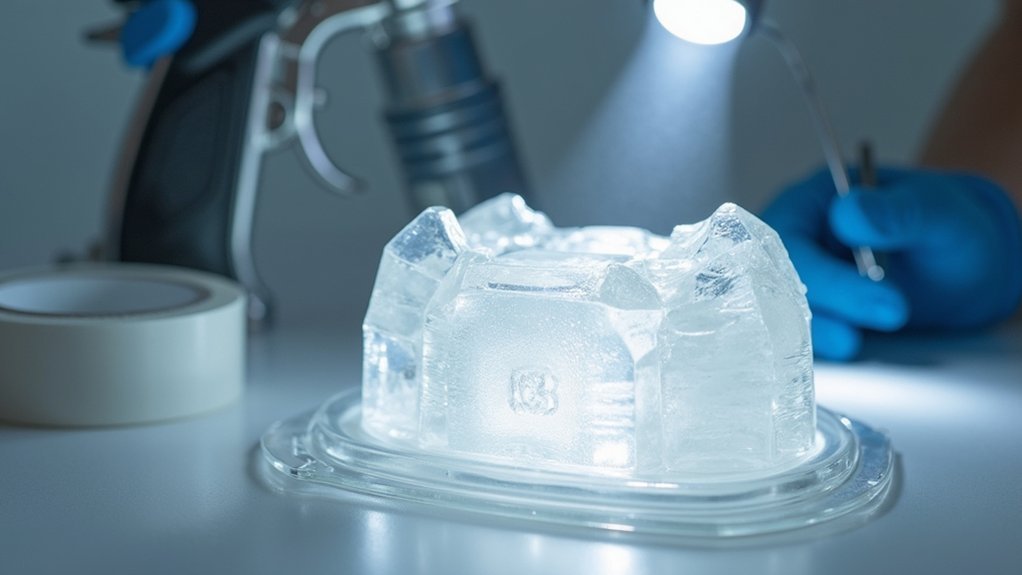
Three key factors determine the success of UV-resistant clear coat application on transparent 3D prints: proper surface preparation, controlled application technique, and adequate drying time.
Mastering surface prep, application control, and proper drying ensures flawless UV-resistant coating on transparent 3D printed components.
You’ll protect your prints from yellowing and degradation while maintaining peak clarity.
The application process requires precision and patience:
- Use spray gun or aerosol can – Apply thin, even layers to prevent runs and guarantee smooth finish
- Control coating thickness – Multiple light coats provide better uniformity than single heavy application
- Allow natural drying – Let each coat dry at room temperature for 6 minutes between applications
- Inspect final results – Check transparency and gloss levels, adjusting coat quantity for desired protection
You’ll achieve professional results by maintaining consistent technique throughout each layer application.
Water-Based Coating System
When you’re seeking a gentler alternative to chemical-heavy coatings, water-based coating systems offer exceptional clarity enhancement for transparent 3D prints without compromising fine details.
This coating method creates a thin, even layer that fills minor surface imperfections and layer lines, delivering improved light transmission through your printed parts.
Apply the water-based coating system in multiple thin layers for ideal results. Allow each layer to dry for approximately two minutes before adding the next coat.
Confirm your printed parts are completely dry before application to prevent moisture-related curing issues.
Avoid lacquer-based alternatives, as their rapid drying times create uneven finishes that can compromise transparency.
The water-based approach provides superior control and consistent results.
Automotive Clear Coat Finishing
Professional-grade automotive clear coats deliver exceptional durability and optical clarity that surpasses many traditional 3D print finishing methods.
You’ll need to select a high-quality product specifically formulated for plastic compatibility to guarantee proper adhesion on your transparent 3D prints.
The application process requires careful attention to detail:
- Surface Preparation – Clean your prints thoroughly and make certain they’re completely dry.
- Spray Technique – Use a spray gun for controlled thickness and even distribution.
- Layer Application – Apply multiple thin coats, allowing complete drying between layers.
- Curing Process – Follow manufacturer’s instructions for full cure time.
This method provides superior UV protection and environmental resistance while enhancing clarity.
The spray gun application minimizes drips and surface imperfections, delivering professional results that greatly improve your prints’ aesthetic quality and longevity.
Multi-Stage Polishing Compound Method
You’ll achieve professional-grade transparency by selecting the right progression of sandpaper grits and mastering proper compound application.
Start with 400-grit sandpaper and work methodically through increasingly finer grits up to 12,000 for ideal surface preparation.
Your polishing compound technique will determine whether you achieve that coveted glass-like finish or end up with a cloudy, streaked surface.
Progressive Grit Selection
Although achieving crystal-clear transparency in 3D prints requires patience, progressive grit selection delivers professional results through systematic surface refinement.
You’ll transform rough transparent 3D prints into glass-like surfaces by methodically advancing through increasingly fine sandpaper grits.
Your polishing sequence should follow this progression:
- Start coarse (400 grit) – Remove major layer lines and surface imperfections
- Progress to medium (800-1500 grit) – Eliminate scratches from previous stages
- Finish with ultra-fine (8000-12000 grit) – Create mirror-like surface quality
- Apply acrylic cleaner – Remove final haze and micro-scratches
You must clean the surface thoroughly between each grit stage to prevent cross-contamination.
This prevents coarser particles from scratching your carefully refined surface, ensuring ideal transparency in your final piece.
Compound Application Techniques
Multi-stage polishing compounds transform your mechanically sanded 3D prints into professional-grade transparent surfaces through chemical refinement. You’ll apply progressively finer compounds using clean cloths or polishing pads to prevent contamination. Start with coarse compounds to eliminate major imperfections, then advance through intermediate and ultra-fine grades for glass-like clarity.
| Stage | Grit Range | Application Method | Tool Required | Purpose |
|---|---|---|---|---|
| Initial | 600-800 | Circular motions | Rotary tool | Remove scratches |
| Intermediate | 1000-2000 | Light pressure | Polishing pad | Smooth surface |
| Final | 3000-12000 | Gentle buffing | Clean cloth | Glass finish |
| Protective | N/A | Thin coating | Brush/spray | Surface protection |
| Curing | N/A | Air dry | None | Seal protection |
These compound application techniques guarantee your transparent parts achieve professional results through systematic multi-stage polishing.
Thin Film Coating Application
When applying thin film coatings to your 3D prints, you’ll achieve the best clarity and smoothness by using a spray gun with water-based solutions rather than lacquer-based alternatives.
For optimal 3D print clarity and smoothness, choose water-based spray gun solutions over lacquer-based alternatives when applying thin film coatings.
This method guarantees your transparent parts maintain ideal clarity while creating a professional finish.
Follow this process for ideal results:
- Apply three thin, even layers using consistent spray patterns across the entire surface
- Allow 2 minutes drying time between each layer for proper adhesion and penetration
- Wait 6 minutes total for complete bonding to the resin surface before handling
- Inspect and adjust the number of coats based on desired transparency levels
Lacquer-based coatings dry too quickly, preventing proper bonding and reducing the clear finish quality.
Water-based thin film coating provides superior penetration for enhanced transparency.
Post-Cure Clear Resin Enhancement
After completing your initial coating application, you’ll need to perform post-cure enhancement to maximize your clear resin’s transparency and achieve that professional glass-like finish.
Begin post-curing with UV exposure for 10-15 minutes to initiate proper curing. Once this initial phase completes, apply a thin resin polish layer to improve surface smoothness and clarity. The polish creates a refined finish that enhances overall transparency.
Follow with a secondary curing phase of 5-10 minutes to set the polish and prevent yellowing. Monitor UV exposure times carefully—excessive exposure causes yellowing that compromises transparency.
Any yellowing typically dissipates within two days. Remember that proper washing and drying before curing guarantees peak polish adhesion, preventing transparency issues in your final product.
Frequently Asked Questions
How to Make Transparent 3D Prints Clear?
You’ll need to sand your prints with progressively finer grits up to 12000, then apply thin water-based clear coats in multiple layers after thoroughly cleaning with mild soap solution.
How to Make Transparent PETG More Clear?
You’ll improve PETG transparency by printing with 0.1mm layers, sanding with fine-grit sandpaper, cleaning with isopropyl alcohol, then applying clear coat spray designed for plastics after gently warming the surface.
What Is the Best Material for Transparent 3D Printing?
You’ll get the best transparency with Clear Resin for SLA printing, offering exceptional clarity and accuracy. For FDM printing, choose PETG over PLA. Professional services offer VeroClear and LithaGlass for optical-grade results.
How to Smooth Transparent PLA?
You’ll sand transparent PLA with fine-grit sandpaper, then apply clear acrylic polish using circular motions. Use a heat gun carefully to soften the surface, allowing it to flow and fill imperfections naturally.



