

You can stop oozing between layers by adjusting four key settings in your slicer. Set retraction distance to 0.5-2mm for direct-drive extruders or up to 15mm for Bowden systems. Configure retraction speed between 1200-6000 mm/min, starting conservatively and making incremental adjustments. Lower your extruder temperature by 5-10°C to reduce filament viscosity while maintaining quality. Increase travel speed to 150-250 mm/s to minimize ooze time during non-print moves. These combined adjustments will transform your print quality greatly.
Understanding Retraction and Its Role in Layer Quality
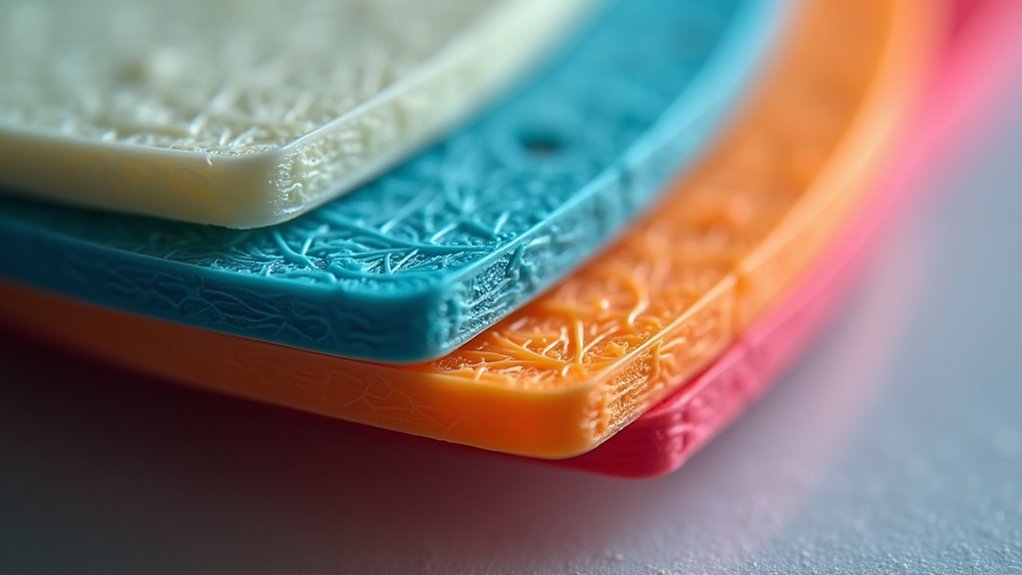
When your 3D printer moves between different areas without printing, the heated filament in the nozzle continues to ooze out due to residual pressure in the melt zone. This creates unsightly stringing between layers and compromises your print quality.
Heated filament oozes from the nozzle during travel moves, creating messy stringing that ruins your print’s clean appearance.
Retraction is your solution to this problem. It’s the process of pulling filament back into the nozzle during non-print moves, effectively relieving pressure and preventing oozing and stringing. Your retraction settings directly impact how clean your layers look.
The key parameters you’ll need to adjust are retraction distance and retraction speed. These work together with your extruder temperature to control plastic viscosity.
When you dial in proper retraction settings, you’ll eliminate most stringing issues and achieve the smooth, professional-looking prints you want.
Optimizing Retraction Distance for Your Extruder Type
Your extruder type fundamentally determines the retraction distance you’ll need to eliminate oozing.
Direct-drive extruders require minimal retraction distances between 0.5-2.0mm since filament sits close to the hotend.
Bowden extruders need considerably more retraction, up to 15mm, due to their longer filament path that creates delay during non-print moves.
Start testing with conservative settings and adjust incrementally by 1mm until you find the minimum distance that effectively stops stringing without causing jams.
Avoid distances below 0.5mm or above 5mm to prevent filament grinding or inconsistent extrusion.
The ideal retraction distance varies between materials, so you’ll need to fine-tune settings based on your specific filament.
Proper retraction combined with appropriate travel speed will dramatically reduce stringing and oozing between layers.
Fine-Tuning Retraction Speed to Prevent Filament Issues

After perfecting your retraction distance, retraction speed becomes the next critical parameter for eliminating filament issues.
You’ll want to adjust your retraction speed between 1200-6000 mm/min to find the ideal balance for your specific setup. Too slow allows oozing, while excessive speed can cause filament separation within your extruder.
Start with pre-configured profiles in your slicing software as a baseline, then incrementally adjust in 100 mm/min steps while monitoring each print.
This methodical approach helps you identify the sweet spot that prevents stringing and oozing without creating new problems.
Temperature Adjustments That Reduce Oozing
While retraction settings handle mechanical solutions to oozing, temperature adjustments offer a thermal approach that’s equally effective. Reducing your extruder temperature by 5-10°C greatly decreases filament viscosity, minimizing unwanted ooze during travel moves.
Lower extruder temperatures by 5-10°C to reduce filament viscosity and eliminate oozing during travel moves.
Here are three key temperature adjustments that’ll improve your print quality:
- Lower PLA temperatures to 190-200°C range to reduce stringing while maintaining proper extrusion.
- Adjust PETG settings to 230-240°C to minimize oozing without compromising layer adhesion.
- Monitor first layer temperatures closely, as they directly impact overall print success.
These temperature adjustments work by controlling how fluid your filament becomes during extrusion.
Always consult manufacturer guidelines for your specific material, as different filaments have unique thermal properties that affect printing performance.
Travel Speed Settings That Minimize Material Leakage
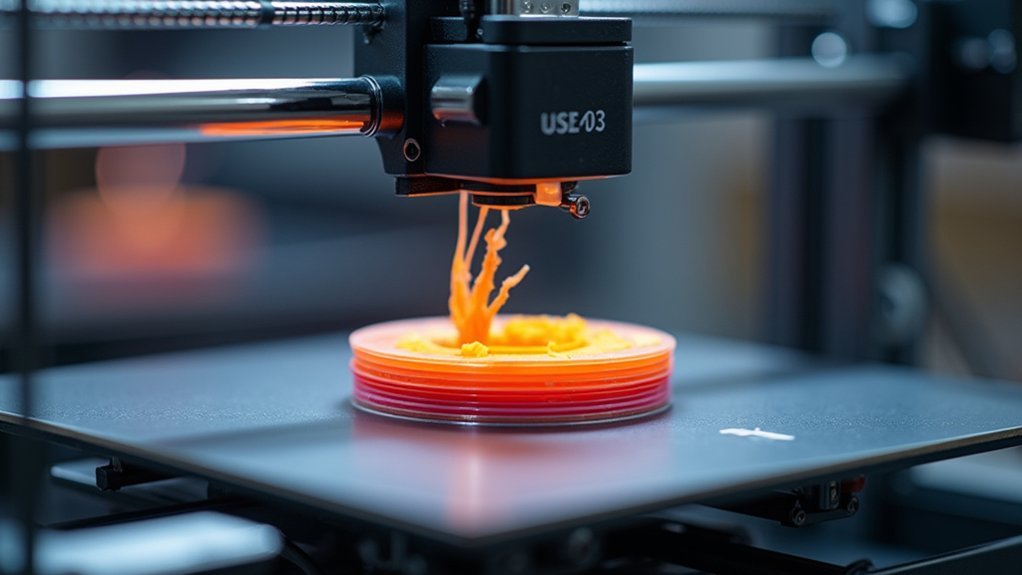
Beyond thermal control, optimizing your travel speed settings creates another powerful defense against material leakage. Increasing your travel speed to 150-250 mm/s greatly reduces the time your print head spends moving between points, giving filament less opportunity to ooze from the nozzle.
Set travel acceleration around 2,500 mm/s² to maintain these higher speeds without causing vibration or missed steps. For CoreXY machines, 200 mm/s proves particularly effective.
Combine faster travel speed with proper retraction settings that pull filament back into the nozzle during moves. Minimize the distance of your travel path by optimizing part placement on the build plate.
Shorter non-print moves mean less time for material leakage, reducing stringing between layers and improving overall print quality.
Frequently Asked Questions
How Do You Stop the Filament From Oozing?
You’ll stop filament oozing by enabling retraction settings in your slicer, lowering extruder temperature by 5-10°C, increasing travel speeds to 150-250mm/s, and adjusting retraction distances appropriately for your extruder type.
What Is the Best Retraction Setting?
You’ll want to start with 1mm retraction distance and 50mm/s speed for direct-drive extruders, then test incrementally. Bowden setups need 3-6mm distance. Adjust by 1mm intervals until stringing disappears completely.
How Do You Prevent PETG Oozing?
You’ll prevent PETG oozing by setting extruder temperature between 230-250°C, using 1-5mm retraction distance, increasing travel speed to 200mm/s, enabling coasting settings, and keeping filament properly stored and dry.
How to Stop Filament From Leaking?
You’ll stop filament leaking by enabling retraction settings, adjusting retraction distance to 0.5-5mm, lowering temperature by 5-10°C, increasing travel speed to 150-250mm/s, and ensuring your filament’s completely dry.



