
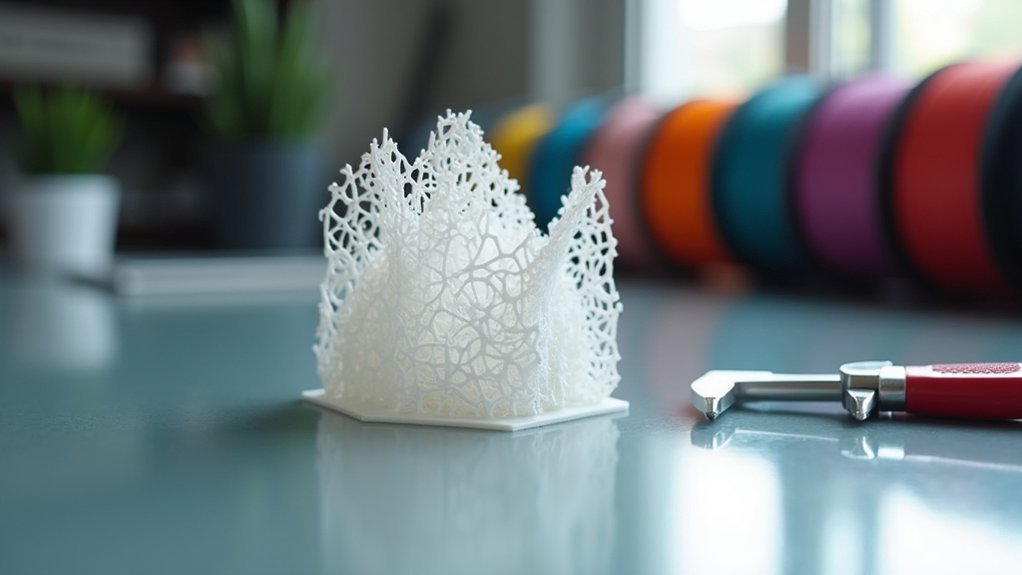
You’ll achieve safe zero infill hollow prints by setting wall thickness to 1.2mm minimum with 3-4 perimeters for structural integrity. Print at 30-50 mm/s with PLA temperatures between 200-220°C to guarantee proper layer adhesion. Place 3mm drainage holes at your model’s lowest points to prevent liquid entrapment and stress concentration. Select grid or triangular shell patterns for balanced strength distribution. Enable “Print Thin Walls” and use slower speeds for initial layers to maximize adhesion and discover advanced techniques below.
Wall Thickness and Perimeter Settings for Zero Infill Stability
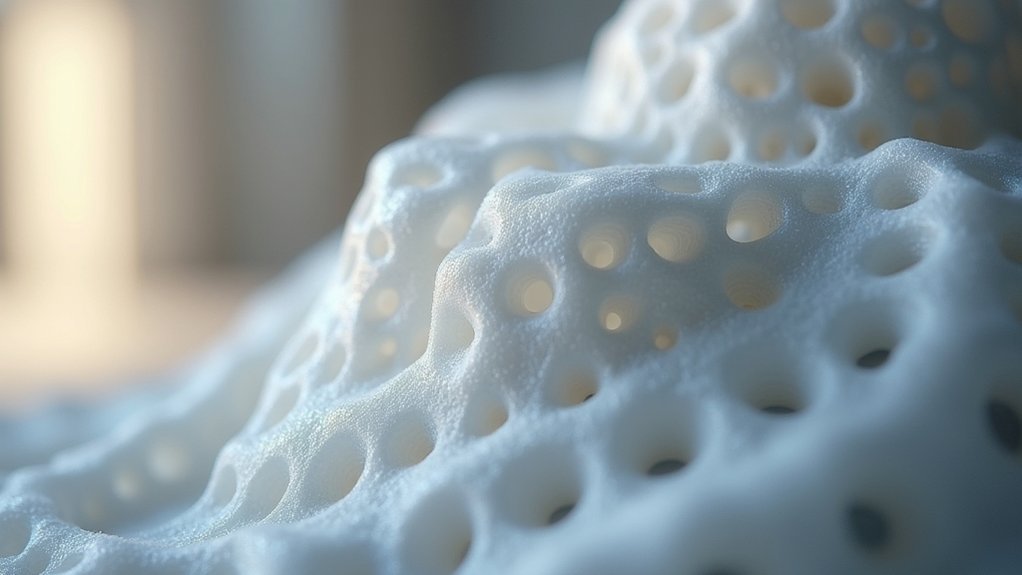
When you’re printing with zero infill, your wall thickness becomes the primary structural element that determines whether your print succeeds or fails.
You’ll need at least 1.2mm wall thickness to maintain structural integrity in hollow designs. Configure your perimeter settings to include 3-4 perimeters minimum, as these reinforce your outer walls and enhance overall stability.
Your slicing software should have “Print Thin Walls” enabled to handle thin wall sections accurately.
Enable Print Thin Walls in your slicer settings to ensure accurate reproduction of delicate wall sections in your zero infill prints.
Maintain consistent print speed for outer walls to prevent warping and guarantee proper adhesion between layers. Start with slower print speeds for initial layers, which improves adhesion and reduces weak points.
These perimeter settings create robust zero infill structures that won’t compromise your hollow design’s functionality.
Optimal Print Speed and Temperature Control for Hollow Structures
Since hollow structures lack internal support from infill material, you’ll need to dial in your print speed and temperature settings with extra precision.
These adjustments directly impact layer adhesion and structural integrity of your hollow prints.
Here are the key settings for ideal print speed and temperature control:
- Print Speed: Set your printing speed between 30-50 mm/s to improve layer adhesion and minimize risk of sagging walls.
- Temperature Control: Maintain nozzle temperature at 200-220°C for PLA to guarantee proper extrusion without delamination.
- Cooling Fan: Run at 100% to quickly solidify layers and prevent warping in taller hollow structures.
- Travel Speed: Configure around 80-100 mm/s to reduce stringing while maintaining print quality and enhancing bed adhesion.
Strategic Drainage Hole Placement and Design Considerations
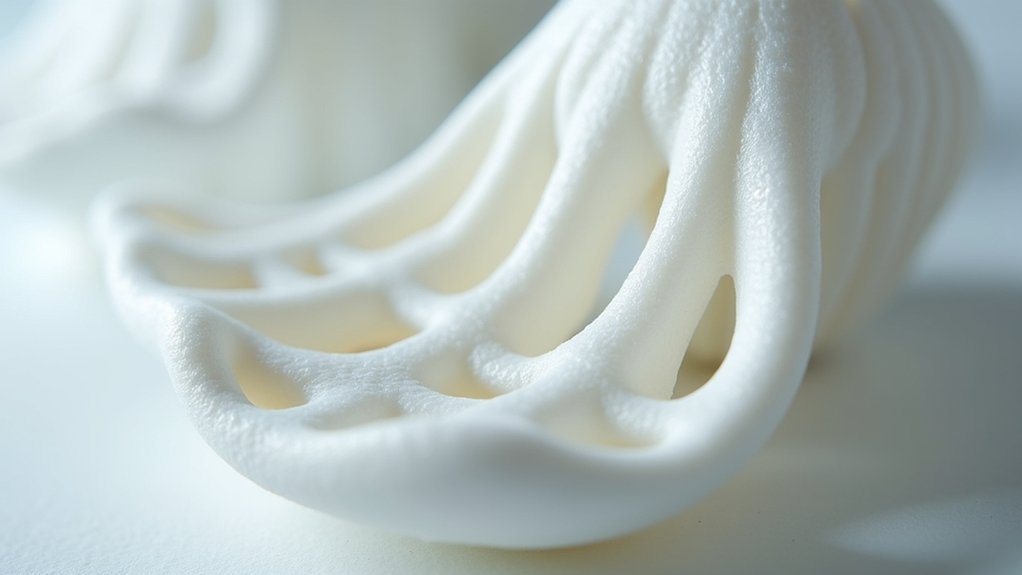
Although drainage holes may seem like minor details, they’re critical components that determine whether your hollow print succeeds or fails catastrophically. Strategic placement at your model’s lowest points guarantees effective drainage while maintaining structural integrity.
Design considerations include sizing holes at least 3mm diameter for clogging prevention without compromising strength maintenance.
Print orientation considerably impacts drainage effectiveness. Position holes on bottom or side surfaces to prevent air and liquid entrapment within hollow prints.
Multiple holes provide superior stress distribution compared to single large openings, reducing weak points that could cause failure.
You’ll achieve ideal results by balancing hole size with structural requirements. Too small creates drainage issues; too large weakens your print.
Distribute several moderately-sized holes strategically rather than relying on one massive opening for thorough drainage coverage.
Shell Pattern Selection for Maximum Structural Integrity
While drainage holes handle liquid evacuation, your shell pattern selection becomes the foundation that determines whether your zero infill print can withstand real-world stresses.
Your structural integrity depends on choosing patterns that distribute forces evenly across your hollow prints.
Consider these shell pattern strategies for maximum print resilience:
- Grid or triangular configurations – These patterns provide balanced outer strength across multiple axes, preventing weak points in your structure.
- Increased wall thickness – Set your walls to 2-3 times your nozzle diameter for enhanced durability and robust outer protection.
- Thicker solid layers – Apply additional top and bottom layers to minimize collapse risks and surface deformation.
- Custom shell patterns – Utilize concentric infill or spiral patterns through your slicing software to distribute stress more evenly throughout your zero infill design.
Layer Adhesion Techniques to Prevent Hollow Print Failures

Strengthen your hollow prints by mastering layer adhesion techniques that prevent catastrophic failures during and after printing. Ideal nozzle temperatures enhance bonding between layers without excessive filament flow. You’ll achieve better results by slowing your print speed, allowing more time for proper adhesion before applying the next layer.
| Technique | Benefit |
|---|---|
| Higher temperatures | Enhanced layer adhesion |
| Slower print speed | Better bonding time |
| Increased perimeters (3-4) | Added structural integrity |
| Ironing feature | Compressed top surfaces |
Experiment with layer heights—thicker layers deposit more filament, improving adhesion in hollow prints. Using multiple perimeters compensates for missing infill while ironing smooths surfaces by fusing uppermost layers. These combined techniques guarantee your hollow prints maintain structural integrity throughout the printing process.
Frequently Asked Questions
Can You Print With 0% Infill?
Yes, you can print with 0% infill, creating completely hollow objects. You’ll save material and time, but you’ll need adequate wall thickness since structural strength decreases considerably without internal support.
What to Fill Hollow Resin Prints With?
You can fill hollow resin prints with expanding foam, silicone, polystyrene beads, or epoxy resin. Choose lightweight options like plaster or spackle for stability without excess weight, ensuring compatibility with your resin.
What Is the Best Infill Pattern to Avoid Warping?
You’ll find gyroid infill works best for preventing warping since it provides multi-directional support and distributes forces evenly. Grid and honeycomb patterns also help, especially with 10-20% density.
Is 40% Infill Too Much?
You’ll find 40% infill excessive for most prints. It’s only necessary for functional parts needing high strength. For decorative items, you’re wasting filament and time—stick with 10-20% instead.



