

You’ll find thorough 3D printing curricula offering 26 standards-aligned lessons spanning K-12 grade levels across geometry, social studies, and language arts. These programs include over 190 editable resources, CAD software integration with Tinkercad, Onshape, and Fusion 360, plus professional development for educators. Students tackle real-world design challenges from historical monuments to custom orthotic devices while building critical thinking skills. Complete assessment tools, rubrics, and zero-prep lesson plans guarantee immediate classroom implementation. Discover how these transformative programs revolutionize STEM education.
Core Curriculum Features and Standards Alignment

Innovation drives modern education, and this extensive 3D printing curriculum delivers exactly what K-12 educators need to bring cutting-edge technology into their classrooms.
You’ll receive 26 thorough lessons with complete standards alignment across multiple grade levels, ensuring seamless integration into your existing academic framework.
The curriculum spans diverse subjects including geometry, social studies, and language arts, creating interdisciplinary learning opportunities that engage students across various interests.
You’ll access over 190 editable lesson resources that adapt to your specific teaching style and classroom environment. Each lesson provides clear, step-by-step guidance, making implementation straightforward regardless of your previous 3D printing experience.
This hands-on approach transforms abstract concepts into tangible learning experiences, helping students develop critical thinking skills while mastering technology that’s shaping tomorrow’s workforce.
Grade-Level Adaptability From K-12 Implementation
You’ll find that this 3D printing curriculum adapts seamlessly across all grade levels, with age-appropriate skill progression that grows with your students from kindergarten through 12th grade.
The program’s standards-aligned learning objectives guarantee you’re meeting educational requirements while building foundational concepts in younger students and advancing to complex design challenges for high schoolers.
You can easily customize the difficulty level within each lesson, making the same core content work effectively whether you’re teaching elementary basics or preparing seniors for college-level engineering concepts.
Age-Appropriate Skill Progression
When implementing a 3D printing curriculum across K-12 education, you’ll need a structured progression that builds skills systematically from kindergarten through high school.
The age-appropriate skill progression within this printing curriculum guarantees students advance naturally through increasingly complex concepts.
Elementary students begin with fundamental design principles and basic 3D printing understanding. You’ll introduce simple shapes and encourage creative thinking through hands-on exploration.
Middle school students tackle intermediate CAD skills, learning software navigation and more sophisticated design techniques. They’ll create functional objects while developing problem-solving abilities.
High school students engage in advanced design challenges that mirror real-world applications. You’ll integrate multiple subjects, connecting science, technology, engineering, and mathematics through thorough projects.
This systematic approach ensures each grade level builds upon previous knowledge while preparing students for future learning opportunities.
Standards-Aligned Learning Objectives
Twenty-six carefully crafted lessons form the backbone of this standards-aligned 3D printing curriculum, seamlessly integrating geometry, social studies, and language arts into hands-on learning experiences.
You’ll find each lesson meticulously designed to meet educational standards while developing essential 21st-century skills in your students.
The curriculum’s standards-aligned approach guarantees you’re delivering consistent, measurable learning outcomes through:
- Design thinking challenges that spark creativity and innovation in every student
- Problem-solving projects that build confidence and resilience through trial and error
- Technological literacy development that prepares students for future career success
You’ll access extensive resources that allow complete customization for your specific grade level and teaching environment.
These adaptable materials support your ability to engage students effectively while maintaining rigorous educational standards across K-12 implementation.
Professional Development Resources for Educators
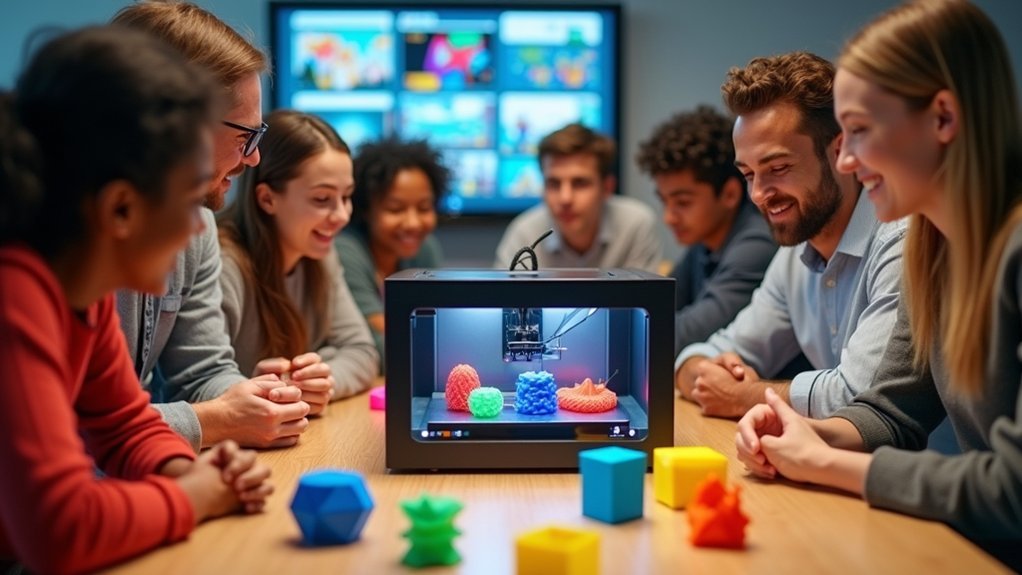
How can educators build the confidence and expertise needed to successfully integrate 3D printing into their classrooms?
You’ll find certified professional development courses specifically designed to strengthen your understanding of 3D design and printing technologies. These courses guarantee you develop effective teaching practices while building technical competency.
You’ll access an extensive library of 3D printing resources that enables seamless material sharing with students. One-click share links eliminate barriers—your students won’t need account creation to access necessary materials.
The professional development program offers tailored learning experiences through various course types, accommodating different skill levels and teaching styles.
You’ll receive ongoing support and training opportunities that empower you to continuously improve your methodologies and adapt to evolving classroom technology.
CAD Software Integration and Training Modules
Building your technical foundation leads directly to mastering the software tools that bring 3D designs to life. The curriculum integrates three progressive CAD platforms to match your students’ skill levels.
Technical mastery begins with the right software tools, progressing through platforms designed to match evolving student capabilities.
You’ll start with Tinkercad for beginners, advance to Onshape’s browser-based professional tools, and culminate with Fusion 360 for sophisticated modeling.
Your students will experience:
- Immediate success with zero-installation web-based CAD software that eliminates technical barriers
- Growing confidence through structured design tutorials that build skills systematically
- Lasting pride in earning digital badges that showcase their CAD mastery
Each course provides thorough lesson plans and design tutorials that guide your instruction.
You’ll receive professional development resources to strengthen your own CAD expertise, ensuring confident delivery of these technical skills to your students.
Hands-On Project Planning and Assessment Tools
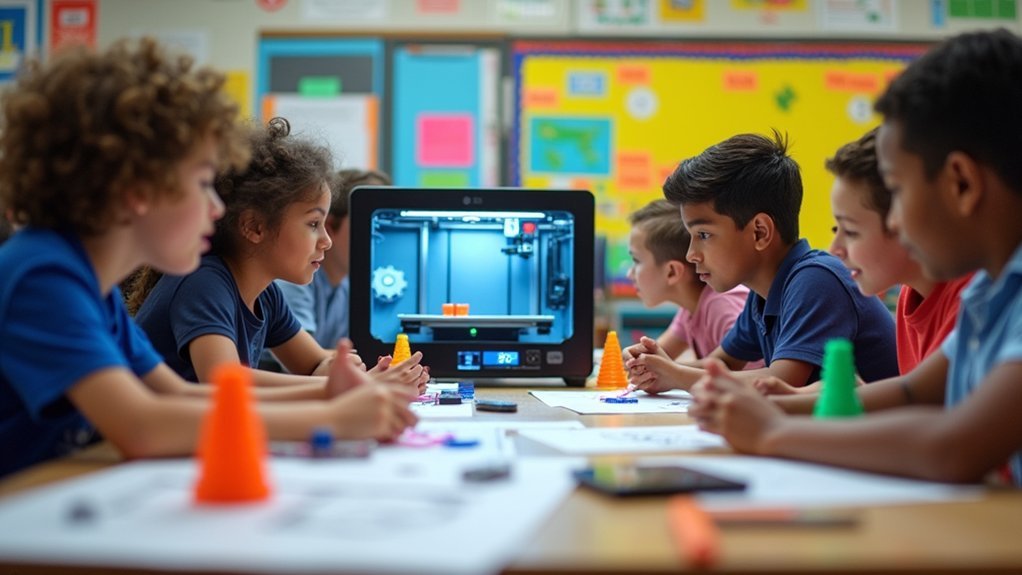
As your students develop proficiency with CAD software, you’ll need extensive project planning and assessment tools that transform their digital designs into meaningful learning experiences.
The curriculum provides over 190 fully editable teaching resources, enabling you to customize hands-on project planning according to your students’ specific needs and skill levels.
Integrated assessment tools offer detailed lesson plans and thorough rubrics for evaluating student progress and project outcomes effectively.
You’ll engage students through real-world 3D printing applications that promote creativity while maintaining alignment with educational standards.
The curriculum supports interdisciplinary learning, encouraging you to incorporate science, technology, and art into project development.
Flexible lesson structures allow you to adapt content order and tailor assessment strategies based on your unique classroom dynamics.
Cross-Curricular Subject Integration Opportunities
When you implement 3D printing curriculum across multiple subjects, you’ll discover powerful opportunities to transform traditional lesson plans into dynamic, interconnected learning experiences. Your students will engage with 26 standards-aligned activities that seamlessly blend geometry, social studies, and language arts through hands-on design projects.
Three transformative ways interdisciplinary learning enhances education:
- Historical connections come alive when students recreate ancient artifacts while exploring civilizations in social studies.
- Mathematical concepts stick as students apply geometry principles to solve real-world design challenges.
- Scientific discoveries spark curiosity through engineering projects that demonstrate physics and chemistry principles.
Using Tinkercad and Fusion 360, you’ll foster design innovation while developing critical thinking skills.
Your STEM education approach connects learning with historical events and scientific discoveries, creating meaningful educational experiences that prepare students for future challenges.
Digital Badge Certification System for Students
You’ll advance through a structured three-level certification pathway that transforms novice makers into certified innovators through progressive skill development.
The system provides verifiable digital badges that you can earn by completing specific coursework, projects, and design challenges with passing scores.
Your badges serve as documented proof of expertise while building an extensive portfolio that showcases your 3D design and printing capabilities to future educators and employers.
Three-Level Certification Pathway
Three distinct certification levels create a structured pathway for students to advance their 3D printing expertise from foundational skills to innovative problem-solving.
Your three-level certification pathway transforms students into confident creators through progressive achievement:
- Certified Maker – You’ll master essential 3D CAD fundamentals and printing basics through four detailed mini courses that build your technical foundation.
- Certified Designer – You’ll showcase your creative abilities by completing an original project and submitting a professional portfolio demonstrating your design skills.
- Certified Innovator – You’ll tackle real-world challenges through design competitions that push your problem-solving capabilities and creative thinking to new heights.
Each level awards you digital badges that serve as verifiable credentials, recognizing your growing expertise in design and 3D printing while preparing you for advanced innovation opportunities.
Digital Badge Verification
Achievement becomes tangible through our extensive digital badge certification system that transforms your learning milestones into verifiable credentials.
You’ll earn digital badge recognition as you complete mini courses, projects, and challenges across three progressive levels: Certified Maker, Certified Designer, and Certified Innovator.
You must score 70% or higher on course quizzes to receive each digital badge. These open badges provide verifiable proof of your credentials in 3D CAD and problem-solving skills, making your achievements visible to peers and potential employers.
The verification system enhances your motivation by providing concrete recognition for your design-thinking competencies.
You’ll showcase legitimate credentials that demonstrate your mastery of 3D design and printing technologies, creating a portfolio that validates your technical expertise.
Assessment and Portfolio Requirements
As students advance through the Digital Badge Certification System, they’ll demonstrate mastery through thorough assessments and curated portfolio submissions that showcase their evolving expertise in 3D design and printing.
Each mini course culminates with a detailed assessment where you’ll need to score over 70% to earn your certificate. These evaluations test your understanding of critical 3D CAD concepts and printing techniques you’ve learned.
Your portfolio submissions become the cornerstone of your certification journey. Using provided portfolio templates, you’ll document:
- Your breakthrough moments when complex design challenges finally clicked
- Your creative problem-solving processes that transformed abstract ideas into tangible solutions
- Your proudest project achievements that demonstrate real-world application of skills
These portfolios don’t just showcase completed projects—they reveal your design-thinking evolution and problem-solving capabilities that’ll open doors to exciting STEM opportunities.
Licensing Options for Schools and Makerspaces
When selecting the right licensing option for your educational institution, you’ll find two distinct paths that cater to different organizational needs and scales.
The Teacher License provides individual educators with complete curriculum access, while the Site License offers unlimited teacher accounts and shareable links for entire institutions. Both licensing options expire annually, ensuring you’re always working with current resources.
The Site License excels for schools, libraries, and makerspaces seeking collaborative environments.
Makerspaces particularly benefit from PrintLab’s structured workshops and online courses that enhance members’ 3D printing skills through guided project creation. You’ll also access digital badges that recognize achievement milestones, providing tangible proof of skill development in design and 3D printing for both students and community members.
Ready-to-Use Lesson Plans and Teaching Materials
You’ll gain access to over 190 fully editable teaching resources that align with educational standards and span multiple subjects from geometry to language arts.
These lesson plans require zero additional preparation on your part, letting you implement engaging 3D printing activities immediately in your K-12 classroom.
The curriculum’s cross-curricular design means you can seamlessly integrate 3D printing concepts into existing subject areas without restructuring your teaching approach.
Comprehensive Standards-Aligned Resources
Implementation becomes effortless when you have access to 26 standards-aligned lessons that span the entire K-12 spectrum, from foundational 3D printing concepts to sophisticated CAD design techniques.
These resources are designed to integrate seamlessly into your existing curriculum, whether you’re teaching geometry, social studies, or language arts.
You’ll discover transformative benefits that’ll revolutionize your classroom:
- Over 190 fully editable teaching resources that eliminate hours of preparation time
- Detailed assessments and lesson plans that work even without prior 3D printing experience
- Free access to Tinkercad and Onshape with no software installation headaches
Your interdisciplinary approach becomes natural as students develop essential design skills while meeting academic standards across multiple subjects simultaneously.
Instant Implementation Solutions
Three clicks and you’re teaching—that’s how quickly these ready-to-use lesson plans transform your classroom into an innovative learning environment. You won’t spend hours researching or creating materials from scratch. Everything’s ready to go, from detailed lesson plans to supporting resources.
| Feature | Benefit |
|---|---|
| Zero Prep Time | Lessons launch immediately without research |
| Complete Materials | All resources included and fully editable |
| Beginner-Friendly | Perfect for teachers new to 3D printing |
Your detailed lesson plans provide step-by-step guidance, ensuring you’ll confidently deliver engaging instruction regardless of your 3D printing experience. The curriculum works with any filament printer, so you’re not locked into specific equipment. With over 190 teaching resources at your fingertips, you can focus on what matters most—inspiring students through innovative technology education.
Cross-Curricular Integration Options
Beyond launching individual 3D printing lessons, these 26 standards-aligned curricula break down traditional subject barriers to create engaging learning experiences across your entire academic program.
Your cross-curricular integration options transform how students connect mathematical concepts with historical artifacts, literary characters with geometric designs, and scientific principles with artistic expression.
The extensive curriculum empowers you to weave 3D printing seamlessly throughout your teaching day:
- Watch students’ eyes light up as they design historical monuments while learning about ancient civilizations in social studies.
- Experience the excitement when math concepts become tangible through geometric sculpture projects.
- Feel the satisfaction as language arts vocabulary comes alive through character model creation.
Since lessons can be adapted to fit your specific classroom needs, you’ll customize content that matches your teaching style while maintaining standards alignment across all subjects.
Advanced Design Challenges and Real-World Applications
As students master fundamental 3D printing concepts, they’re ready to tackle sophisticated design challenges that mirror real-world engineering problems.
These advanced design challenges push students beyond basic modeling, requiring them to apply parametric CAD skills in creating complex projects with functional mechanisms and movement.
You’ll guide students through real-world applications like designing custom orthotic devices and ergonomic products that demonstrate 3D printing’s impact in healthcare and manufacturing.
These challenging projects develop critical thinking and problem-solving abilities essential for technology careers.
Through hands-on experiences incorporating engineering principles, students gain deeper understanding of functional design.
Extensive assessments evaluate their ability to integrate advanced concepts, ensuring mastery of sophisticated 3D printing applications while preparing them for future STEM endeavors.
Equipment Recommendations and Setup Guidelines
Successful implementation of advanced 3D printing projects requires carefully selected equipment and thoughtfully organized classroom spaces. Your equipment recommendations should prioritize reliable 3D printers compatible with PLA and ABS filaments, ensuring versatility for diverse projects.
You’ll need internet-connected computers running design software like Tinkercad for beginners and Fusion 360 for advanced students.
Consider these essential setup elements that’ll transform your classroom:
- Designated workstations that spark creativity through collaborative design and evaluation spaces
- High-quality, safe filament options that guarantee successful prints and student confidence
- Regular maintenance schedules that prevent frustrating downtime and keep momentum alive
You must establish proper ventilation and organize materials systematically.
Don’t forget calibration protocols and cleaning procedures that’ll extend your 3D printing equipment’s lifespan while maintaining peak performance standards.
Teacher Success Stories and Implementation Results
When educators across the nation implemented this 3D printing curriculum, they discovered transformative results that exceeded their initial expectations.
You’ll find that teachers like Shanice Welsh report considerably reduced preparation time, enabling more effective lesson delivery. The adaptable resources guarantee success regardless of your experience in 3D printing, as Dave Bauser noted.
Paul Bowyer highlighted how the curriculum’s clarity directly enhanced student understanding and interest.
You’ll see increased student confidence and creativity, according to Dwain Brandy’s observations. The thorough teacher instructions facilitate seamless implementation while aligning with educational standards.
John Donnelly praised the curriculum’s ability to promote interdisciplinary learning across subjects.
These success stories demonstrate that you can expect measurable improvements in both teaching efficiency and student engagement when implementing this proven educational framework.
Frequently Asked Questions
What Is the Best Program to Learn for 3D Printing?
You’ll want to start with Tinkercad for basic 3D design since it’s beginner-friendly. Once you’ve mastered that, progress to Fusion 360 or Onshape for advanced modeling capabilities and professional-level features.
What Education Is Needed for 3D Printing?
You’ll need foundational CAD skills using programs like Tinkercad or Onshape, understanding of 3D printer technology and materials, basic engineering principles, geometry knowledge, and hands-on experience with design projects and troubleshooting techniques.
Is There a Certification for 3D Printing?
Yes, you can earn 3D printing certifications through programs like PrintLab Classroom. You’ll complete mini courses, projects, and quizzes to achieve Certified Maker, Designer, or Innovator status with verifiable digital badges.
What Is the 45 Degree Rule for 3D Printing?
You should keep overhangs under 45 degrees from vertical when 3D printing. This prevents sagging and print failures since steeper angles can’t support themselves properly without additional support structures.

Leave a Reply