
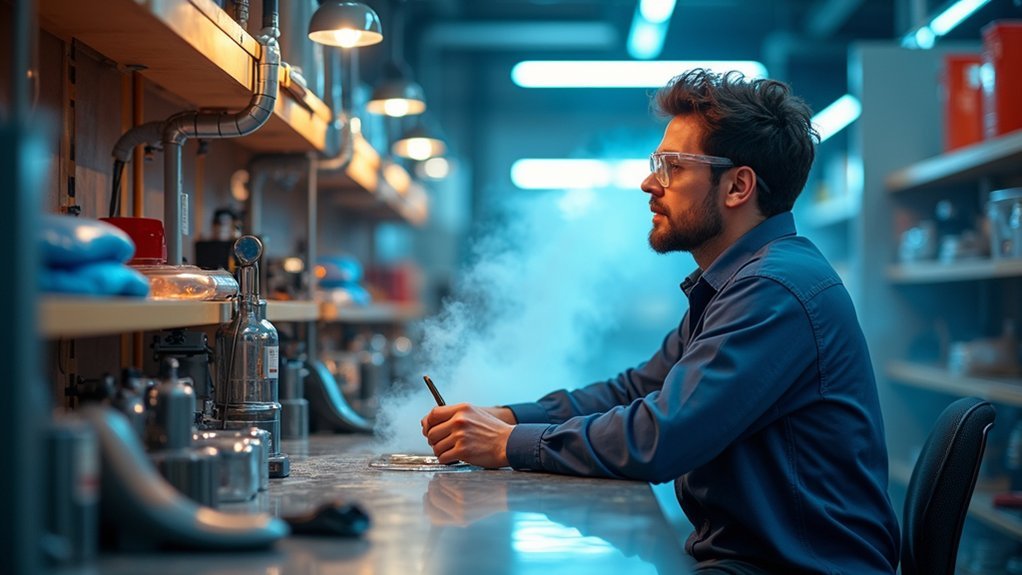
You’ll need to invest in a quality fume extractor with HEPA and activated carbon filters specifically designed for 3D printing to capture ultrafine particles and VOCs effectively. Position your printer near natural ventilation sources like windows, and install exhaust fans to direct contaminated air outside while enhancing airflow throughout your workspace. Regularly monitor your air quality with dedicated sensors and maintain your filtration equipment by replacing filters according to manufacturer schedules to guarantee peak performance and protect your health from dangerous emissions.
Choose the Right Filtration System for Your 3D Printing Setup
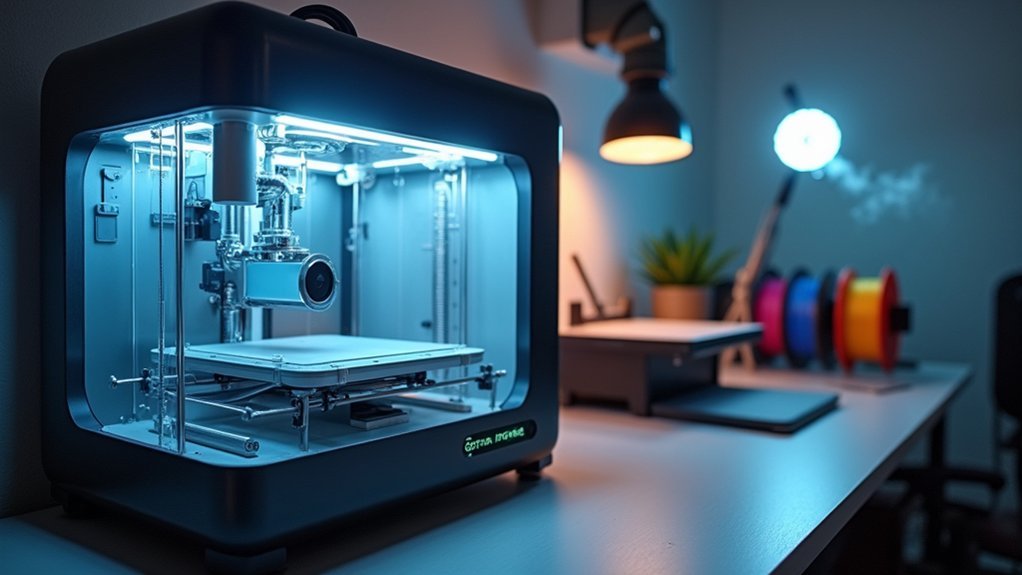
While 3D printing offers incredible creative possibilities, it also releases potentially harmful particles and gases that demand proper filtration.
You’ll need fume extractors with multistage systems featuring HEPA filters to capture ultrafine particles and volatile organic compounds (VOCs) effectively. Choose extractors specifically designed for additive manufacturing, as they’re engineered to handle unique printer fumes from materials like ABS and resin.
Match your filtration system to your printing intensity—light-duty models work for occasional use, while continuous operations require heavy-duty options.
Look for units with activated carbon filters that absorb harmful VOCs, markedly improving air quality and reducing health risks. Combined with proper ventilation, the right filtration system creates a safer workspace for your 3D printing activities.
Implement Proper Ventilation and Air Circulation Strategies
Beyond selecting the right filtration equipment, you must establish effective ventilation and air circulation throughout your printing environment. Open windows and doors during printing sessions to enhance airflow and dilute harmful fumes. Install exhaust fans that direct contaminated air outside, reducing indoor concentrations of toxic emissions. Position your 3D printer near natural ventilation sources when possible.
| Ventilation Strategy | Health Benefits |
|---|---|
| Direct extraction systems | Captures fumes at source |
| Enhanced air circulation | Reduces VOC concentration |
| HEPA filter integration | Removes ultrafine particles |
| Regular air quality monitoring | Guarantees safety measures work |
Monitor your workspace’s air quality regularly to assess ventilation effectiveness. Proper extraction and circulation protect your health by minimizing exposure to printing emissions and maintaining safer indoor environments.
Monitor Air Quality and Maintain Your Fume Extraction Equipment
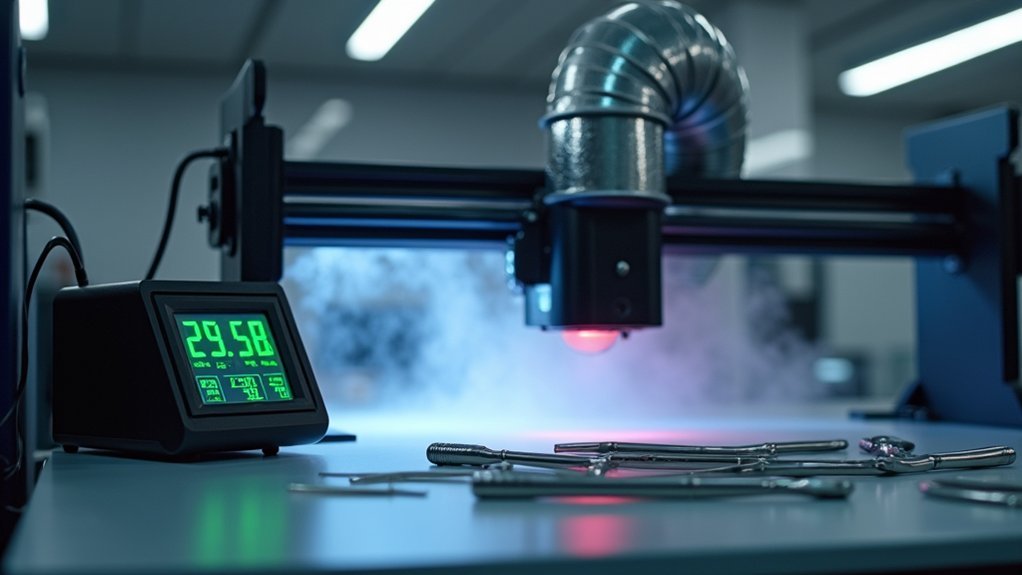
Once you’ve established your ventilation system, you’ll need to actively monitor air quality and maintain your fume extraction equipment to guarantee ongoing protection.
Proper monitoring prevents respiratory problems by tracking volatile organic compounds (VOCs) and ultrafine particles that printers release.
Monitor VOCs and ultrafine particles continuously to prevent respiratory issues from printer emissions reaching dangerous levels.
Your printer ventilation system requires consistent attention:
- Install air quality monitors to continuously assess VOC levels and particle concentrations in your workspace.
- Replace HEPA filters and activated carbon filters according to manufacturer schedules for peak air filtration performance.
- Inspect airflow and suction capacity routinely to identify blockages or efficiency degradation.
- Maintain a detailed maintenance log documenting all filter changes and equipment checks.
Regular monitoring guarantees your fume extraction equipment operates effectively, protecting you from harmful emissions throughout your printing activities.
Frequently Asked Questions
Is It Bad to Inhale Printer Fumes?
Yes, you shouldn’t inhale printer fumes. They’ll cause respiratory issues, eye irritation, and headaches. ABS releases toxic styrene while PLA emits harmful ultrafine particles. You’ll need proper ventilation to protect yourself.
Are the Fumes From Resin Printers Toxic?
Yes, you’re breathing toxic fumes from resin printers. They release harmful acrylates and epoxy compounds that’ll cause respiratory issues and skin irritation. You need proper ventilation and protective equipment to stay safe.
What Are the Safety Precautions of a Printer?
You should use proper ventilation and fume extraction systems, wear PPE like gloves and masks, install HEPA filters, maintain equipment regularly, and never leave your printer unattended during operation.
How Do You Handle Resin Printer Fumes?
You’ll need proper ventilation with fume extraction systems using HEPA and activated carbon filters. Operate in well-ventilated areas, wear respirators and gloves, and regularly maintain your extraction system for ideal performance.




Leave a Reply