

You’ll want to start with Tinkercad’s browser-based platform that’s kidSAFE certified and serves over 75 million users with beginner-friendly projects. Autodesk Fusion 360 offers free educational access to professional CAD tools, while Sketchup provides intuitive drag-and-drop modeling perfect for classrooms. SelfCAD delivers an all-in-one web solution for design and 3D printing preparation. For ambitious students, Blender’s open-source platform provides advanced creative freedom. Each option below reveals specific features that’ll transform your design journey.
Tinkercad: Browser-Based 3D Design for All Ages

Accessibility meets innovation in Tinkercad, a completely free browser-based 3D design tool that lets you start creating immediately without any downloads or installations.
With over 75 million users, this platform creates a secure environment that’s kidSAFE certified, making it perfect for students of all ages.
Tinkercad’s hands-on approach builds confidence through problem-solving projects designed specifically for beginners. You’ll discover hundreds of project ideas spanning multiple subjects, from personalized keychains to robotics challenges.
The platform offers an extensive learning experience with its Circuits section for virtual electronics and Codeblocks for foundational coding skills.
Whether you’re tackling classroom assignments or pursuing personal projects, Tinkercad transforms complex 3D design concepts into accessible, engaging activities that develop creativity and technical skills simultaneously.
Autodesk Fusion 360: Professional Features With Educational Access
Professional-grade capabilities become accessible to learners through Autodesk Fusion 360, which offers students and educators free access to the same powerful 3D modeling, CAD, CAM, and CAE tools used by industry professionals worldwide.
This modeling software provides advanced features while remaining easy to use for beginners entering complex design territories.
Educational institutions benefit from Fusion 360’s cloud-based functionality, enabling seamless collaboration and project access across devices.
You’ll master parametric design principles that allow effortless modifications and iterations—crucial skills for engineering careers.
The professional-grade software includes extensive simulation tools that help you understand real-world applications of your designs.
These CAD tools prepare students and educators for architecture, engineering, and industrial design fields, making Fusion 360 an invaluable educational resource.
Sketchup: Intuitive Modeling With Classroom-Ready Tools
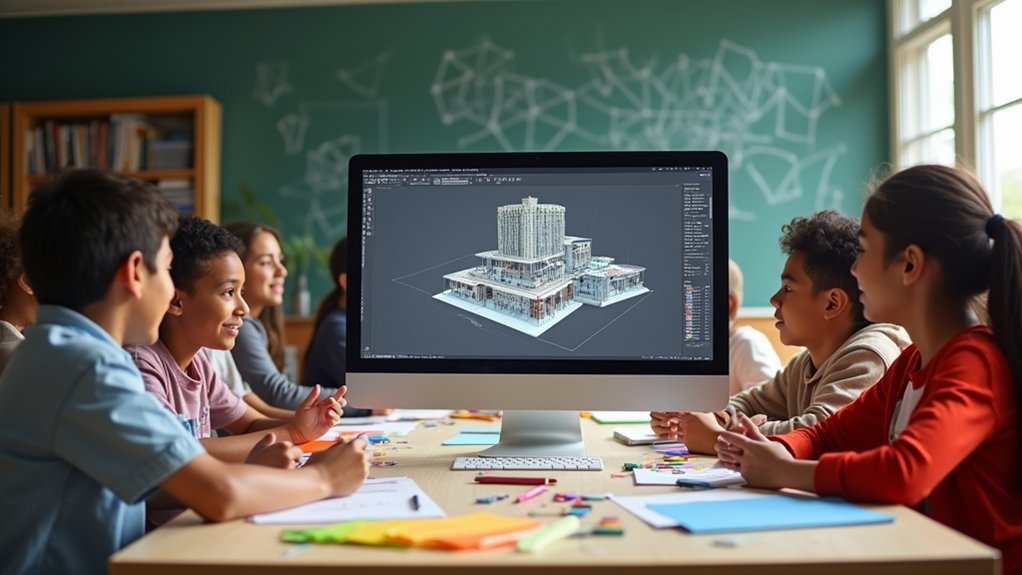
SketchUp stands out as one of the most beginner-friendly 3D modeling platforms available, featuring an intuitive interface that lets you create complex designs without overwhelming technical barriers. The user interface simplifies 3D modeling through drag-and-drop functionality and thorough modeling tools that guide you through the design process naturally.
You’ll find classroom-ready tools specifically designed for educational environments, making SketchUp ideal software for students learning architectural design fundamentals. The free version for personal use guarantees accessibility across all budget levels, while collaboration features enable seamless project sharing among classmates.
Whether you’re tackling complex projects or simple exercises, SketchUp’s versatility spans architecture, engineering, and design fields. This broad application makes it perfect for beginners exploring various career paths while developing essential 3D modeling skills.
SelfCAD: All-in-One Design and Print Solution
While many 3D design programs require hefty downloads and powerful hardware, SelfCAD operates entirely through your web browser, delivering an extensive modeling, sculpting, and 3D printing preparation platform that you can access from any internet-connected device.
This free online CAD web app provides a user-friendly interface that helps students create complex design projects without extensive prior knowledge. The advanced features include a polygon mesh system supporting both basic and sophisticated modeling techniques.
| Feature | Benefit | Best For |
|---|---|---|
| Cloud-based functionality | Access anywhere | Remote learning |
| Integrated tools | Complete workflow | 3D printing prep |
| Browser operation | No downloads | All devices |
SelfCAD’s all-in-one approach eliminates software switching between design phases. You’ll find excellent customer support ensuring smooth navigation through the learning process, making it ideal for students evolving ready to advance their skills.
Blender: Advanced Creative Freedom for Ambitious Students
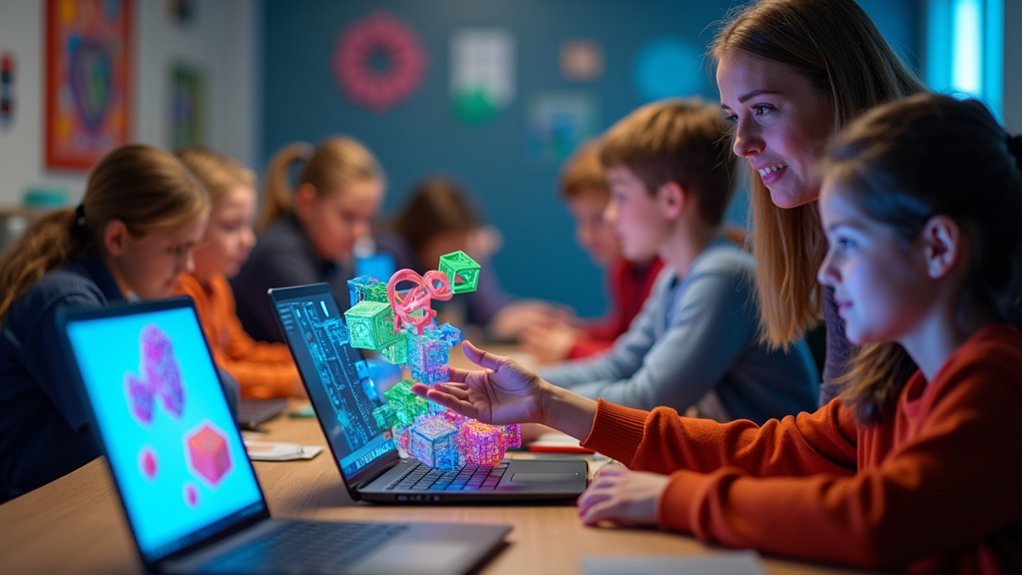
Students ready to push beyond basic modeling tools will find their creative ambitions perfectly matched in Blender, a powerful open-source platform that transforms ambitious ideas into professional-quality 3D projects.
You’ll access extensive advanced tools for sculpting, texturing, rendering, and animation without spending a cent. While Blender presents a steep learning curve, you’ll discover abundant tutorials and community resources that’ll accelerate your skill development effectively.
This professional-grade software offers complete creative freedom for both individual work and collaborative endeavors. You’ll master the same industry-standard platform used by professionals worldwide, giving you authentic preparation for careers in 3D modeling and animation.
Blender’s flexibility empowers you to explore complex visual concepts while building technical expertise that translates directly into professional opportunities.
Frequently Asked Questions
What Is the Easiest 3D Modeling Software for Beginners?
Tinkercad’s your best choice for starting 3D modeling. You’ll find its block-building approach incredibly intuitive, and you can design circuits too. It’s completely free, browser-based, and doesn’t require any prior experience.
Which Software Is Commonly Used for Creating 3D Models in Teaching?
You’ll find Tinkercad dominates elementary classrooms, while Fusion 360 and SketchUp are preferred in high schools. FreeCAD works well for engineering courses, and Blender’s used in advanced design programs despite its complexity.
What Is the Easiest CAD Program to Learn for 3D Printing?
You’ll find Tinkercad’s the easiest CAD program for 3D printing. It’s browser-based, uses simple block-building concepts, and doesn’t require downloads. With over 75 million users, it’s perfect for beginners of all ages.
What Is the Best 3D Design Software for Kids?
You’ll find Tinkercad’s the best 3D design software for kids. It’s free, browser-based, and perfect for grades 4-8. You’ll love its drag-and-drop interface, circuits section, and safe learning environment.

Leave a Reply